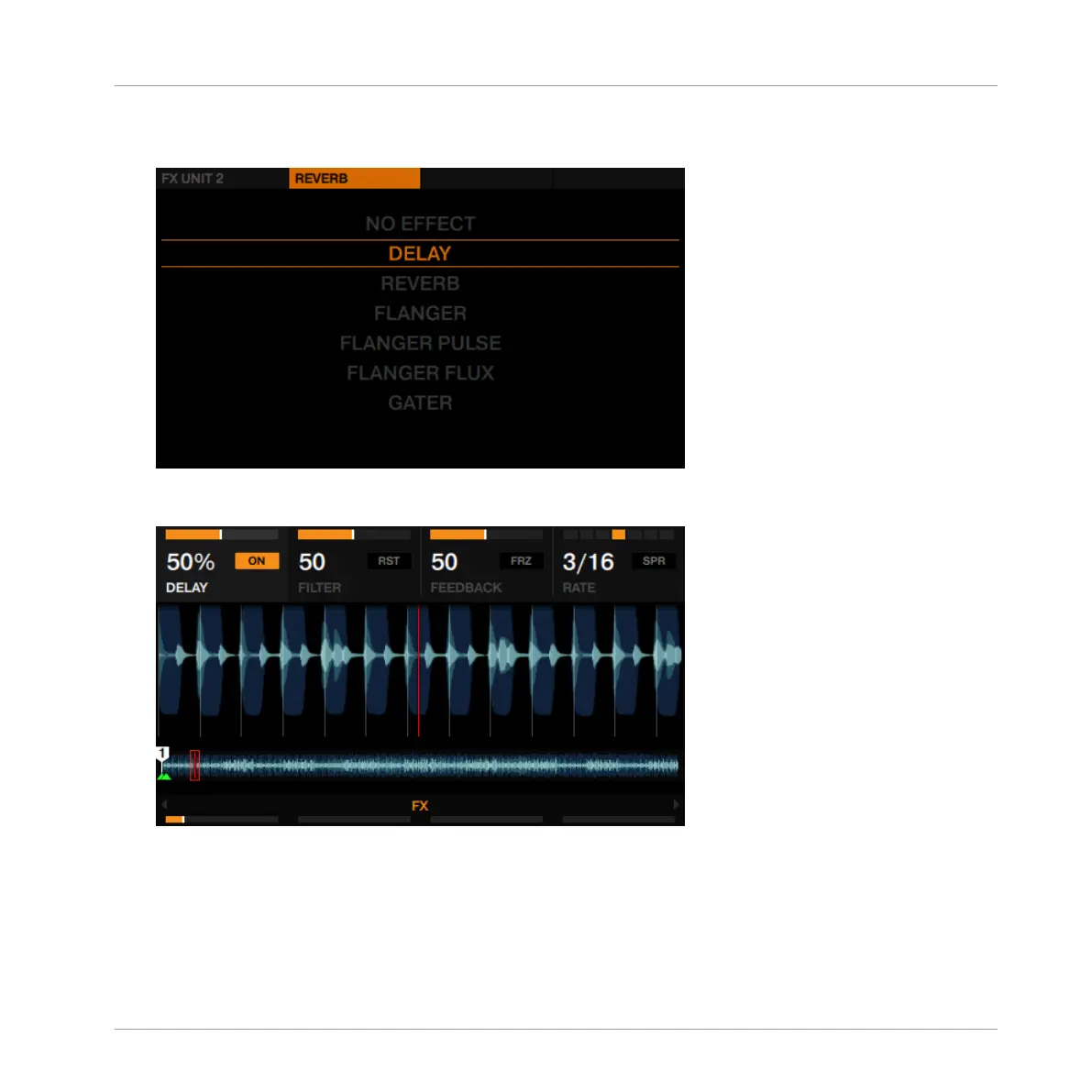
5. Turn the BROWSE encoder to select Delay, and press the BROWSE encoder to assign the
FX. The FX Unit 2 menu closes.
6. Press FX button 1 to activate the Delay. You will hear a delayed signal being added to the
playing track.
With the Delay enabled, you can perform the following actions:
Using Your D2—Getting Advanced
Adding FX
TRAKTOR KONTROL D2 - Manual - 98



 To Next Page