37
General Information
If necessary have the battery and charging
system checked by your authorised Triumph
dealer.
The display will remain on until one of the
following conditions is met:
• The charging system has charged the
battery;
• The SELECT button on the left hand
switch cube has been pressed;
• The ignition switch has been turned to
the OFF position.
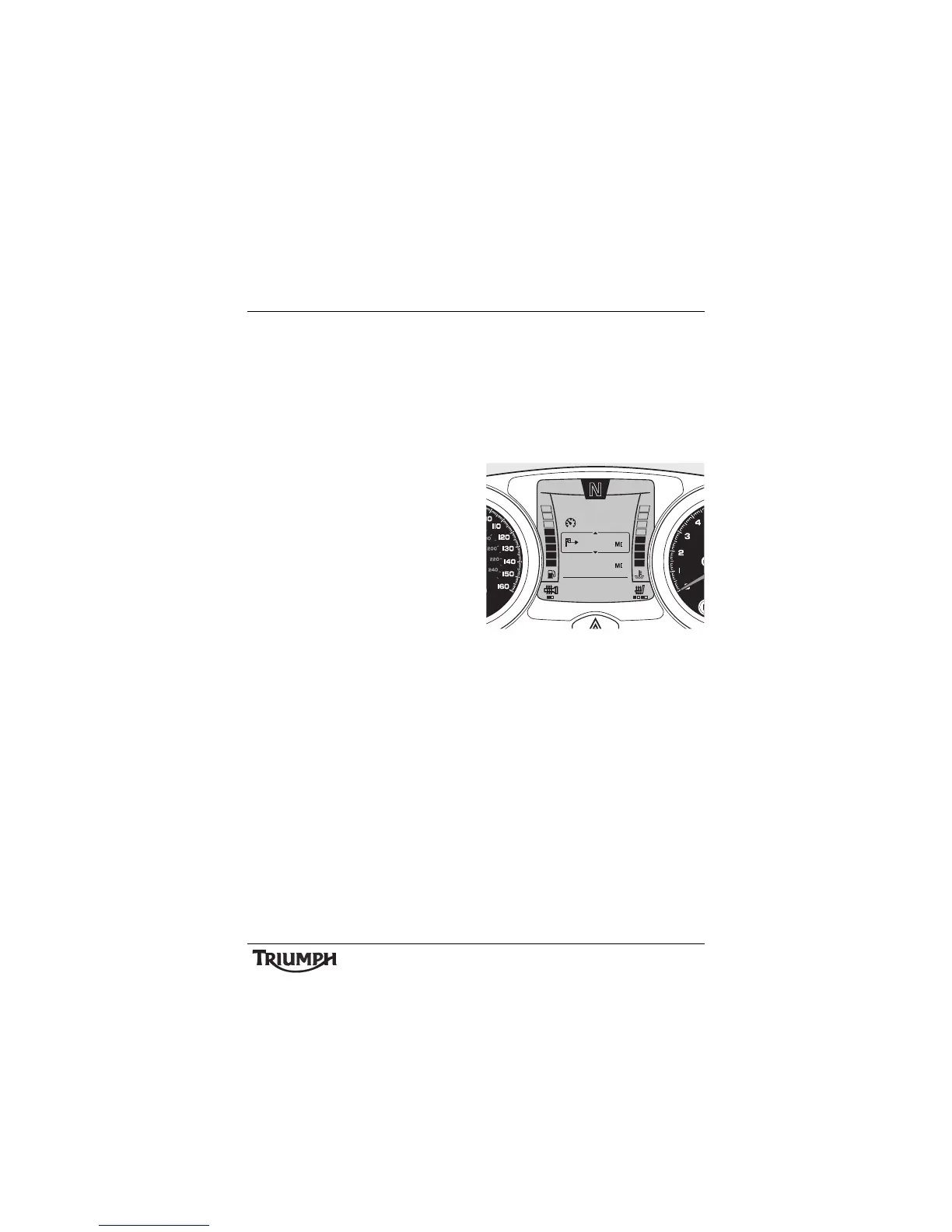
Central Display Area
The central display area is used to display the
two Trip Computers, the Settings Menu (if
vehicle is stationary) and the Adjustment
Menu (if vehicle is moving or not in neutral).
By default the last selected Trip Computer
(TRIP 1 or TRIP 2) will be displayed when the
ignition is turned on.
Trip Computer 1
Pressing the SELECT button briefly will toggle
between the two trip computers.
See page 38 for full details of trip computer
operation.
Pressing the SELECT button for two seconds
or longer will access the SETTINGS menu (if
the motorcycle is stationary) (see page 41 for
full details of the SETTINGS menu) or the
ADJUSTMENT menu (if vehicle is moving or
not in neutral) (see page 42 for full details of
the ADJUSTMENT menu).
Note that the ADJUSTMENT menu can also
be accessed when the motorcycle is
stationary from the SETTINGS menu.







 To Next Page