41
General Information
Settings Menu
To access the settings menu; with the
motorcycle stationary and in neutral, press
and hold the SELECT button on the left hand
switch cube until SETTINGS is highlighted in
the display screen.
Press and release the SCROLL button until
the desired display is highlighted. Press the
SELECT button to enter the item.
The display will scroll through in the following
order when pressing down on the SCROLL
button (it will scroll through in the reverse
order if up on the button is pressed).
The settings menu display provides the
following information:
•EXIT;
• PROFILE 1 and 2 (see page 41 );
• ADJUSTMENT (see page 42);
• TRIP SETUP (see page 44);
• BIKE SETUP (see page 44).
Settings Menu
Selecting EXIT will return to the previously
selected trip screen.
Profile 1 and 2
It is possible to create two user profiles, which
will store personal settings for:
• Triumph Electronic Suspension (TES)
MODE (damping) settings - Trophy SE
models only.
See page 54 for a full description of TES
MODE.
• Triumph Electronic Suspension (TES)
LOADING (rear pre-load) settings -
Trophy SE models only.
See page 54 for a full description of TES
MODE.
• Triumph Traction Control (TTC) MODE
setting.
See page 53 for a full description of TTC
MODE.
• HEADLIGHT setting.
See page 43 for a full description of
HEADLIGHT.
Profiles can be used to store settings for
different riders’ individual preferences,
different riding styles or different loading
conditions.
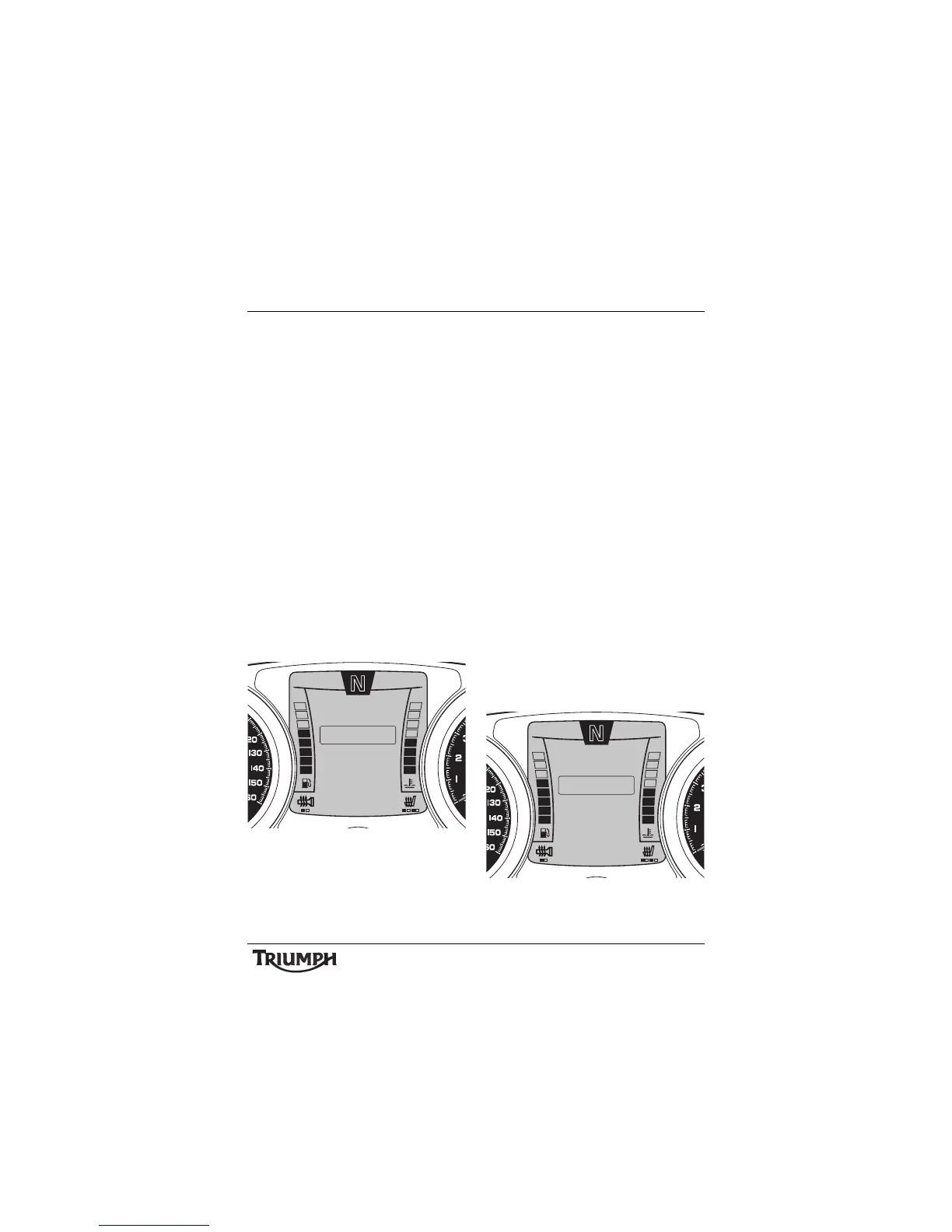
Profile Menu
10:08
N
22°C
PROFILE 2
EXIT
ADJUSTMENT
PROFILE 1
SETTINGS
TRIP SETUP
BIKE SETUP
10:08
N
22°C
TES LOADING
EXIT
TTC MODE
TES MODE
PROFILE 1
HEADLIGHT







 To Next Page