46
General Information
Bike Setup
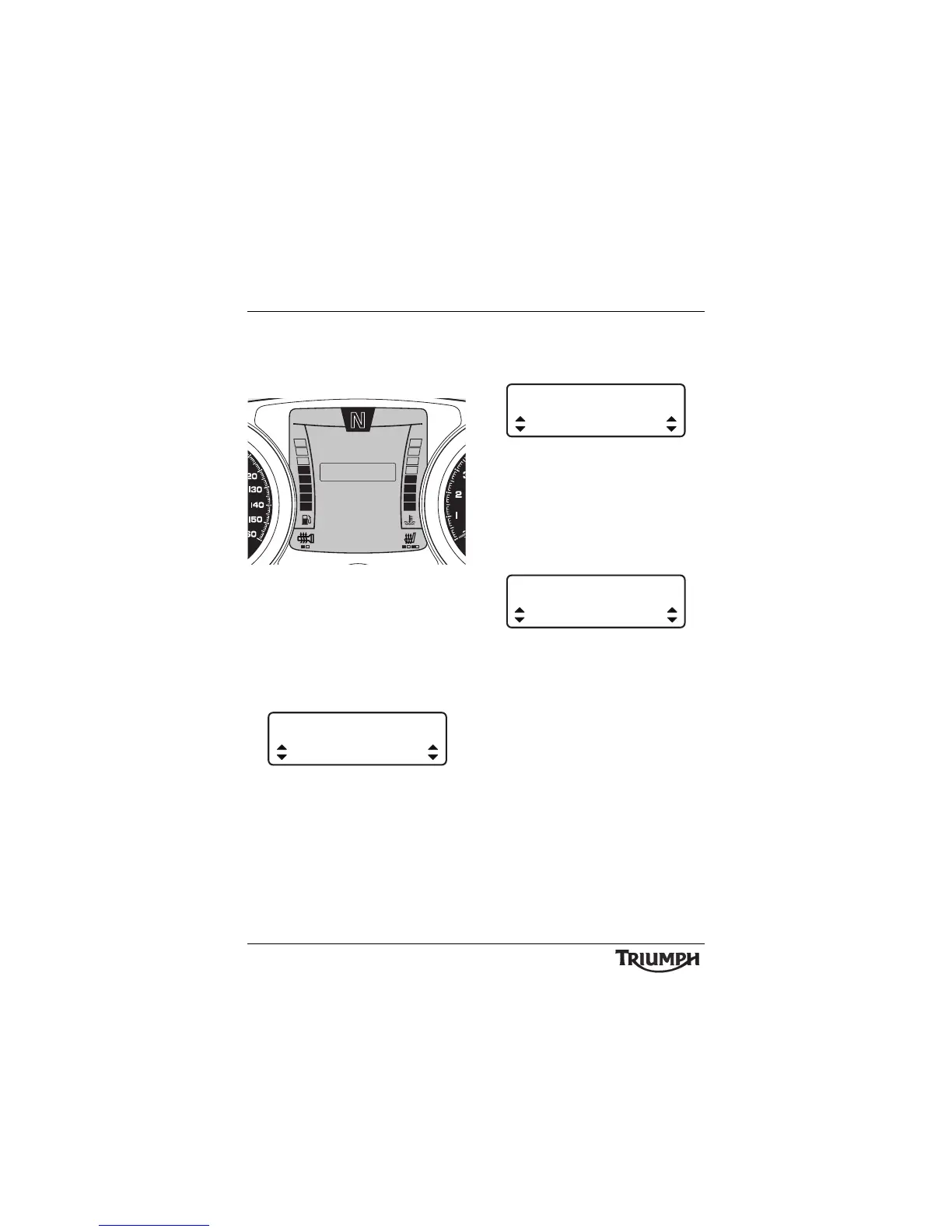
After entering the BIKE SETUP screen, press
and release the SCROLL button until the
desired display is highlighted.
Bike Setup Screen
The display will scroll through in the following
order when pressing down on the SCROLL
button (it will scroll through in the reverse
order if up on the button is pressed):
• LANGUAGE - pressing the SELECT
button enters the LANGUAGE setup
screen.
Language Select
• Press the SCROLL button to select either
ENGLISH, FRENCH, ITALIAN,
GERMAN, SPANISH, SWEDISH,
DUTCH OR PORTUGUESE. Press the
SELECT button to save the selection and
exit.
• INDICATORS - pressing the SELECT
button enters the Indicators setup screen
(see page 49).
Indicator Self Cancelling Select
• Press the SCROLL button to select either
AUTO or MANUAL. Press the SELECT
button to save the selection and exit.
• CLOCK - pressing the SELECT button
enters the SET CLOCK setup screen and
prompts for 12HR or 24HR.
Clock Set - 24 hour Shown
• Press the SCROLL button to select the
desired clock display and press SELECT.
The instruments will now prompt SET
HOUR. Use the SCROLL button to
select the desired clock display and press
SELECT.
The instruments will now prompt SET
MINUTE. Use the SCROLL button to
select the desired clock display and press
SELECT to save and exit.
10:08
N
22°C
INDICATORS
EXIT
SET CLOCK
LANGUAGE
BIKE SETUP
SET UNITS
BRIGHTNESS
LANGUAGE
ENGLISH







 To Next Page