47
General Information
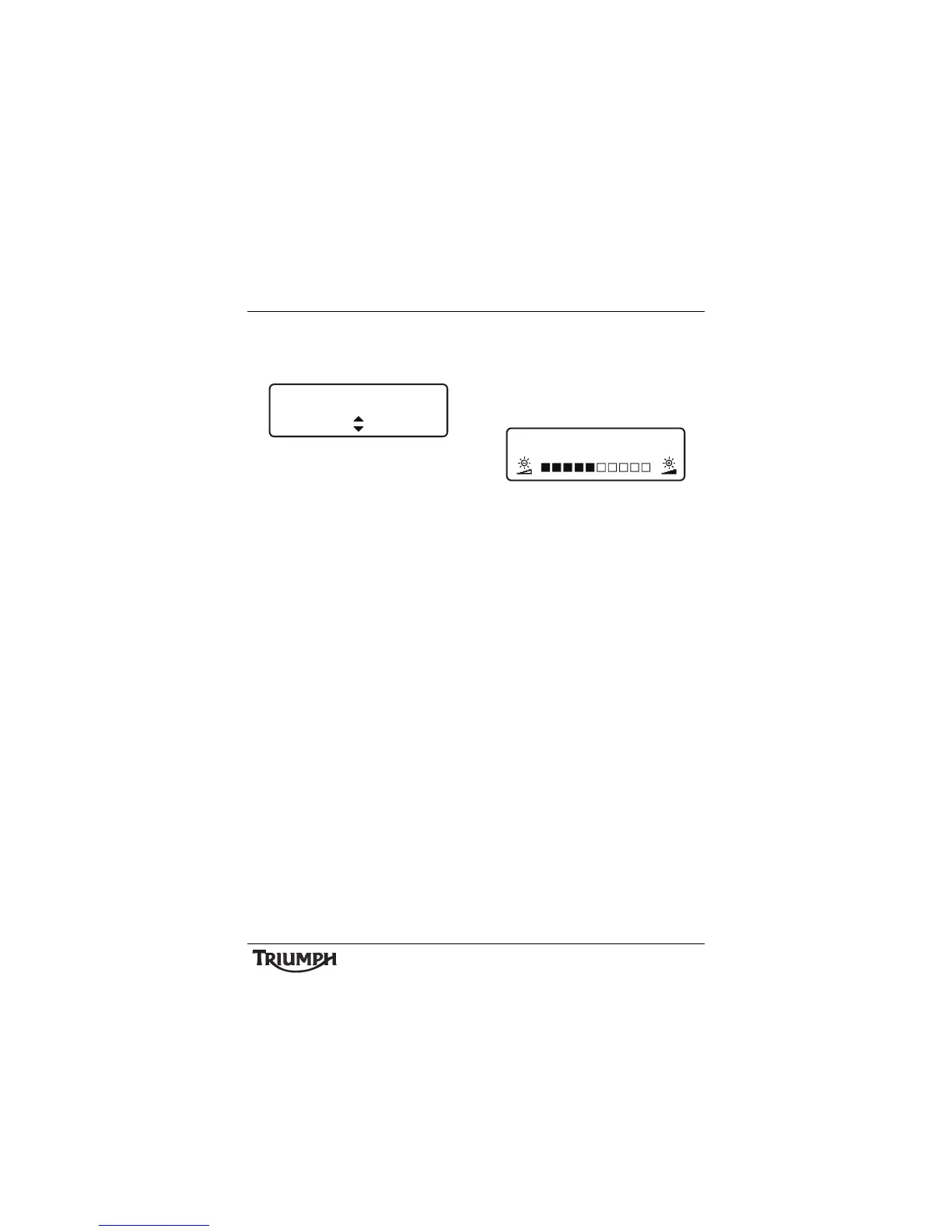
• UNITS - pressing the SELECT button
enters the UNITS setup screen and
prompts for MILE or KM.
Units Select
• Press the SCROLL button to select the
desired unit and press SELECT.
The instruments will now prompt
ECONOMY. If MILE is selected the
options available will be MPG (UK) or
MPG (US). If KM is selected the options
available will be KM/L or L/100 KM. Use
the SCROLL button to select the desired
unit and press SELECT.
Note:
• If MILE is selected above, the
instruments will now prompt TEMP
(temperature). If KM is selected, °C
will be set by default.
• Use the SCROLL button to select either
°F or °C and press SELECT.
• If TPMS is fitted, the instruments will
now prompt PRESSURE. Use the
SCROLL button to select either PSI or
BAR and press SELECT to save and exit.
• BRIGHTNESS - press the SCROLL
button to adjust the instrument
brightness using the adjustment slider
between levels 1 (lowest) to 10 (highest).
Press the SELECT button to save the
selection and exit.
Brightness Adjust
The instruments are also fitted with an
ambient light sensor which adjusts the
instrument brightness to an optimal level for
all riding conditions. This allows the rider’s
preferred setting to be adjusted automatically
to suit riding in daylight, dusk and night-time
conditions.
Note:
• Setting the brightness under artificial
lighting (in a garage for example)
may produce unpredictable results.
Always adjust the brightness setting
under natural light.
SET UNITS
DISTANCE MILE







 To Next Page