43
General Information
After entering the ADJUSTMENT screen,
press and release the SCROLL button until
the desired display is highlighted. The display
will scroll through in the following order
when pressing down on the SCROLL button
(it will scroll through in the reverse order if up
on the button is pressed):
• TES Mode (Trophy SE models only) -
press the SCROLL button to select either
SPORT, NORMAL or COMFORT
modes. Press the SELECT button to save
the selection and exit.
See page 54 for a full description of TES
Mode.
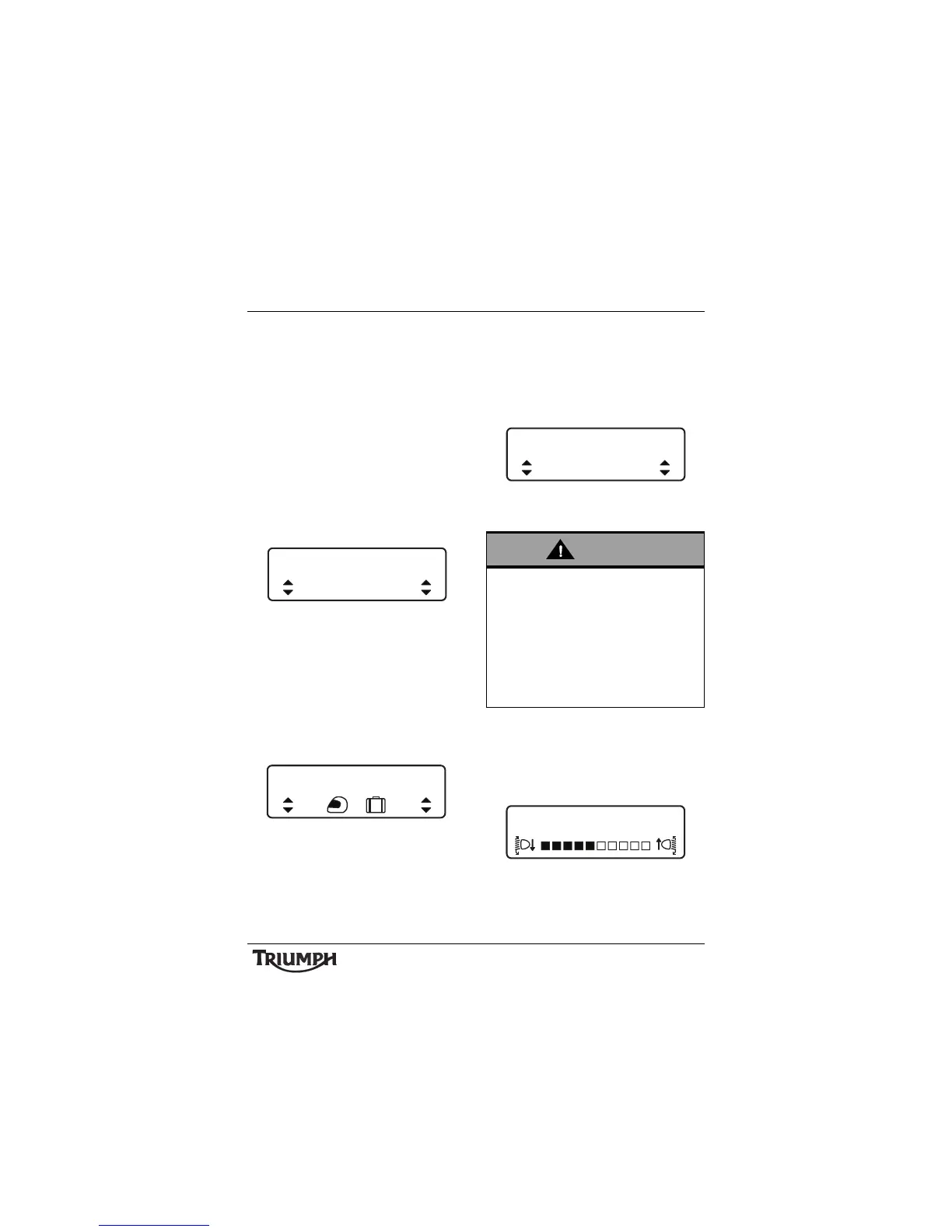
TES Mode Adjustment - Comfort
Shown
• TES LOADING (Trophy SE models only)
- press the SCROLL button to select
either 1 UP, 1 UP + LUGGAGE or 2 UP
modes. Press the SELECT button to save
the selection and exit.
See page 54 for a full description of TES
LOADING.
TES LOADING Adjustment -
1UP+LUGGAGE Shown
• TTC MODE - press the SCROLL button
to select either ON or OFF. Press the
SELECT button to save the selection and
exit.
See page 53 for a full description of TTC
MODE.
TTC Mode Adjustment -
On Shown
• HEADLIGHT - press the SCROLL button
to adjust the headlight using the
adjustment slider between levels 1
(lowest) to 10 (highest). Press the SELECT
button to save the selection and exit.
Headlight Adjust
TES MODE
COMFORT
TES LOADING
Adjust road speed to suit the visibility and
weather conditions in which the motorcycle
is being operated.
Ensure that the headlight beams are
adjusted to illuminate the road surface
sufficiently far ahead without dazzling
oncoming traffic. An incorrectly adjusted
headlight may impair visibility causing an
accident.







 To Next Page