Section D
84
Interval HRC
Warm-up Stage
The initial stage of the Interval Heart Rate Control workout is the Warm-up Stage. The
treadmill operates in the manual mode during the Warm-up Stage, so you can control both
speed and grade. It is important that you start at a low level of exertion and gradually
increase your workload over several minutes until you approach your target heart rate.
This allows your body to adapt to your workout. Increasing your workload gradually
allows you to enter the Heart Rate Control Stage without overshooting your target.
Warming up too fast may cause you to overshoot your target. If this occurs, it may take
several minutes before the computer software can control your heart rate. You may overshoot
and undershoot your target for several minutes until control is achieved.
The Warm-up Stage is not predetermined by the amount of time input prior to workout
and you may take as much time as you wish to approach your target heart rate. The Warm-up
Stage ends when your heart rate is 10 beats below the pre-set target heart rate. At this
point, you enter the Heart Rate Control Stage and the treadmill takes control of both the
speed and grade.
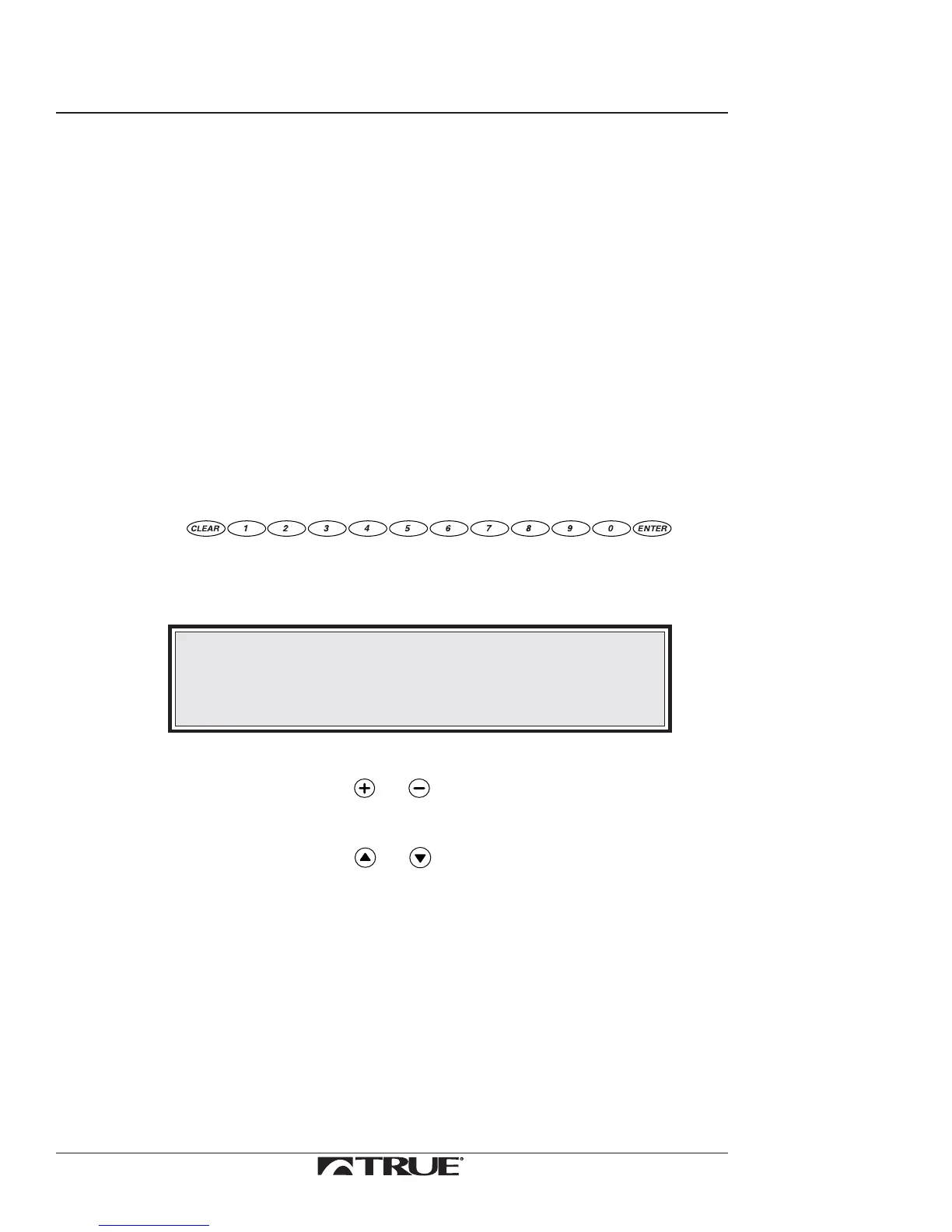
17. Increase speed and grade:
a. Use
to input the numeric value.
The following message will display in the Message Center:
DATA= (XXX)
NOTE:
When you enter the grade (2=0.2, 20=2.0) the treadmill will
round the numbers down to nearest 0.5 increment.
Ex. If you input 3.9, the treadmill will change incline to 3.5.
b. Choose speed or grade.
•
Press either or to choose speed.
or
•
Press either or to choose grade.
The SPEED or GRADE Window will display the new value and the
treadmill will change speed or grade to that value.
When your heart rate is within 15 beats from the target, the message center
will read:
APPROACHING TARGET XXX
Continued on Next Page



 To Next Page