ТМ
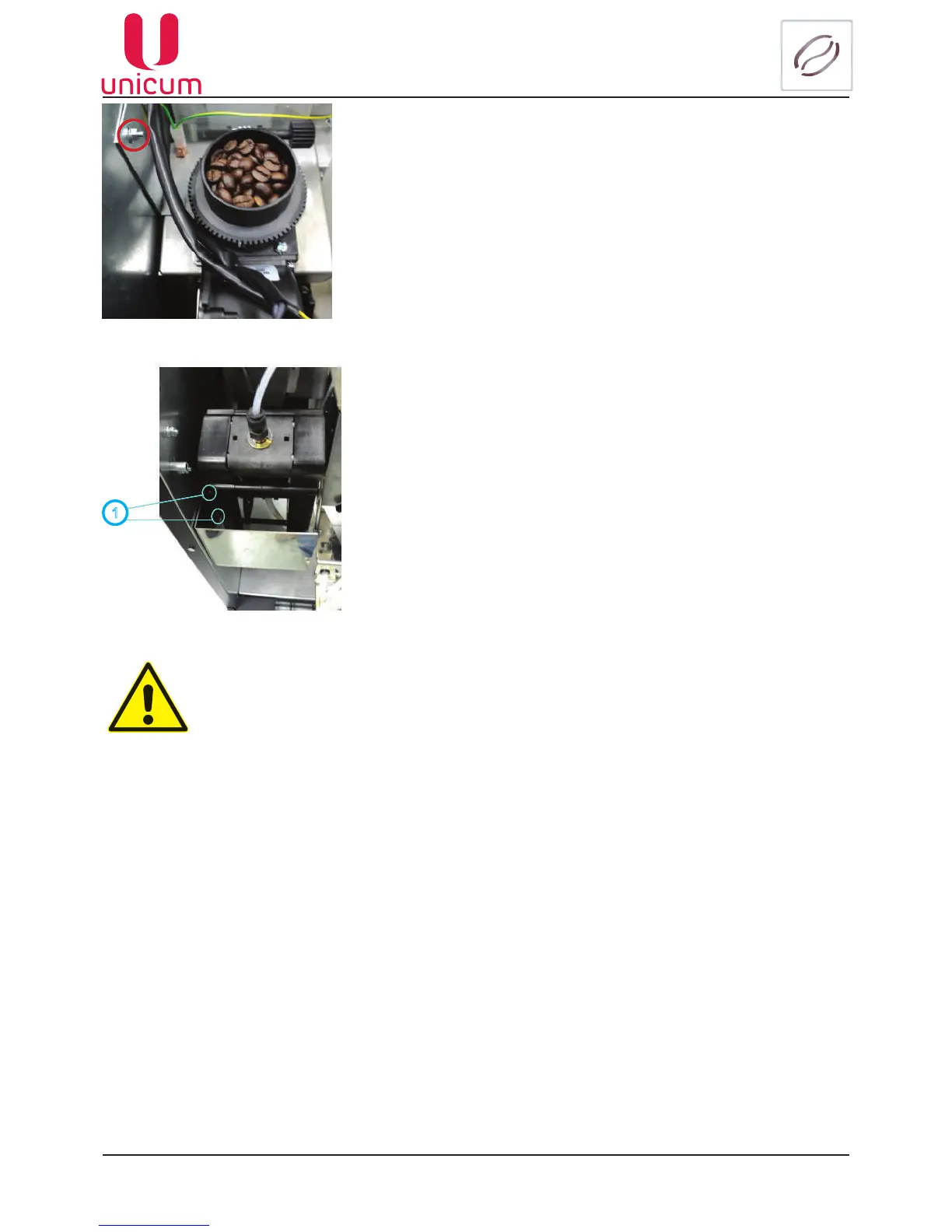
3. Before putting to use please remove the transportation bracket,
whichholdsthecoffeegrinderunit,bylooseningthenot(seeg.4.3)
Fig.4.3
1
4.Toinstallthebafeplate,hangitonthebolt(seeg.4.4pos.1),
which is situated on the left inside wall of the vending machine’s body
under the espresso group.
Fig.4.4
If the transportation bracket would not be removed before the start of operations, this
can cause excessive vibration in machine parts,which can cause premature break-
downs and failures!
5. Connect the vending machine to the external or internal water supply in accordance with the manual.
Close the vending machine door.
6. Connect the vending machine to the grounded mains. The mains technical characteristics are shown
on the vending machine nameplate.
7. Switch on the vending machine by turning the switch on the switching unit (see section 4.1) to the (I)
position.
The components and parts, included in the machine’s package are packed in the waste containers,
insidethemachine(seeg.4.2).



 To Next Page