ТМ
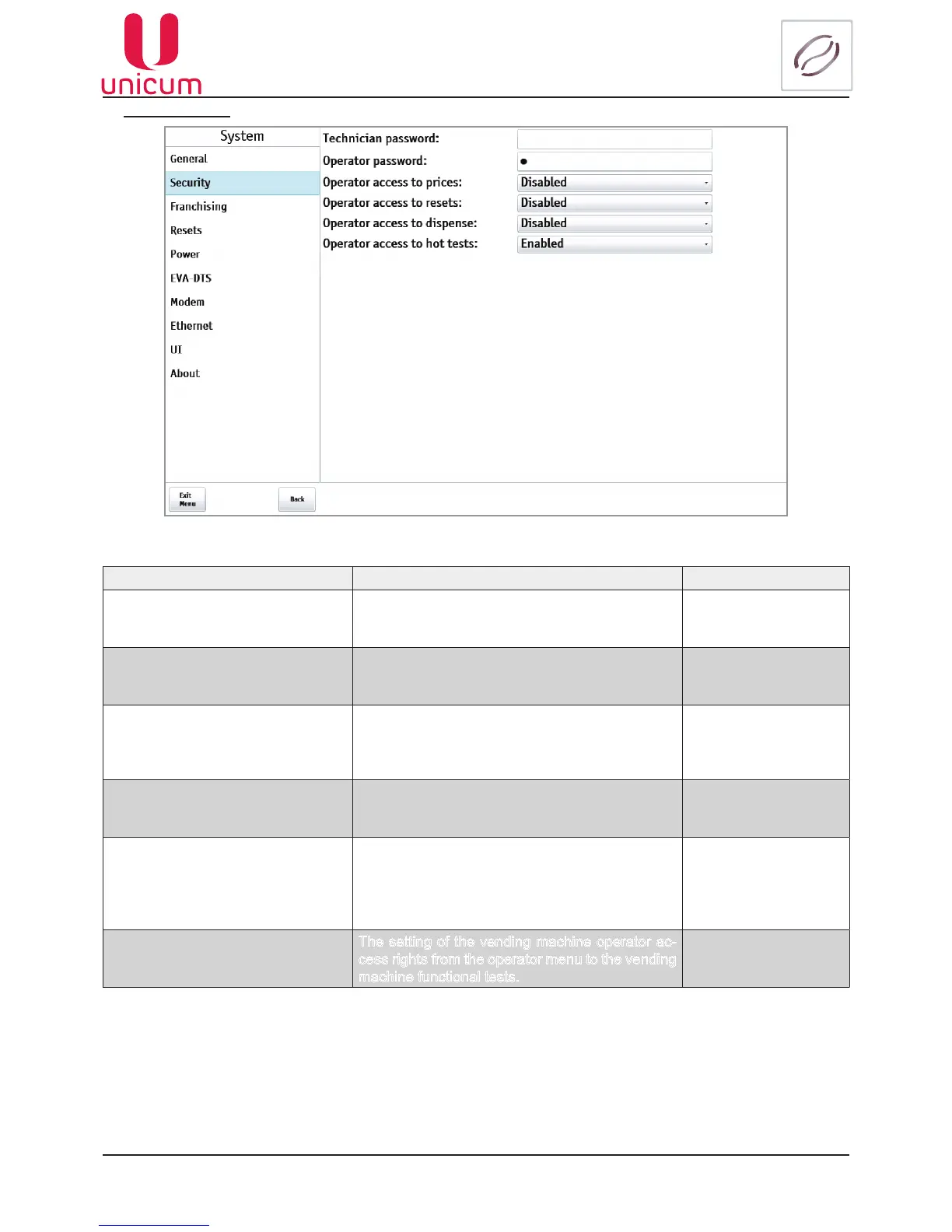
9.1.1.2 Security
Fig.9.2 - System (Security)
NAME DESCRIPTION VALUE
Technician password
Enter / change the password technology. When
entering a password will be prompted when enter-
ing the menu technician
8 digits, 0 ... 9
0 - password not set
Operator password Enter / change the password of the operator.
When entering a password will be prompted when
entering the operator menu.
8 digits, 0 ... 9
0 - password not set
Operator access to prices Setting access rights of the operator of the ma-
chine operator menu to a change in the price of
drinks. Setting is only relevant if payment systems
are available.
Disabled
Enabled
Operator access to resets Setting access rights of the operator of the ma-
chine operator menu to perform the reset time
(discharged) meters
Disabled
Enabled
Operator access to dispense Setting access rights of the operator of the ma-
chine operator menu to issue coins through the
operatormenubutton[Manualll].
Setting is only relevant if payment systems are
available
Disabled
Enabled
Operator access to hot tests
The setting of the vending machine operator ac-
cess rights from the operator menu to the vending
machine functional tests.
Disabled
Enabled



 To Next Page