ТМ
9.1.1.9.1 Loading video to vending machine
1.Createafoldernamed“NeroTouch”onaUSBashdrive,formattedtosupporttheFATlesystem,
andcopyvideolestothisfolder(inWMVandMP4format,otherleformatsarenotsupportedbythe
vending machine software).
2.ConnecttheUSBashdrivetotheUSB-port(USB-PC),locatedontheinnersurfaceofthevending
machinedoor(seeg.5.2pos.10andg.6.2).
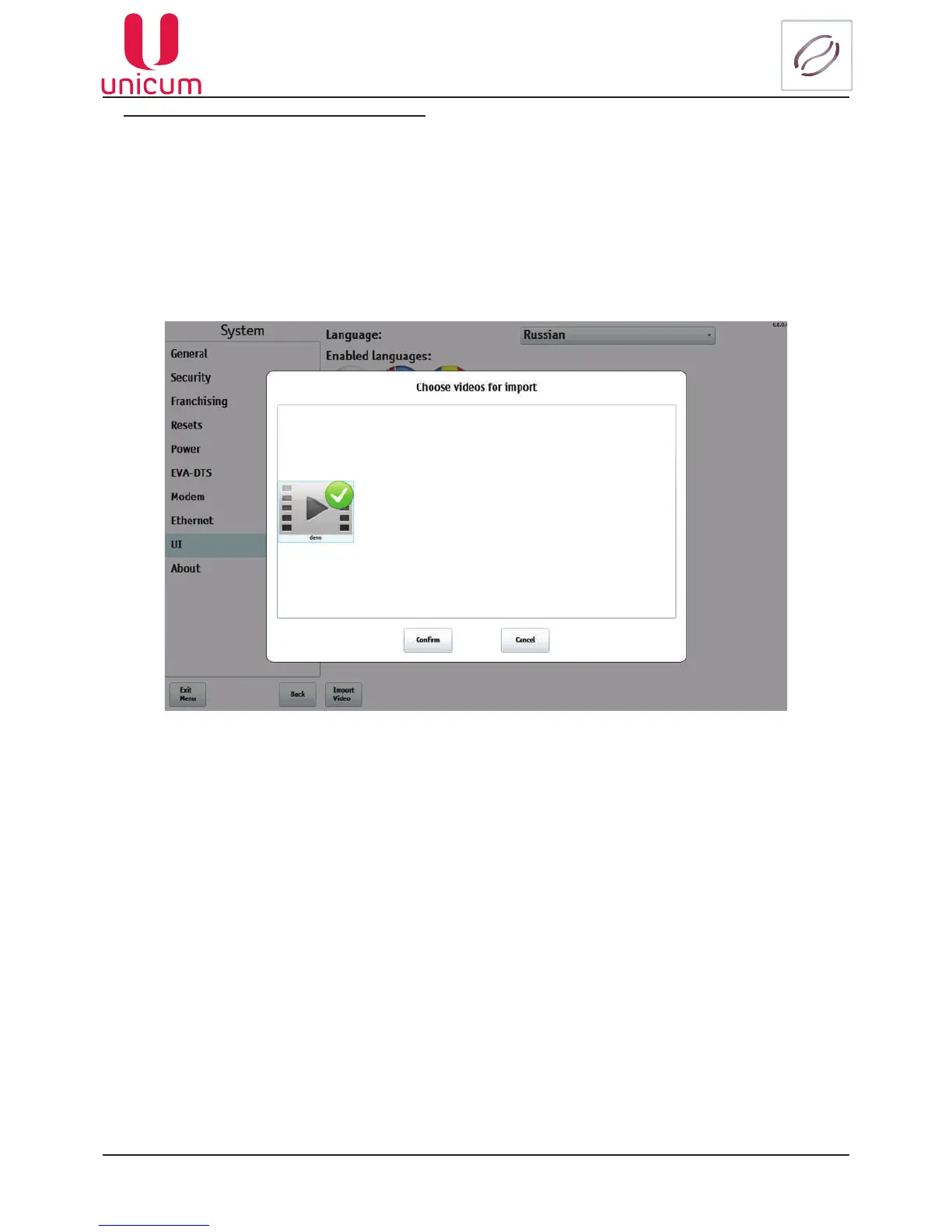
3.Enter the menu technician into the System - UIsection(seethegureabove)andpresstheImport
video.
4.Chooseavideofromthelist(seeg.9.9.1)andpresstheConrm button.
Fig.9.9.1 - System (UI) - Import Video



 To Next Page