ТМ
13.0 WORKING WITH USB FLASH DRIVE
Themachine’sRegulatorallowsMachine’sconguration,softwareupdatesanddatarecoverybyex-
changinglesusingaUSBdrive(ashdrive).
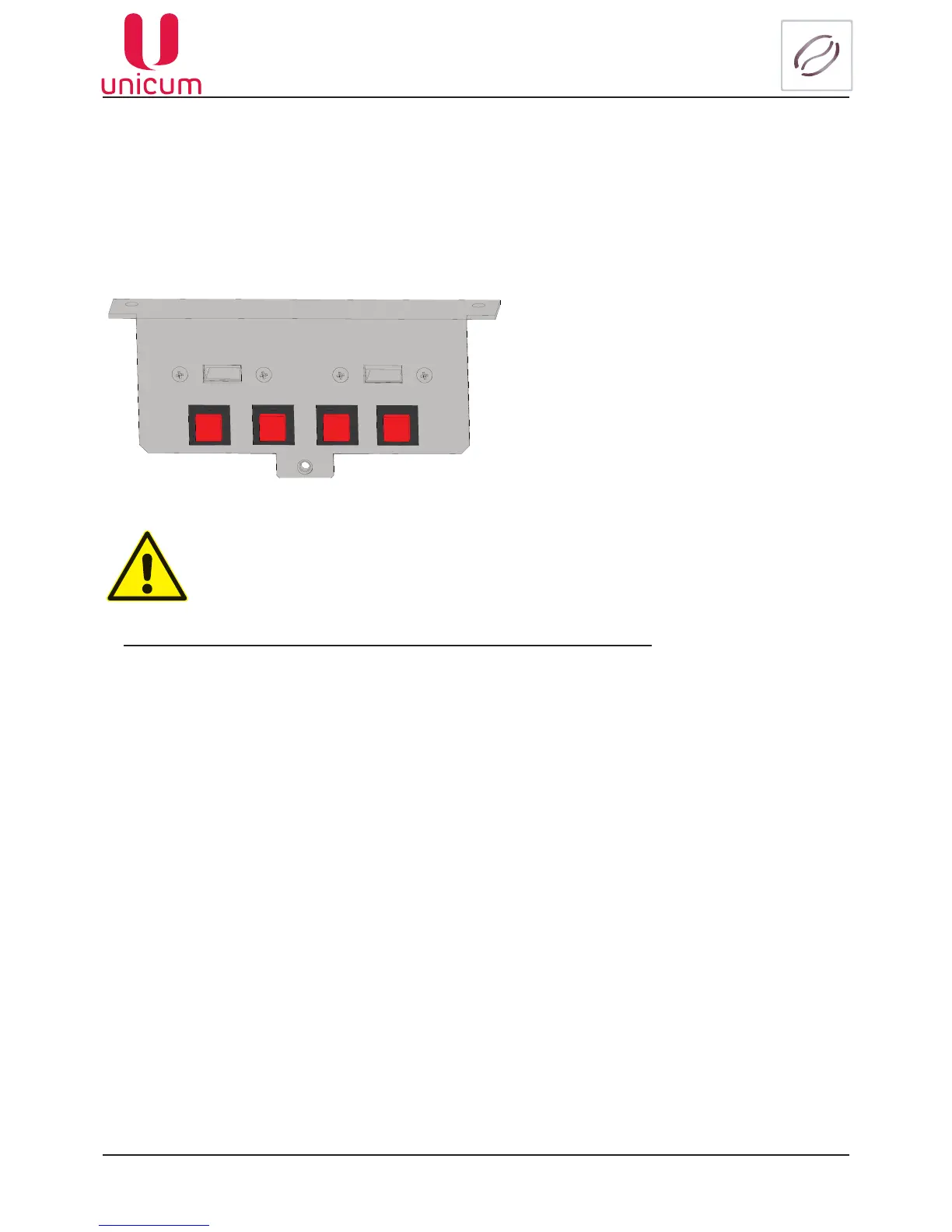
The drive is connected to the USB MB connector, located on the vending machine door inner surface
(seeg.5.2pos.10andg.13).Theconnectionshouldbemadewheninvendingmode.
When you connect the USB drive the Machine’s screen will show relevant information about the drive.
Fig.13.1 - Connector USB
ToworkwiththemachineisonlysuitableUSB-ashdrives!Diskdrivesandashdrives
arenotsupported.SupportsUSB-ashdriveswithFAT16orFAT32.Otherlesystems
(including NTFS) not supported!
InformationthatcanbereadontheUSB-ashdrivewiththemachine:
Statistical data (Audit): Information about the Machine’s operations, sales, equipment functioning and
logs.StoredinaleformatEVA-DTS,lename:Axxmmddi.DTS.IftheMachine’sclock’snotworkingthe
lenamewillbeAxx_i.DTS.
-хх=2lasttwodigitsoftheserialnumber,setintheTechnician’smenu.
- mm = Month (if date and time are set for the Machine)
- dd = Day (if date and time are set)
-i=digitfrom0to9.Youcansaveupto10leswithdifferentnamesin24hours.
ToreadtheinformationyouwanttoinsertUSB-ashdriveintotheconnectorofthecontrollerboardin
the trade regime and approve the request: Save audit?
Thecurrentconguration: File format EVA-DTS. File name: Cxxxxxxx.DTS, C then the 7-digit serial
numberofthemachine,specied(forexample:C0000123.DTS).
Thislecontainsequipmentcongurationinformation,aswellasinformationaboutthenames,place-
ments and prices of products.
Thecongurationlemayincludetheuserimagesofdrinks,whichwereloadedbyusingthePlanogram
menu. Check the image to activate Images are imported-(seeg.13.2).
Note:TheimageswillbelostifthecongurationlewillbeopenedandsavedintheCongura-
tor program later.
operator technician ushing
test
USB PC USB MB



 To Next Page