ТМ
9.1.1.8 Ethernet
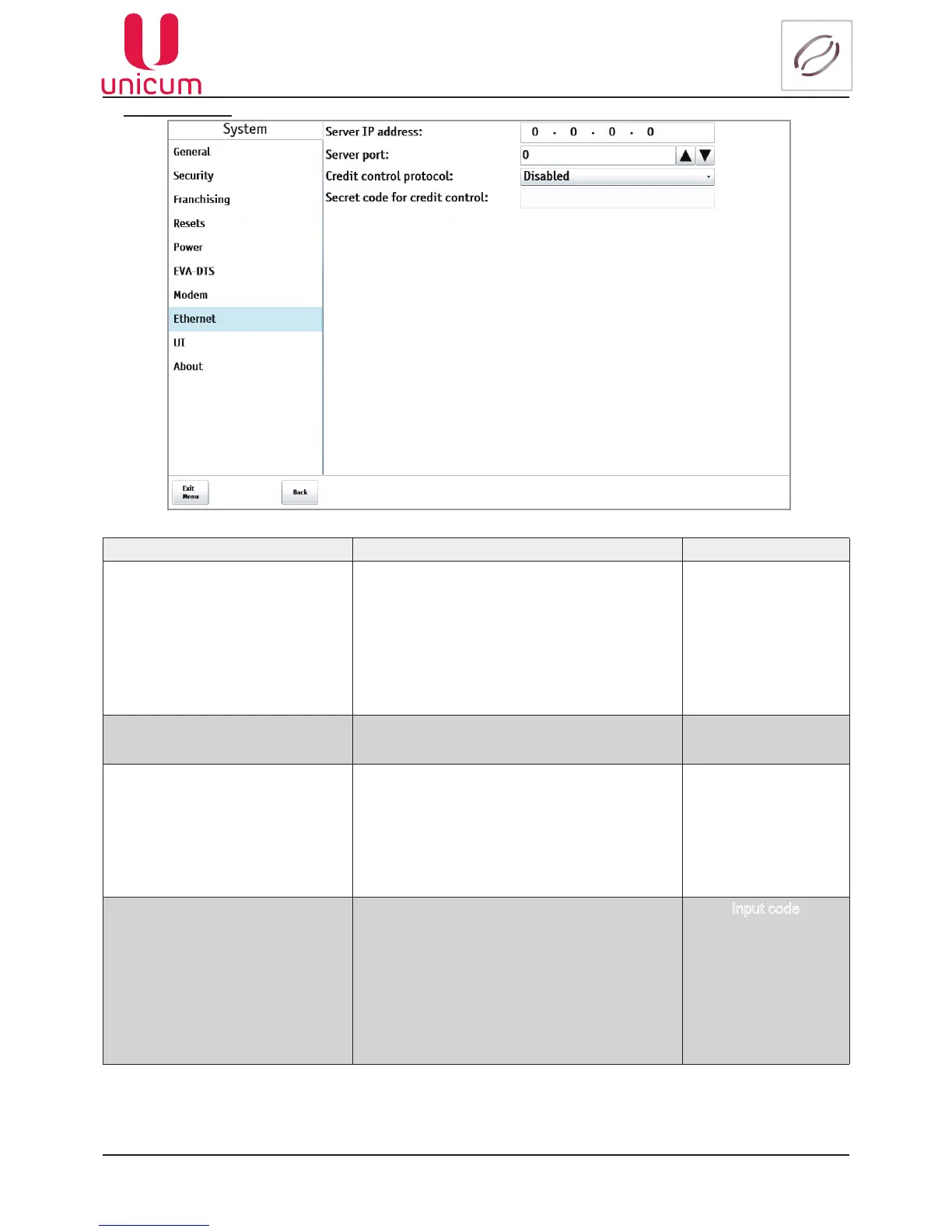
Fig.9.8 - System (Ethernet)
NAME DESCRIPTION VALUE
Server IP address Here we set the Server’s IP address which is
used to handle card data, saving balance infor-
mation on the server (not on the card).
When such card is swiped (and when it is re-
charged or when used for purchases) the Ma-
chine connects to the given server and asks for
permission to perform the action (or will check
current balance).
This address can be local (for the Machine) or ex-
ternal. If we don’t use card system with balance
informationontheserver,wedonotsetthiseld
4 numbers
0...255
Server port Here we set the Server’s port which is used to
handle card data, saving balance information on
the server (not on the card)
Credit control protocol Permits / forbids the credit control protocol, which
may be used for, e.g., the integration of the vend-
ing machine to the lling stations POS machine
software.
•Enabled – enables the protocol, permitting ac-
cruing the credit / free-giving out the product via
Ethernet.
Disabled
Enabled
Secret code for credit control
Sets the secret key, by using which the software
for accruing the credit via Ethernet is authorized.
If the credit control protocol is enabled in the
“Протокол контроля кредита” (Credit control
protocol) setting, then this setting should coincide
with the lling station POS machine software (if
this software accrues the credit rather than con-
trols the sales via the virtual reader). If the proto-
col is disabled in the (Credit control protocol) set-
ting (or if the POS machine software is not using
the possibility to accrue the credit), this setting is
meaningless
Input code
Note:EthernetisusedfordataexchangebetweenthevendingmachineController(MainBoard)
and the Monoblock. Changing any settings may bring the vending machine into workless condi-
tion!



 To Next Page