ТМ
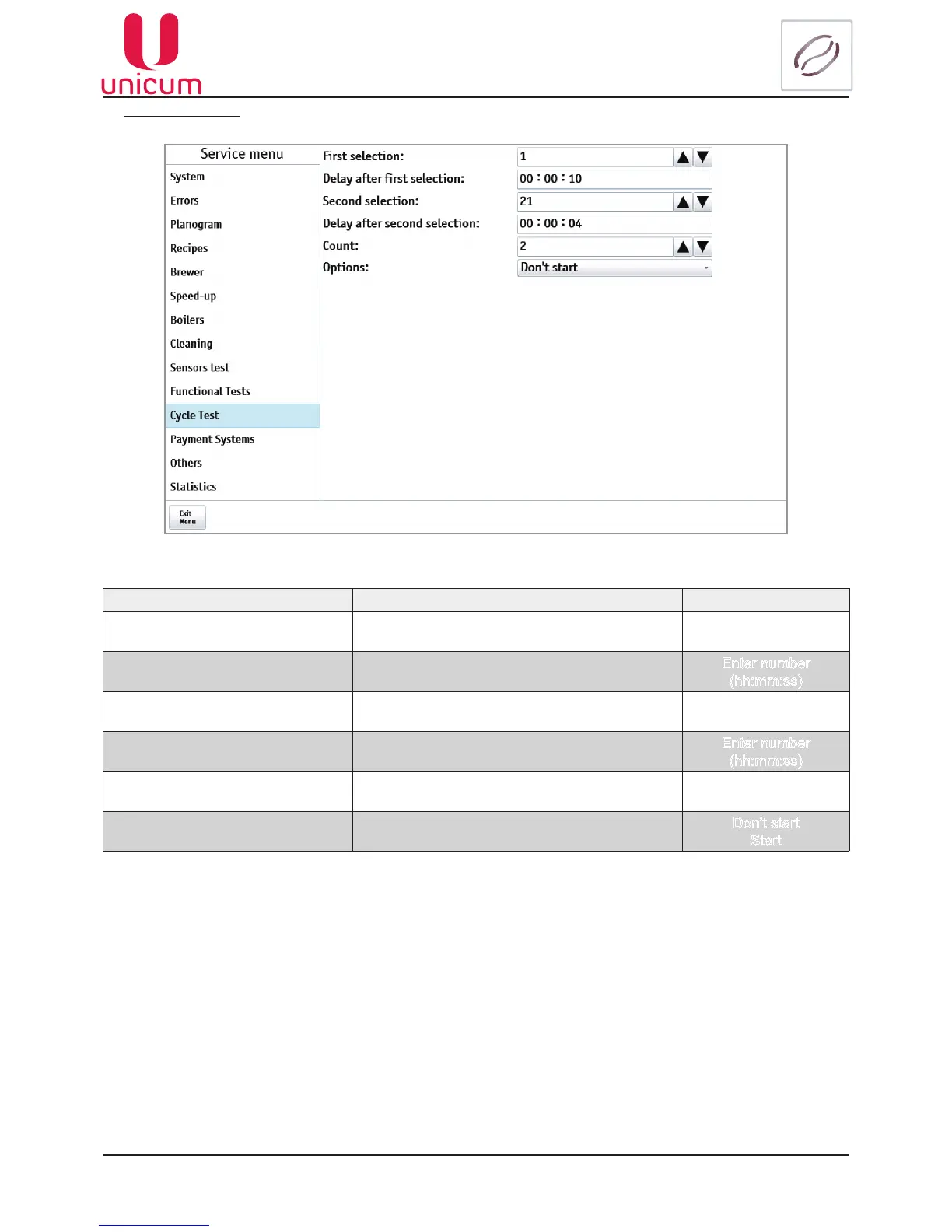
9.1.11 Cycle Test
Fig.9.21 - Cycle test
NAME DESCRIPTION VALUE
First selection Settingnumberofthersttestbeverage Enter number
Delayafterrstselection
Pausingafterthepreparationofthersttestdrink Enter number
(hh:mm:ss)
Second selection
Set number two test beverage Enter number
Delay after second selection
Pausing after the preparation of the second test
drink
Enter number
(hh:mm:ss)
Count
Set the number of test cycles Enter number
Options
Start-Running cycle test when you reboot the ma-
chine
Don’t start
Start



 To Next Page