ТМ
9.1.1.5 Power
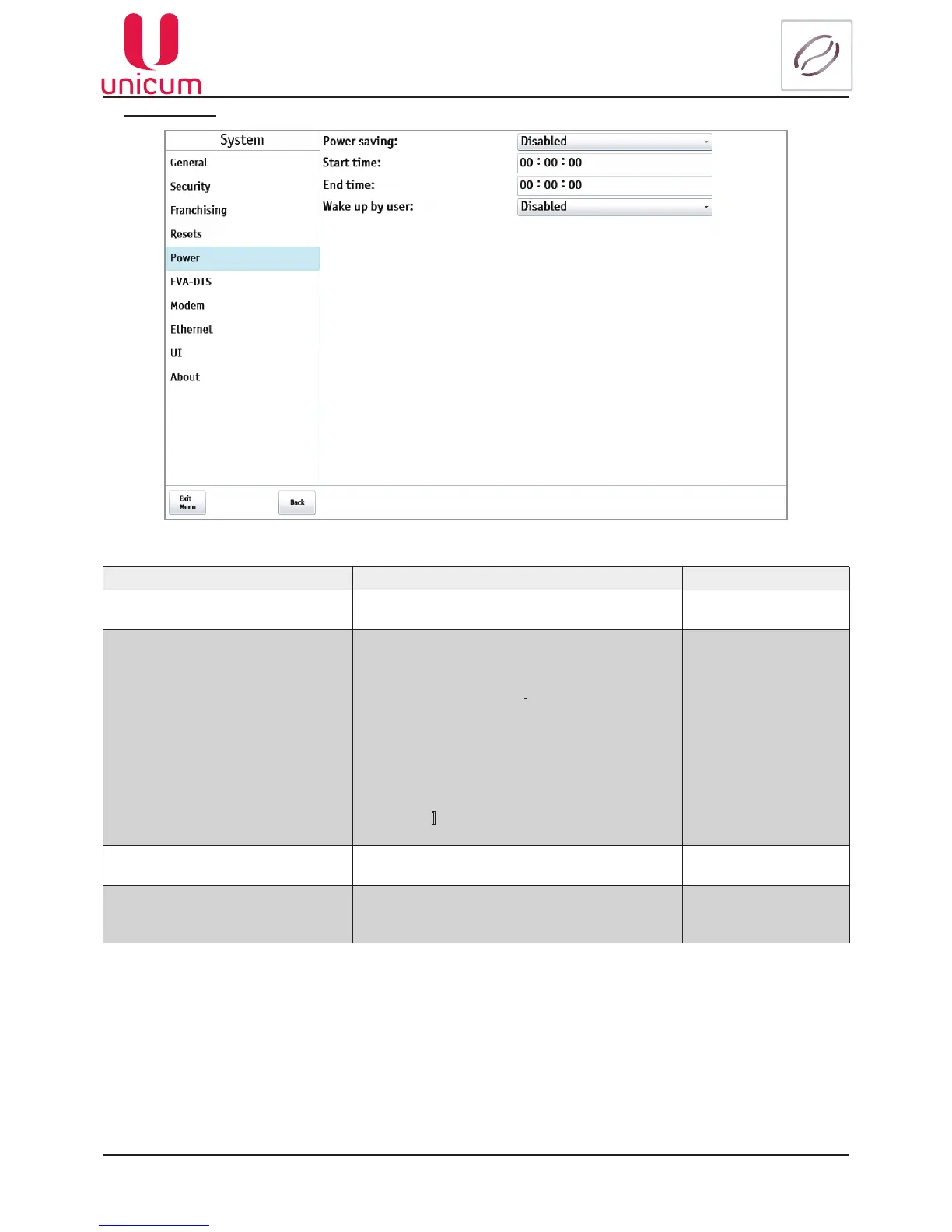
Fig.9.5 - System (Power)
NAME DESCRIPTION VALUE
Power saving On / off power saving mode Disabled
Enabled
Start time Time when the Machine automatically switches to
power saving mode.
If the setting values [Start time] are less than the
setting values [End time].
For example 5:00 and 10:00 respectively, then
the power saving mode is switched between
these limits.
If the setting [Start time] is greater then the set-
ting [End time] (for example 10:00 и5:00), the
power saving mode is enabled from the setting
[Start time] to 23:59 and from 00:00 to the set-
ting [End time].
Enter the time
(hh:mm:ss)
End time Time when the Machine automatically switches
out of power saving mode
Enter the time
(hh:mm:ss)
Wake up by user
Indicates whether the customer can wake the
sleepingmachinebyhimselfbytappinghisnger
on the touch screen of the machine
Disabled
Enabled



 To Next Page