ТМ
9.0 DESCRIPTION SERVICE MENU - MENU TECHNICIAN
The vending machine servicing is realized in the SERVICE MODE. To optimize the servicing the vend-
ing machine is supplied with two types of the SERVICE MENU with different rights.
• Service engineer menu/Menu technician: provides the access to all controller software functionality.
To enter the menu open the vending machine door, insert the service key into the door trip, and press
the (Menu technician) on the quick access keypad (see section 6.2).
• Operator menu: provides the access to the vending machine functionality during the periodic main-
tenance, such as the event log, equipment operation and faults information, access to setting up the
information about the drinks, and the viewing of the sales statistics. To enter the menu open the vend-
ing machine door, insert the service key into the door trip, and press the (Operator menu) on the quick
access keypad (see section 6.2).
Note: Input the password for accessing the menu technician/operator (if the password is set).
The password is set in the menu technician settings.
9.1 Menu technician
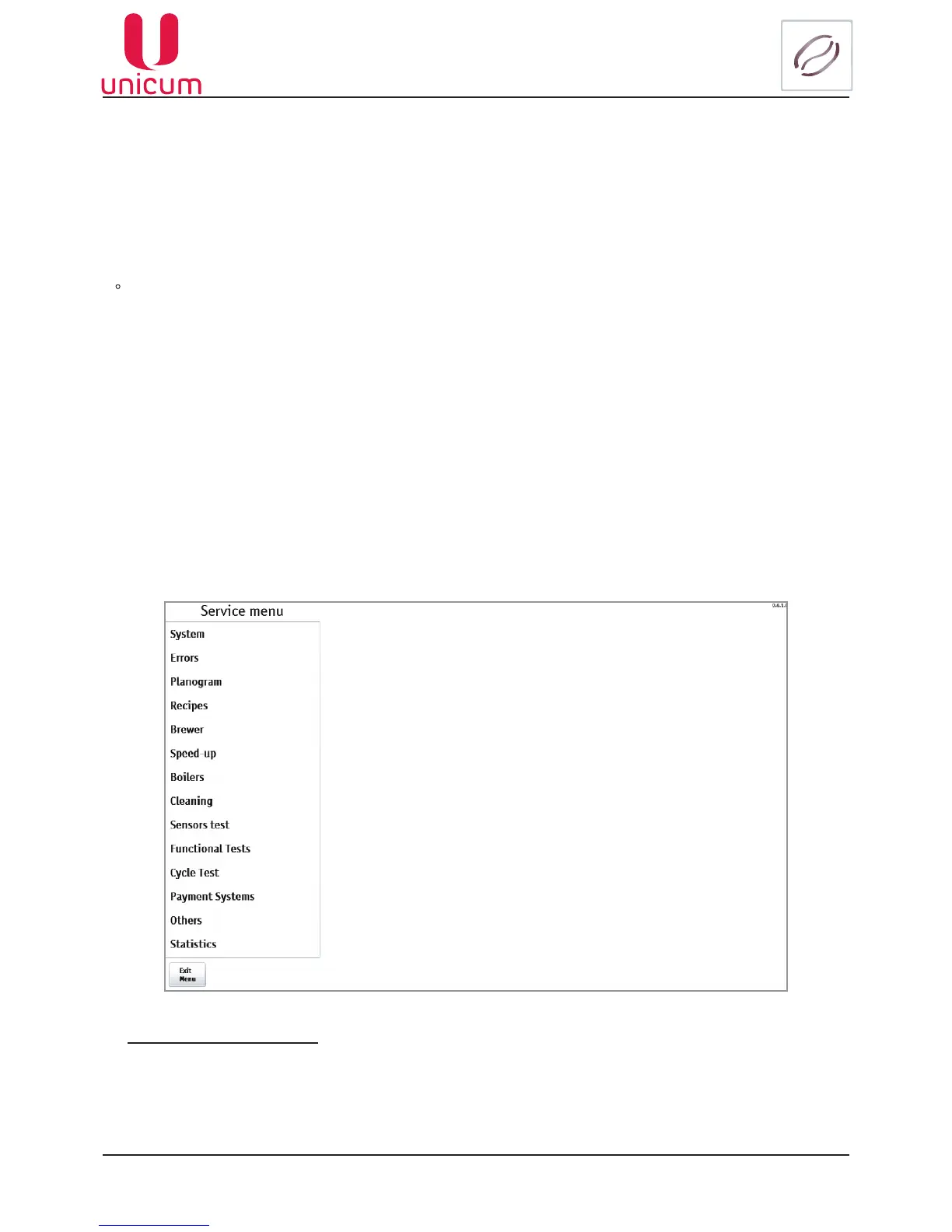
Afteraccessing the menutechnician, the menu technicianmain screen isshown(see g. 9.1)with
menu sections. To select the required menu section, touch its name. Then the page of the section with
settings is shown.
Fig.9- Main page
Menu navigation buttons
ExitMenubutton - - when pressed the exit from the menu technician to the user menu is realized
(vending mode).
Back button -whenpressedthejumptothemenutechnicianmainpageisrealized(seeg.9).



 To Next Page