ТМ
6.2 Quick access keypad
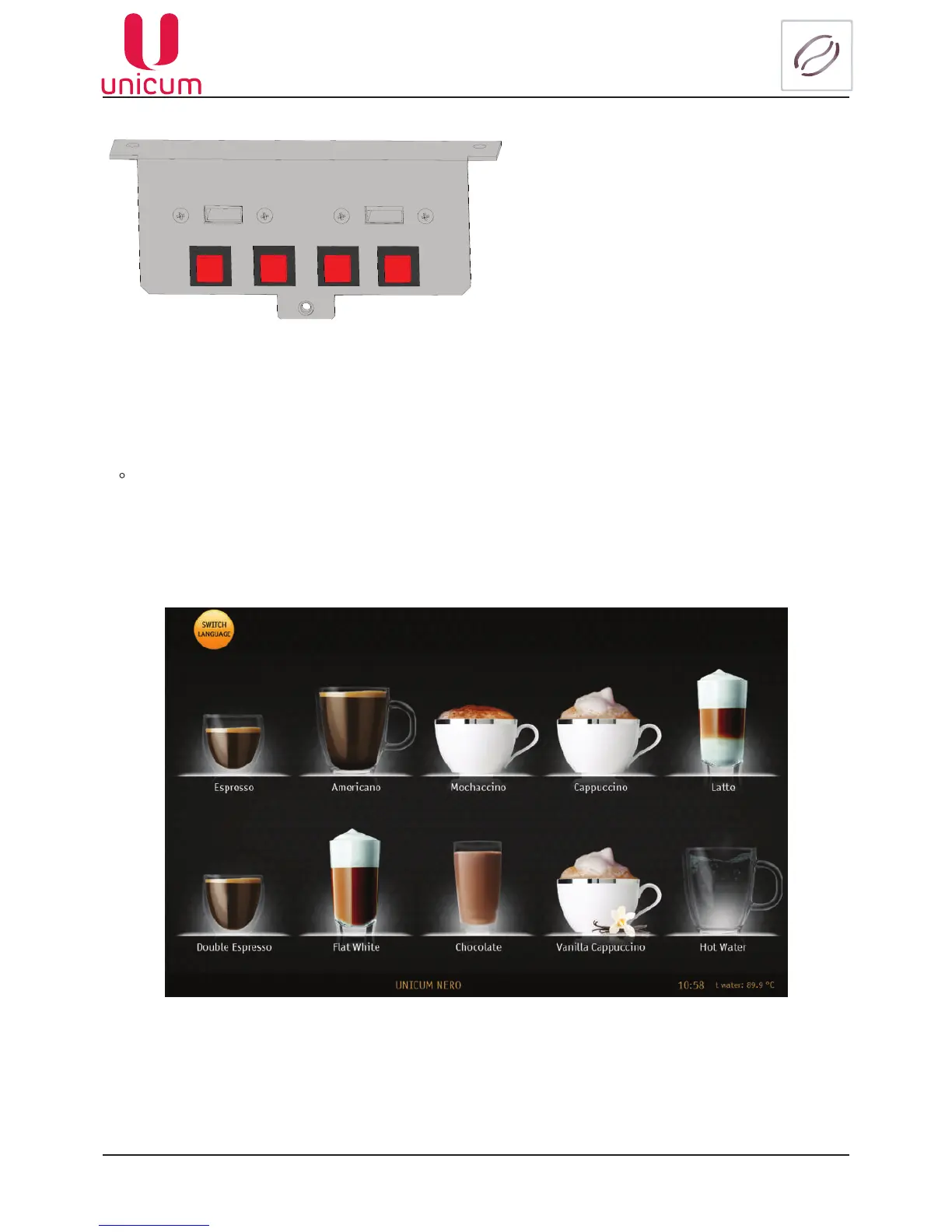
The machine has a quick access keypad, which has 4 (four) buttons and two USB-connectors. This key-
padisinstalledontheinnersideofthemachine’sdoor(seeg.6.2and5.2pos.10).
Fig.6.2
• Operator’s menu - access to operator’s menu
• Technician’s menu - access to service engineer’s / technician’s menu
• Flushing-accesstomenuoptionforushingthevendingmachine’svariousunits
• Test - allows you to make a drink without paying, for purposes of checking drink quality and setting it
• USB PC - theconnectorforconnectingaUSBashdrivetothevendingmachinePC(Monoblock)
• USB MB-theconnectorforconnectingaUSBashdrivetothecontrollerboard(MainBoard)
operator technician ushing
test
USB PC USB MB
6.3 Touch screen
Fig.6.3
The touch screen is located on the front side of the vending machine door. There’re 10 icons with the
imagesofdrinksonthescreen(seeg.6.3).Eachbuttoncorrespondstoadrink,speciedinthevending
machine planogram.
The touch screen in the vending mode is used for selecting drinks.
In maintenance mode, the touch screen is used for adjusting the vending machine settings and display-
ing the technical information.



 To Next Page