ТМ
9.1.2 Errors
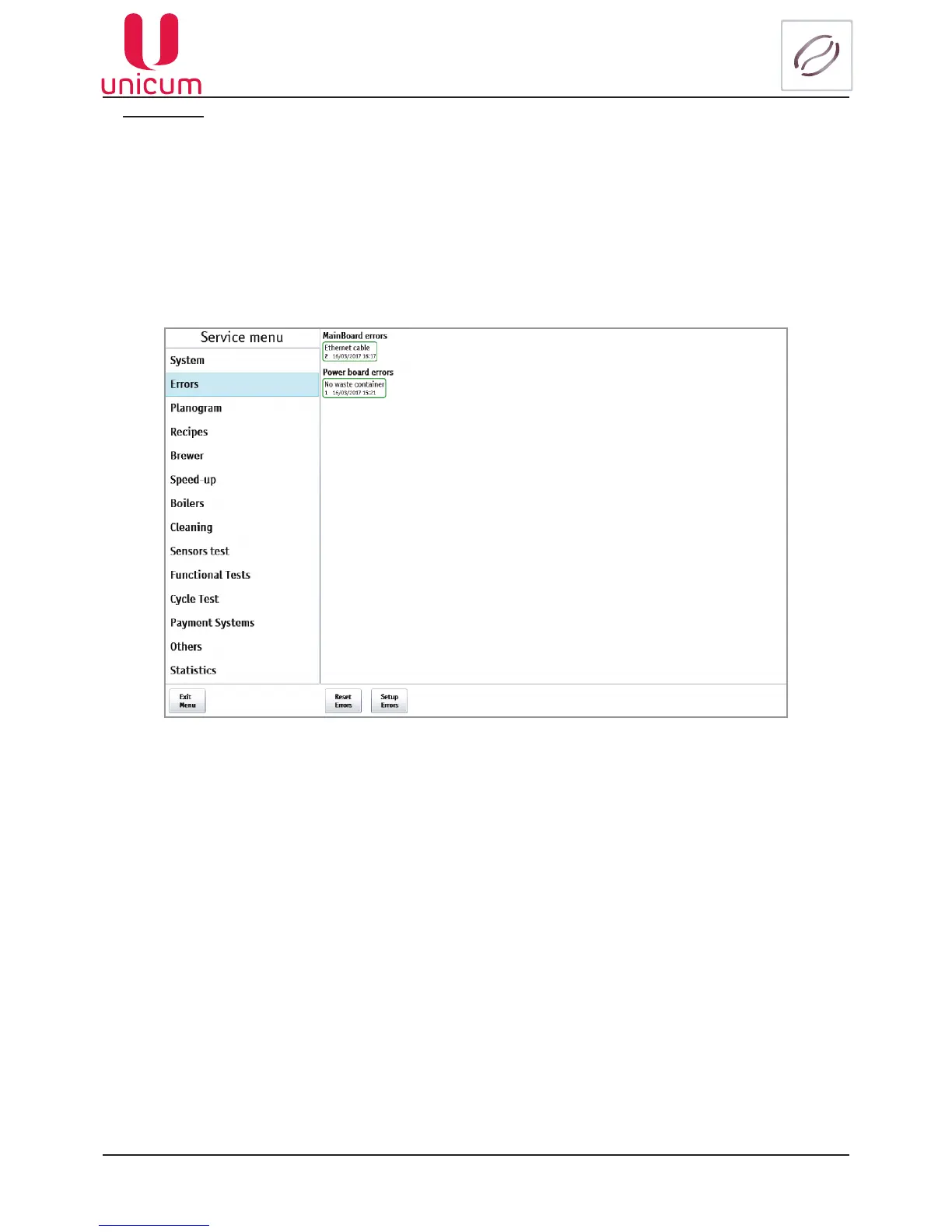
Reviewing errors, registered by the vending machine during the operation: type of equipment, where the
error (fault) occurred, time and date of the last error detection, the number of faults, the error actuality.
The actual errors are highlighted in red, not actual - in green.
To reset the actual errors touch the button Reset Errors at the bottom of the page.
To set certain errors, touch the button Setup Errors, at the bottom of the page(see section 9.1.2.1).
Fig.9.11.1 - Errors (Viewing errors)



 To Next Page