ТМ
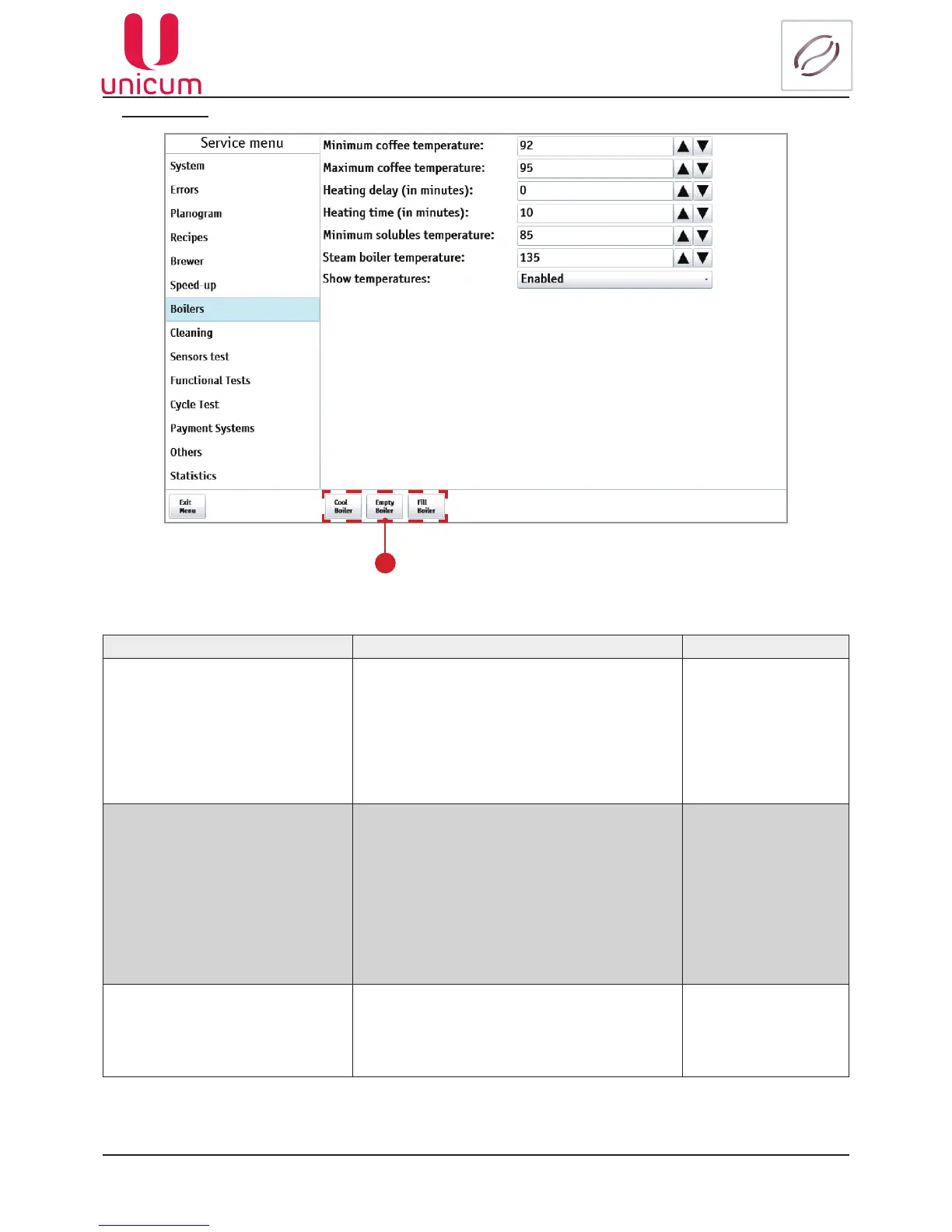
9.1.7 Boilers
NAME DESCRIPTION VALUE
Minimum coffee temperature Here the boiler temperature is set. This is the
temperature that the vending machine will hold
immediately after making a coffee-based drink
(as well as after making for a time, specied in
the Heating delay setting, considering the Show
temperatures setting. If the heating time (the
Heating time setting) is zero, then the boiler is al-
waysholdingthetemperaturespeciedhere.
Enter temperature
Maximumcoffeetemperature
Here the boiler temperature is specied, which
will be held by the vending machine over the time
(after making the last coffee-based drink), spec-
ied in the Heating time setting, plus the time,
speciedintheHeating delay setting. For instant
vending machines the boiler is always held at this
temperature (if the lower value in this setting is
not zero) because it never brews coffee-based
drinks (i.e. the time from the making of the last
coffee-baseddrinkisinnity).
Enter temperature
Heating delay (in minutes)
Time setting in minutes after the making of last
coffee. The temperature will not rise in accord-
ance with the Minimum coffee temperature,
Maximum coffee temperature and Heating
time setting algorithm.
Enter number
Fig.9.17 - Boilers
1



 To Next Page