ТМ
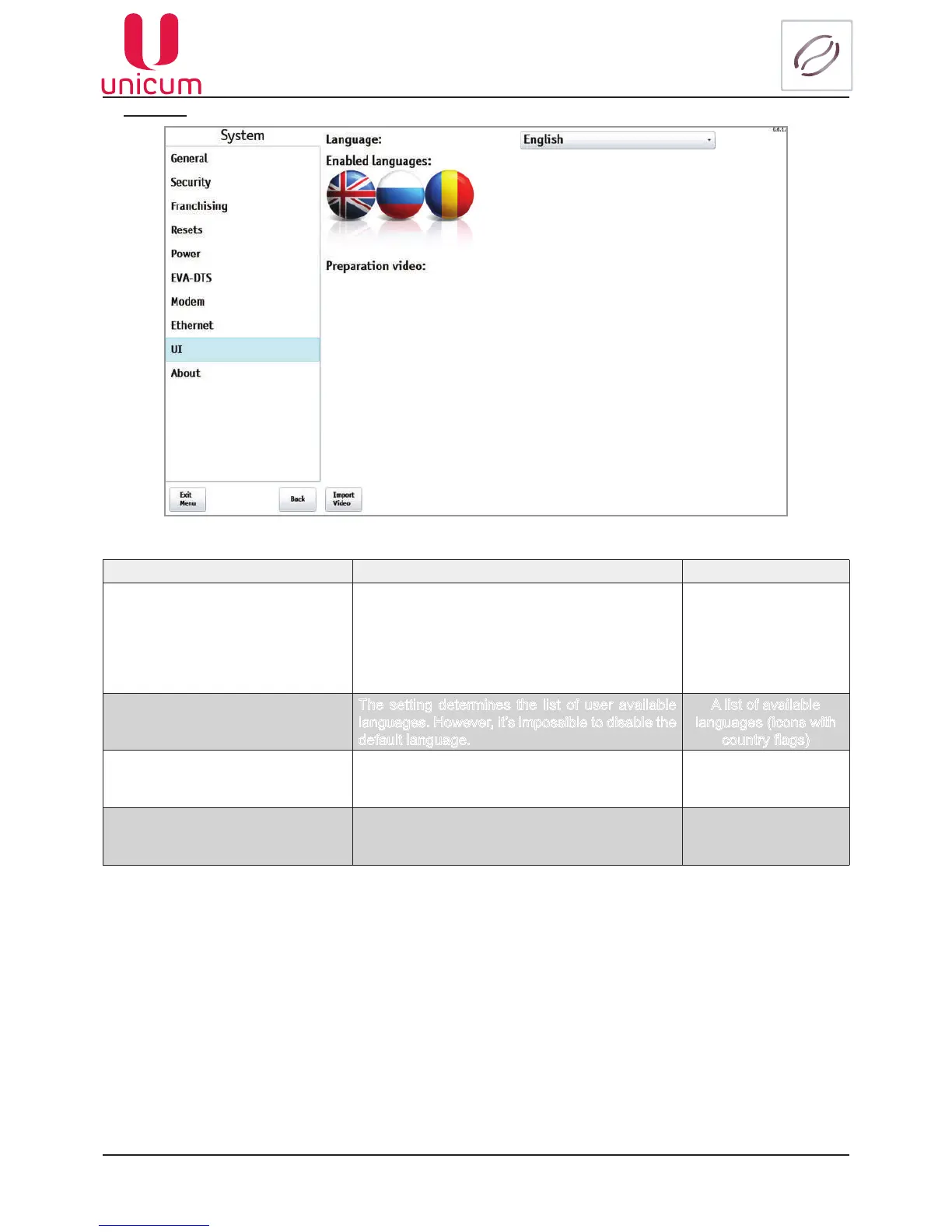
9.1.1.9 UI
NAME DESCRIPTION VALUE
Language Shows the language, to which the vending ma-
chine automatically switches every time it returns
to the initial screen. The customer can change the
language, but after the vending machine returns
to the initial screen, the language will change
back to this setting
Language selection
Enabled languages
The setting determines the list of user available
languages. However, it’s impossible to disable the
default language.
A list of available
languages (icons with
countryags)
Preparation video Thesettingdenesalistofavailablevideoles,
which may be selected for playing on the vending
machine screen during the making of a drink.
A list of available
videoles
Import Video (touch button) Theselectionofthevideolethatwillbeplayed
on the vending machine screen during the mak-
ing of a drink.
Fig.9.9 - System (UI)



 To Next Page