ТМ
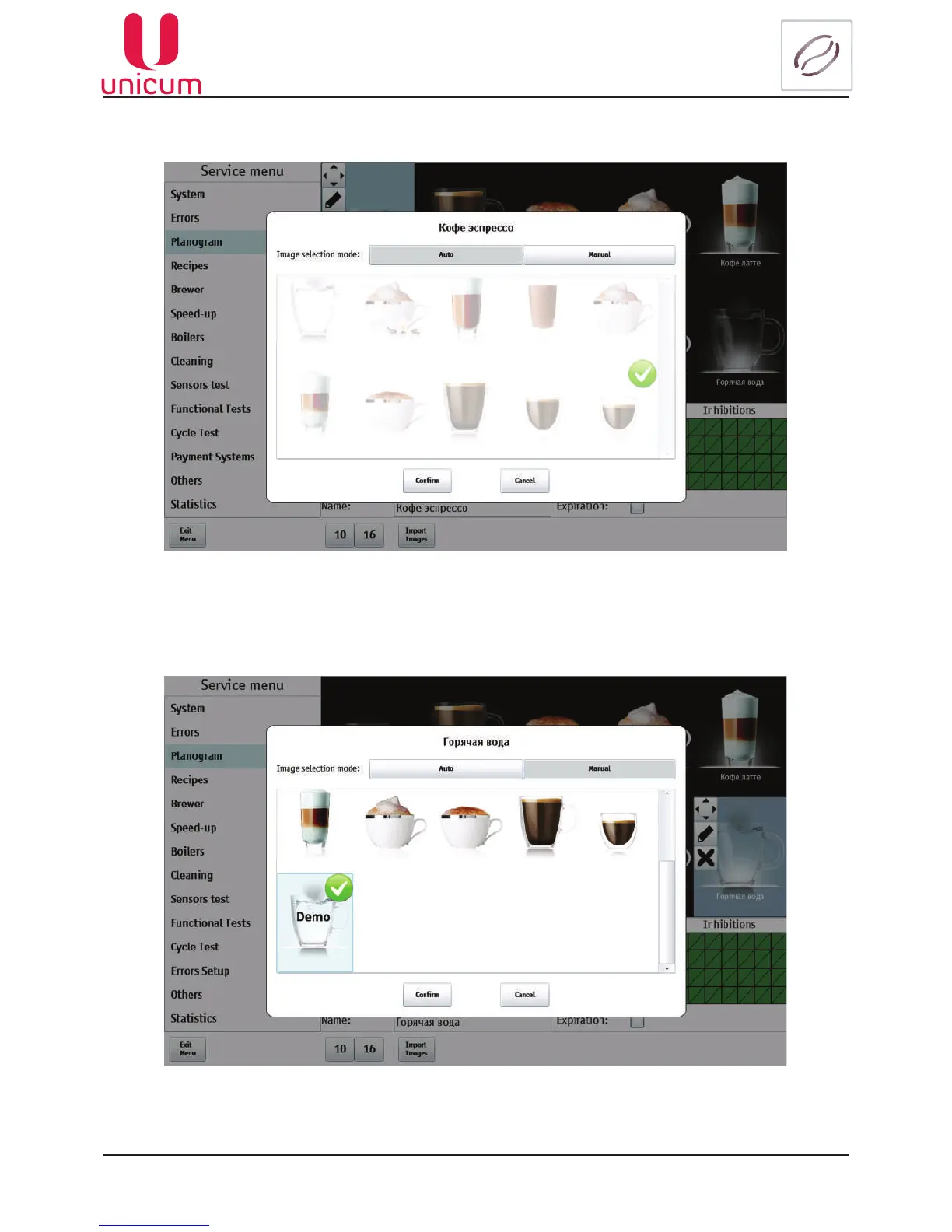
3.The page for choosing the drink image setting algorithm will appear: automatic or manual.
Fig.9.12.5 - Planogram (Beverage image)
4. When choosing the manual mode a list with images becomes available, permitting choosing the re-
quired image. After choosing press the Conrm button.
Fig.9.12.6 - Planogram (Beverage image)
5. Now the selected image for the drink will be displayed in the service menu planogram and in the
vending menu.



 To Next Page