Subject to modification! Updated 10/2017
Expansion stage element 9/12
Place the battery modules in the storage cabinet according to
Figure 21: Installation positions of the battery modules.
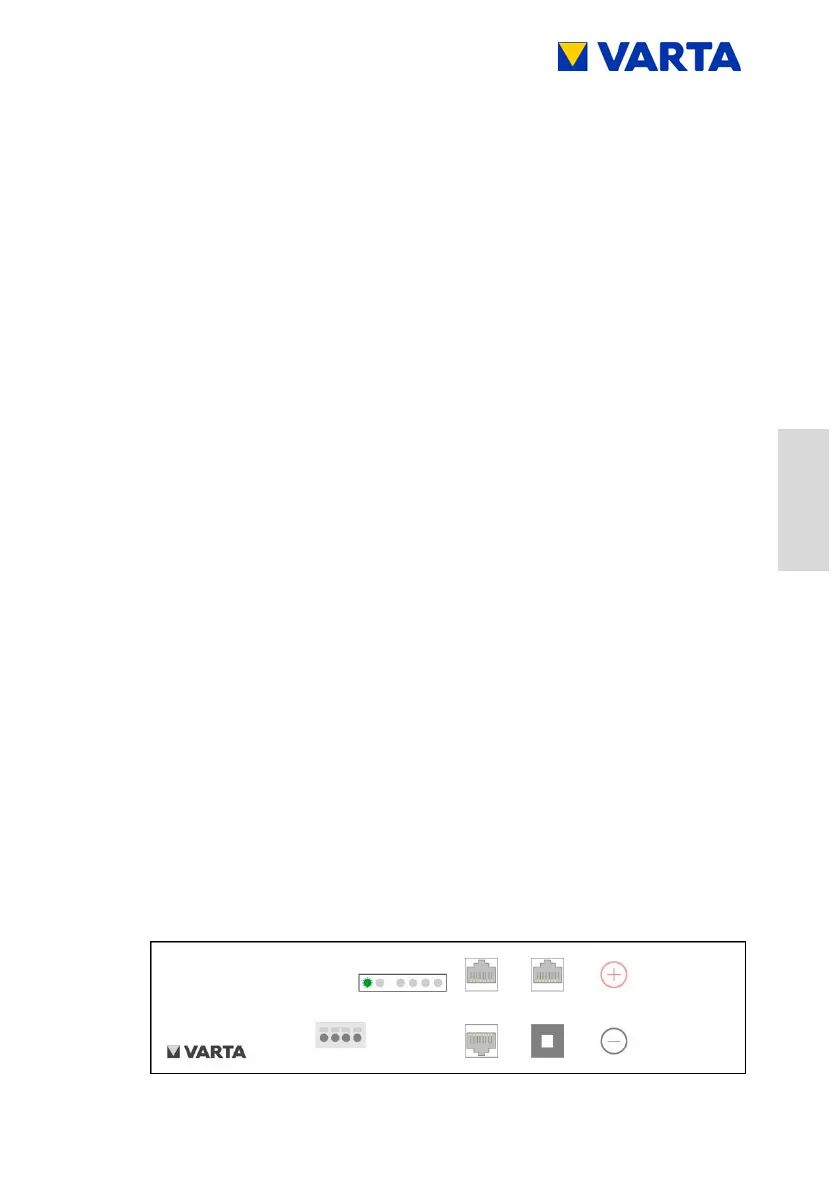
Connections at the battery modules according to Figure 23:
Connections – /12
Battery charger -left-
o Battery power connection:
Plug both connectors with correct polarity at the
rear battery module.
o Communication 1:
Insert the four communication cables into the
openings of the clamping connector.
The connections are self-clamping.
For the pin assignment, see Figure 20: Clamped
connections of battery module (DRY contact)
o Communication 2:
Plug in the communication cable (red, CAN).
o Fixation:
Fix the rear battery module at the fastening holes
by using the supplied screws.
Aid: Allen key, size 4
o Switching on the battery module:
Press the activation button at the rear battery
module.
The LED indicator at the battery module indicates
the standby mode.



 To Next Page