Page 114 of 244
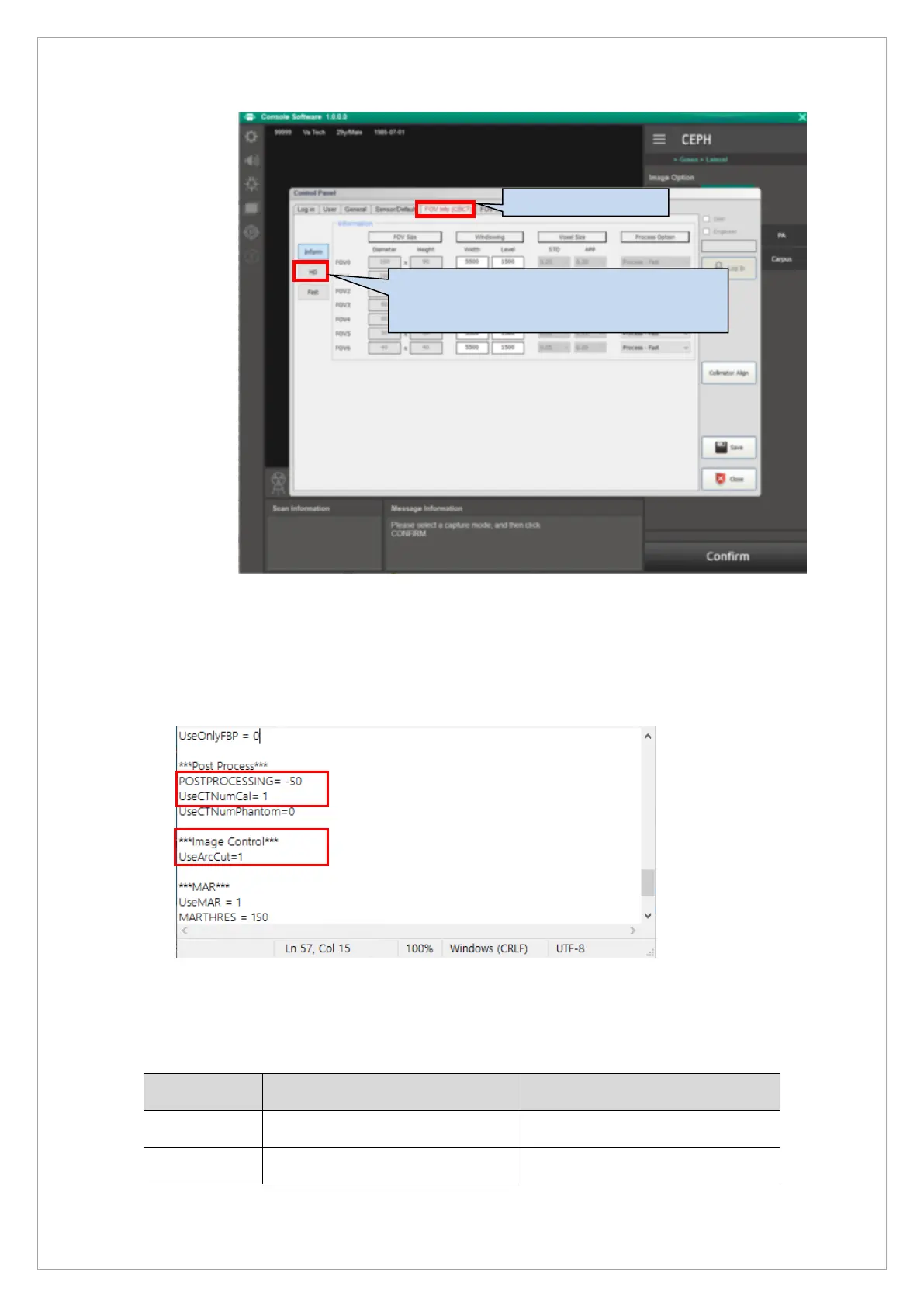
8. Enter the measured CT Number value and click the Save button.
9. When CT Number Calibration is completed, open Reconstruction.vxm and recover the
parameter as shown below.
• POSTPROCESSING = 0 → POSTPROCESSING = -50
• UserCTNumCal = 0 → UserCTNumCal = 1
• UseArcCut= 0 → UseArcCut= 1
10. Capture the CT Number phantom and evaluate CT Number accuracy.
(refer to 5. CT Number Accuracy evaluation.)
※ CT Number standard value
Parameter LSL(Lower Specification Limit) USL(Upper Specification Limit)
Air -1030 -900
Water -20 20
Choose HD Tap and input CT Number value
measured at high resolution.



 To Next Page