Page 131 of 244
4.2. Equipment default values
4.2.1. Bite location (PANO mode)
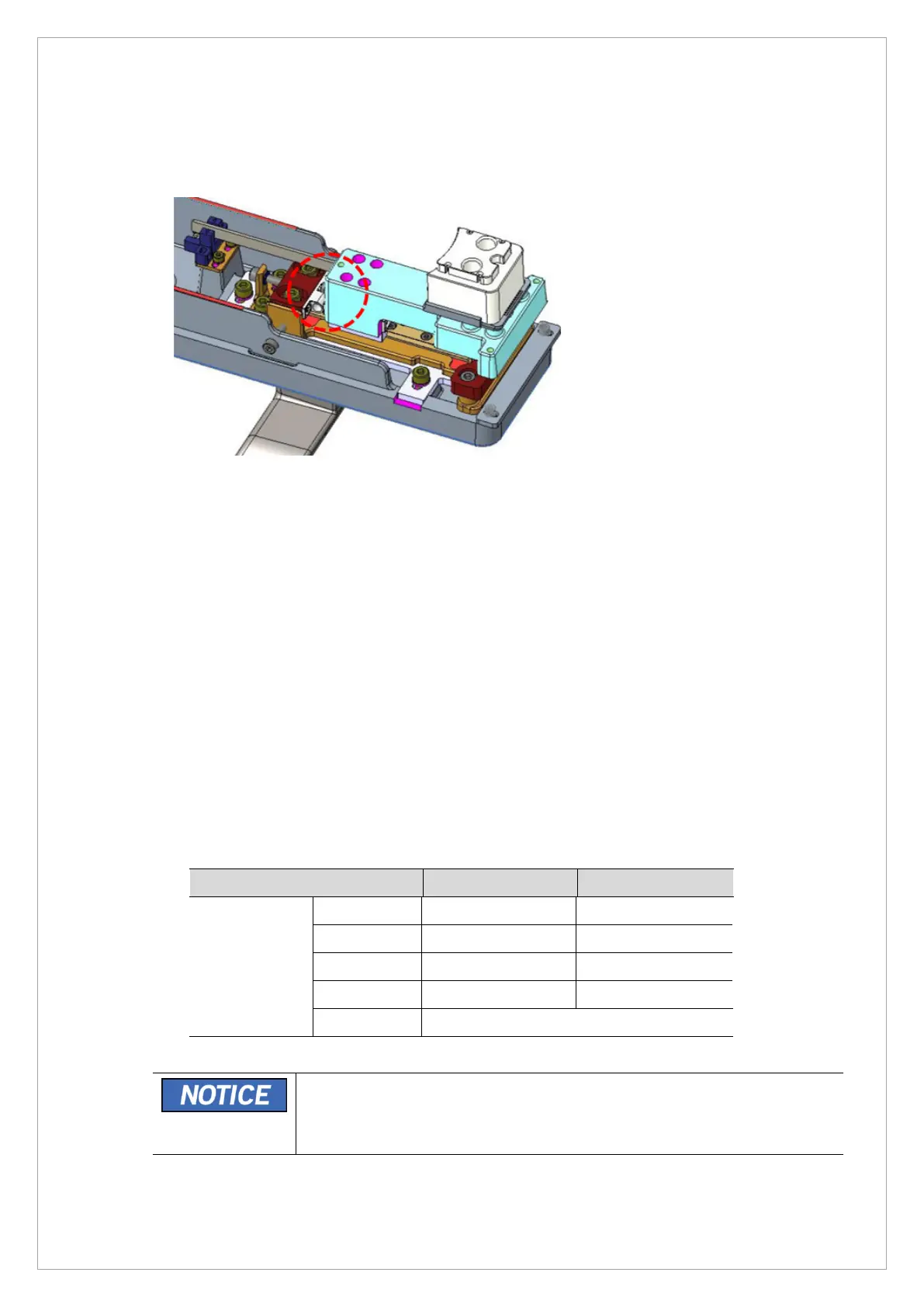
1. Move the bite position according to the Modality as shown in the image above.
2. PANO Mode: The position combined with the stopper in the direction (Left side) of the colum
4.3. PANO Sensor Calibration
To optimize PANO image quality in the equipment, the operator should perform the Sensor setting &
calibration operation according to the following procedures.
Regular Sensor Calibration check-up is recommended to perform for image optimization against
temperature and humidity variation.
4.3.1. PANO Sensor Calibration Standard
• PANO Sensor Dark Calibration Standard Value
- Dark data file median value: 700 ~ 2300
• PANO Sensor Bright Calibration Standard Value
※ Bright standard value: 5 points with Cu 1 mm filter
Bright Min Max
Median value
Cal Point 1 50 80
Cal Point 2 80 200
Cal Point 3 200 400
Cal Point 4 400 600
Cal Point 5 600 ~
From the achieved PANO Sensor Bright Calibration data file, the 1 Point
Bright Data file and 5 Point Bright data file should meet the standard
value. Other results from different points Bright Datafile can be varied by
characteristics of each sensor.



 To Next Page