Page 154 of 244
Chapter 5. PANO Image Evaluation
5.1. Line Pair Resolution evaluation
5.1.1. Resolution standards
Parameter LSL (Lower Specification Limit) USL (Upper Specification Limit)
Lp/mm 3.1 -
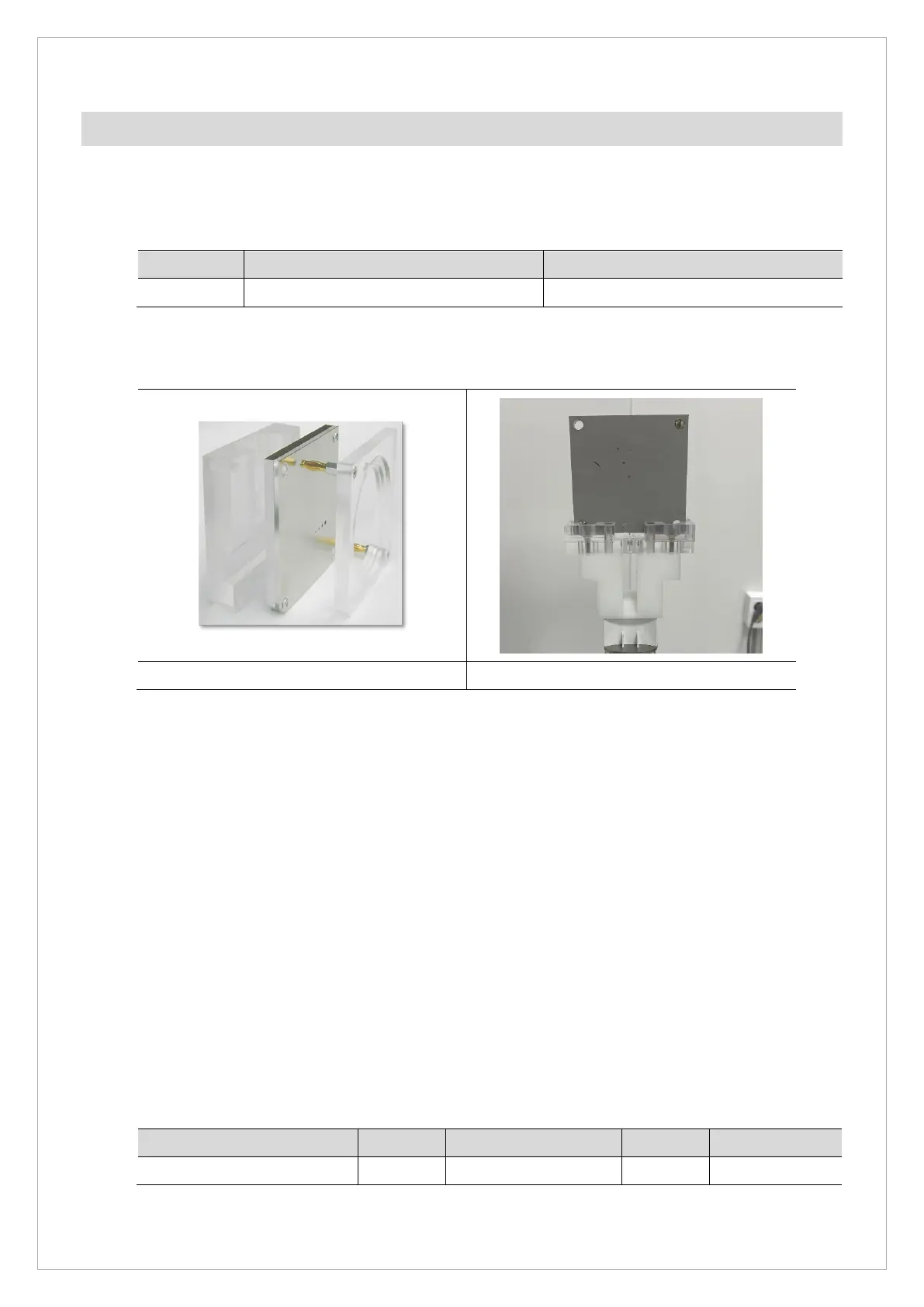
5.1.2. Phantom Specification
QUART Phantom QUART - Ball Phantom 2.0
5.1.3. Test Method
1. Attach the ball phantom 2.0 and quart phantom to the chinrest.
2. Run the Console Software and click the PANO button to go into PANO mode.
3. Choose HD Mode/MAN/Normal mode/exposure condition 70 kVp, 7 mA as the image option
and click the Confirm button.
4. Attach 1 .8 mm Copper Filter on X-Ray Tube.
5. Click the READY button, and acquire/save the image according to the Console Software
guidance.
6. Open the 2D Viewer and save the image.
7. Ensure that the lines can be seen clearly at 3.1 lp/mm.
5.1.4. Test Result
Parameter LSL Measurement value USL Pass/Fail
Lp/mm 3.1 -



 To Next Page