Page 242 of 244
11.3. Removing the Rotating Unit Covers
If you cannot attach the dosimeter to the sensor after removing the sticker, disassemble the sensor’s
front and back covers and measure the radiation dose again:
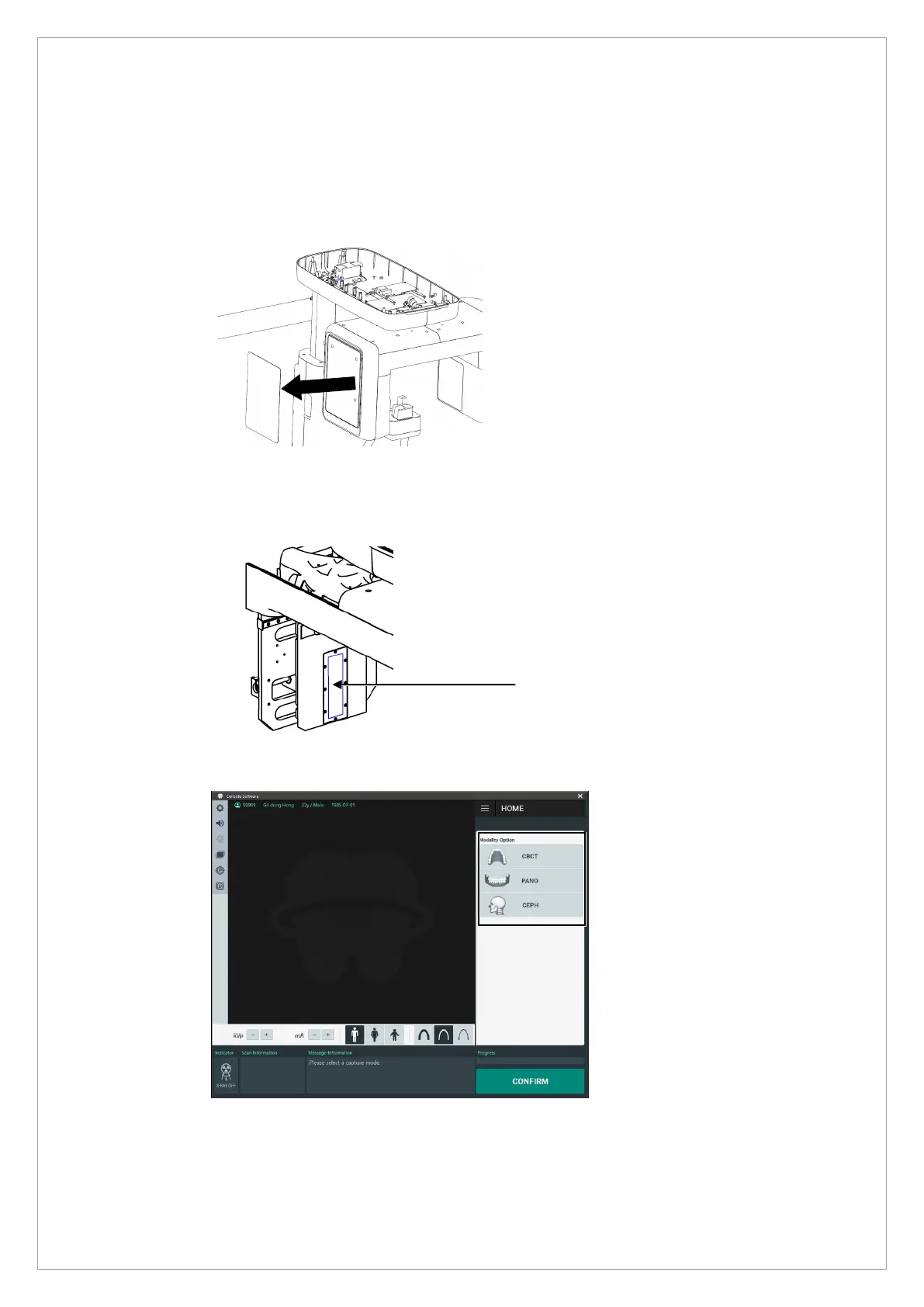
1. Remove the sticker in front of the rotating unit.
2. Follow the instructions in Chapter 1 – 1.2.3. Rotating Unit Part to remove the rotating
unit’s front and back covers.
3. Attach the dosimeter to the sensor’s active areas.
4. Select a modality (CBCT, PANO, and CEPH) and take an X-ray image.
5. Check the results from the dosimeter.



 To Next Page