Page 173 of 244
6.2. CEPH Geometry Calibration
6.2.1. Lateral Mode Start Position Setting
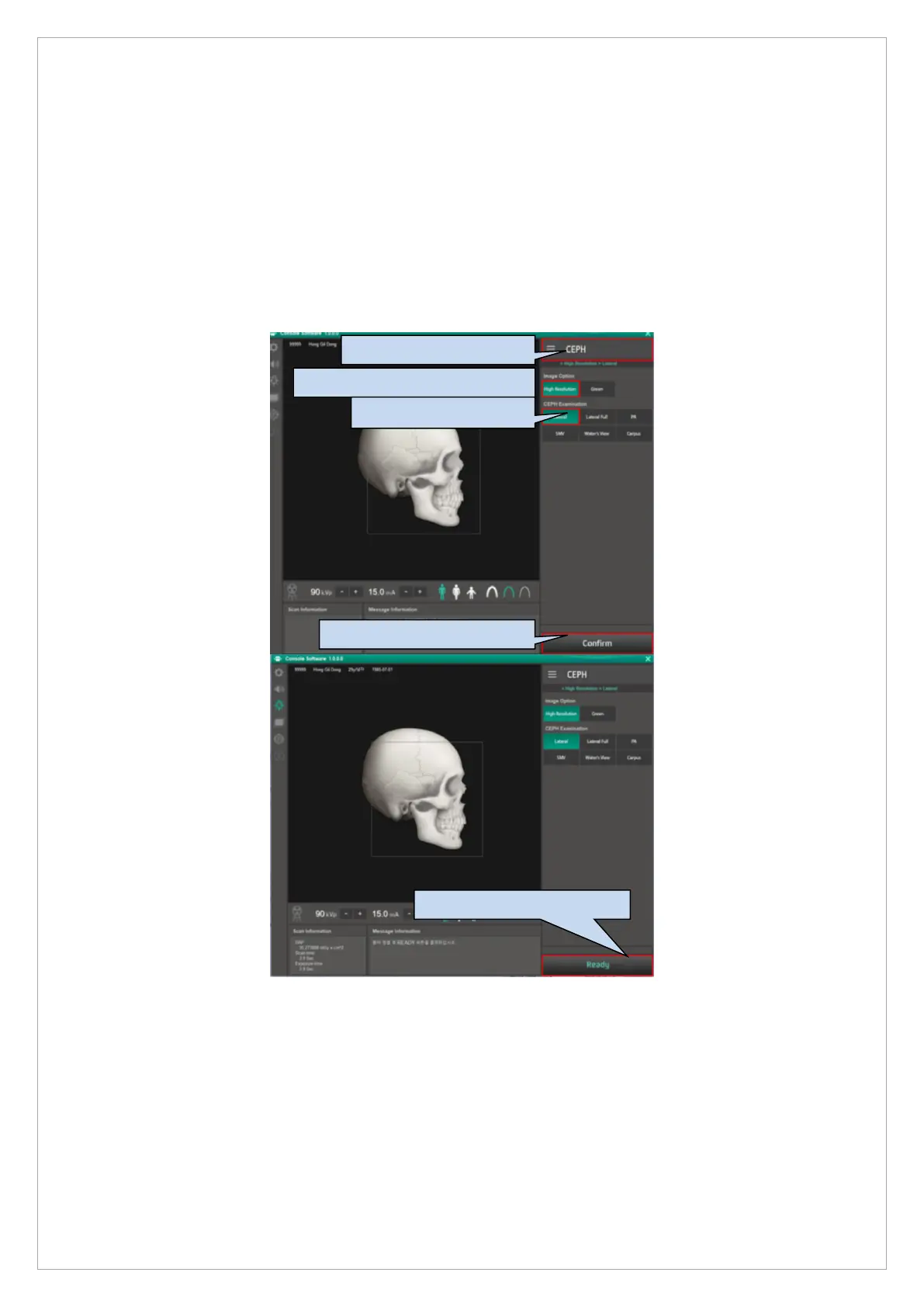
1. Identify the starting position using the CEPH standard phantom.
2. Attach 0.8T of Cu in front of the collimator and set the exposure condition to 80kVp 10mA.
3. Attach CEPH standard phantom to the ear rod, click the console software as shown in the
picture below, and capture the Normal LAT Mode.
5. Choose the Ready button.
2. Choose the High resolution.
4. Choose the Confirm button.



 To Next Page