Page 153 of 244
4.7. Vertical Laser Beam Alignment
1. Run the Console Software.
2. Click the Confirm button and attach the ball phantom with a laser beam jig.
3. Click the laser beam mode to check whether the vertical beam is located at the reference
line of the ball phantom.
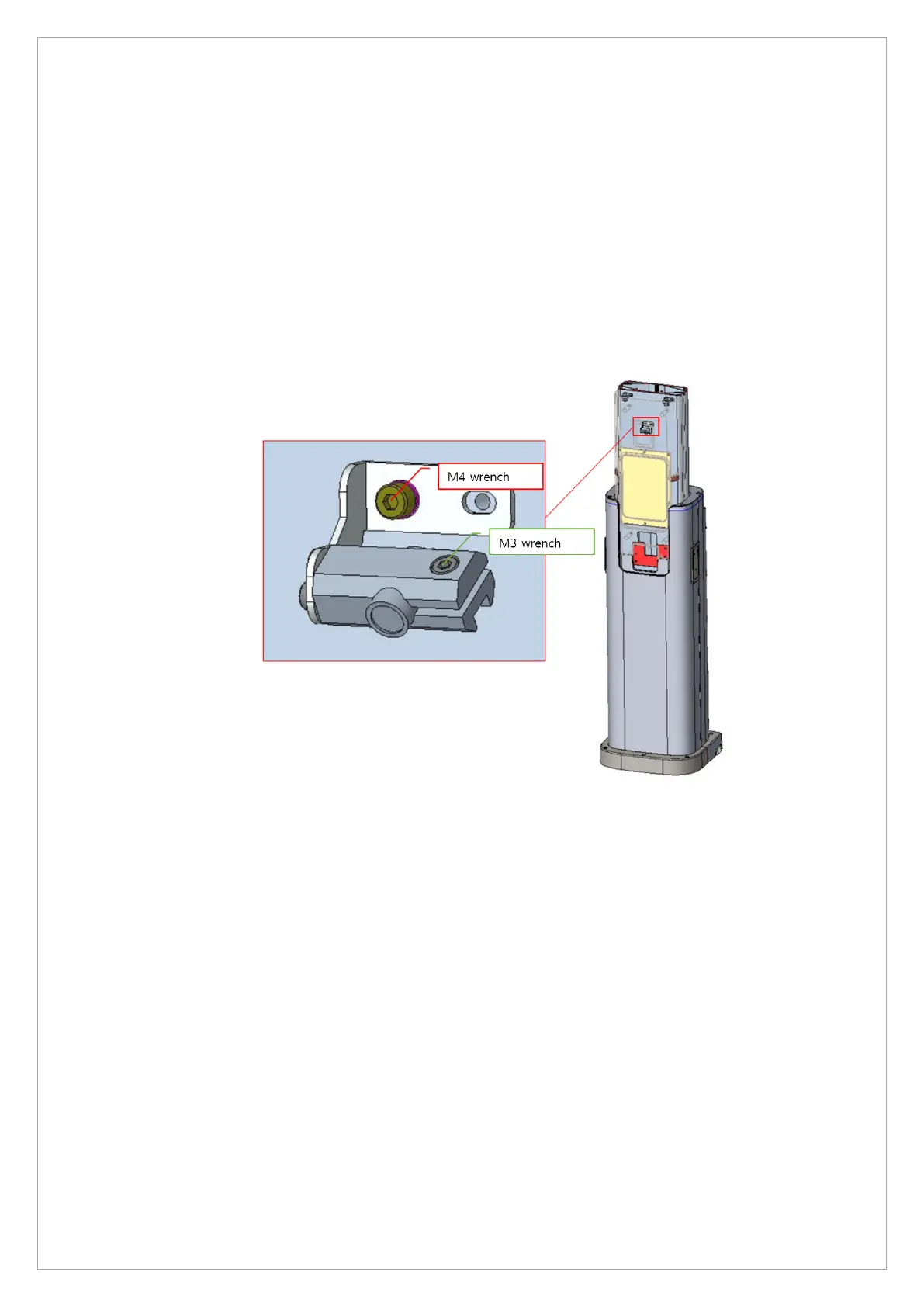
4. If the position is not correct, loosen the assembly point with an M4 wrench and move it
left/right so that it comes to the reference line.
5. If the angle of the vertical laser beam is not correct, loosen it with an M3 wrench as shown in
green in the picture below and adjust the angle.



 To Next Page