Page 201 of 244
8.3. Firmware Upgrade Procedure (Serial Communication)
RS232 cable must be connected between PC and System.
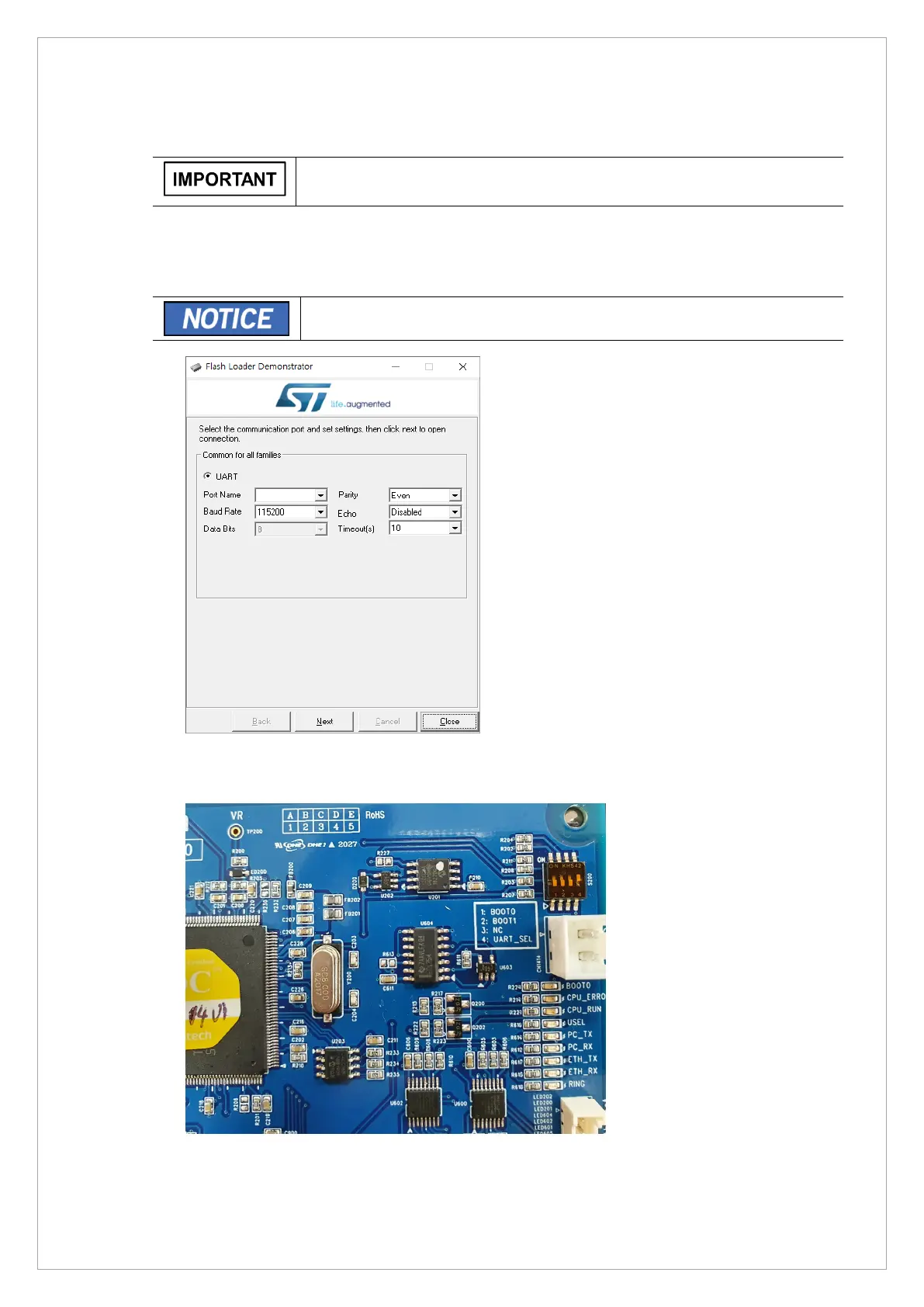
1. Run STMFlashLoader Demo.exe.
C:\Program Files (x86)\STMicroelectronics\Software\Flash Loader Demo
You can find a demonstrator GUI by searching the program by keyword.
2. Attach RS232, depending on the choose connection method, set switch 4 on the board. (S200
switch No. 4 ON RS232)



 To Next Page