Page 192 of 244
Chapter 7. CEPH Image Evaluation
7.1. Lateral Mode Start Position Evaluation
7.1.1. Lateral Mode Starting position standard
Parameter LSL (Lower Specification Limit) USL (Upper Specification Limit)
LAT start position 605 625
7.1.2. Phantom Specifications
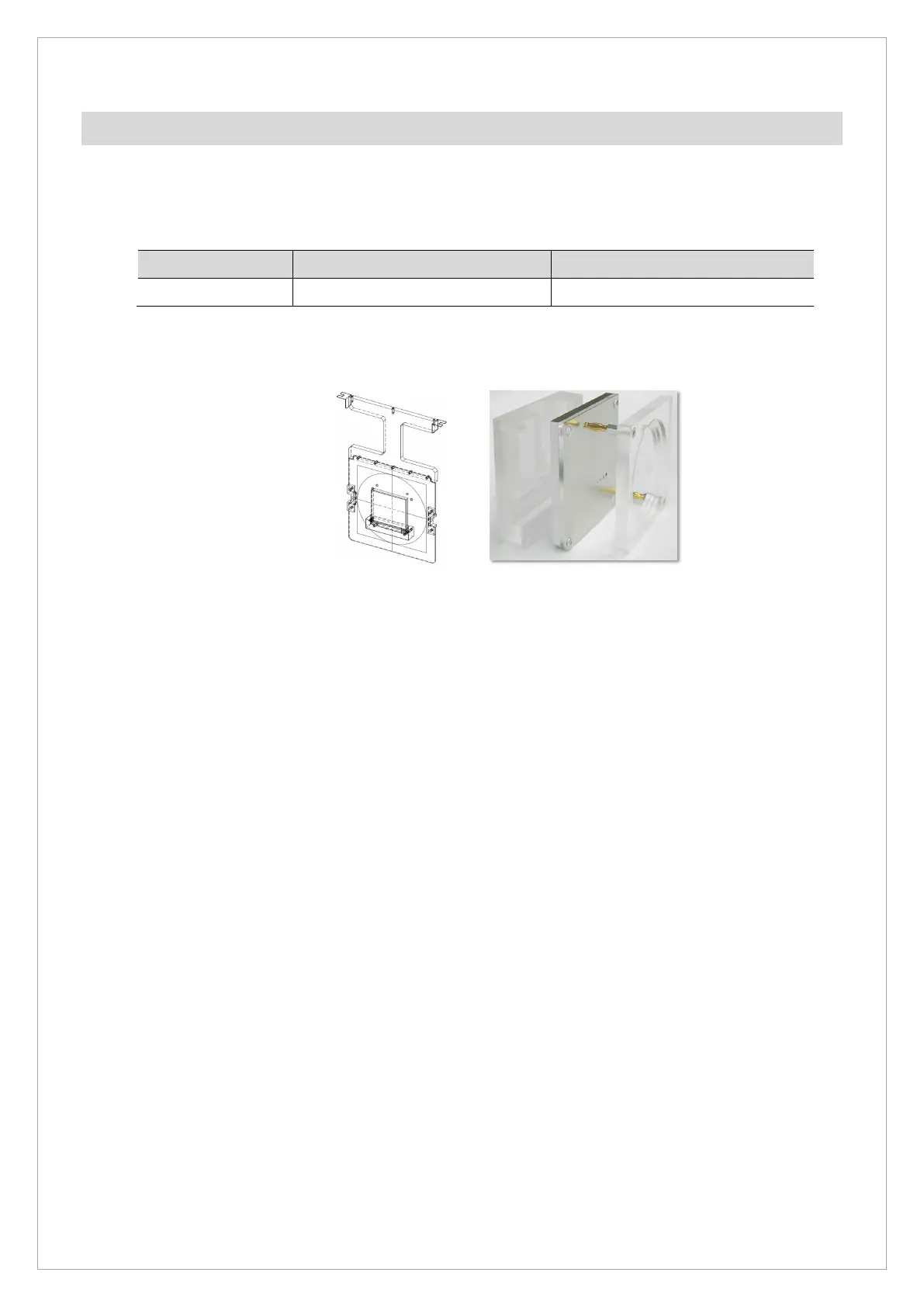
CEPH Phantom QUART Phantom
7.1.3. Test Method
1. Run Console Software and click the CEPH to go into ceph mode.
2. Set the High-Resolution/Lateral Mode/exposure condition 80 kVp, 10 mA, and click the
Confirm button.
3. Place the CEPH Phantom on the ear rod.
4. Attach 0.8 mm Copper Filter on X-Ray Tube.
5. Click the READY button and acquire and save the image according to the Console Software
guidance.
6. Run View16.exe and open the capture.raw file to measure the center position of the
Phantom.



 To Next Page