Page 142 of 244
4.5. PANO Collimator Speed Alignment
4.5.1. PANO Collimator Speed Alignment
Follow the steps below to start the PANO collimator speed alignment:
1. Run the console software.
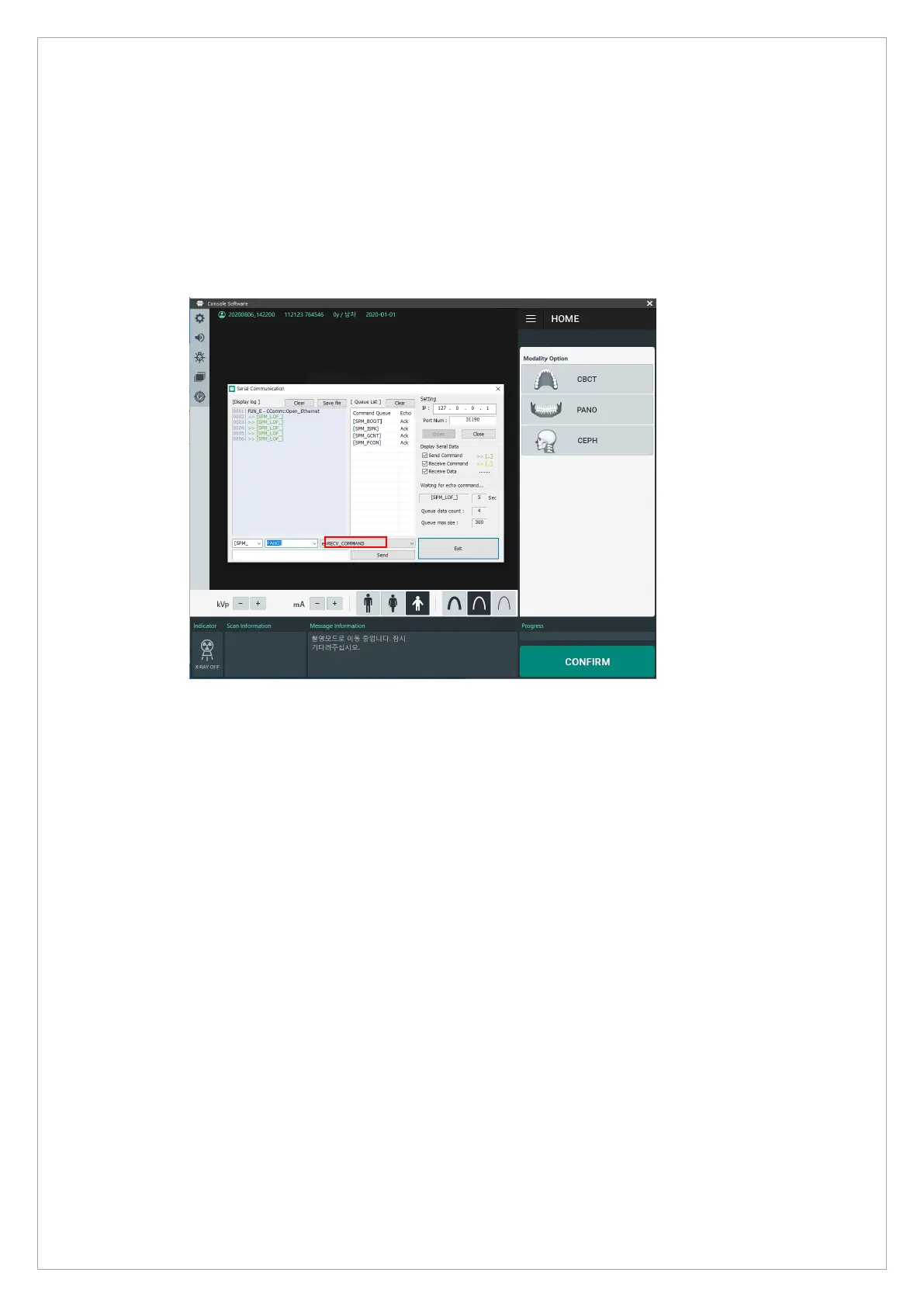
2. Press the shortcut key [Ctrl+s] to open the Serial Communication command window.
3. Send the [PPON_0] command in the red square.
4. Press the Exit button to exit the command window.
5. Acquire the image without an object in Pano Normal Mode.
6. Run C:\VCaptureSW\Utility\EzEval_Phantom\EzEval.exe file.



 To Next Page