Page 73 of 244
2.5. CT Geometry Calibration
2.5.1. Sensor U Offset Setting
If you installaed a new sensor, ensure to balance your sensor before
starting the CT geometry calibration.
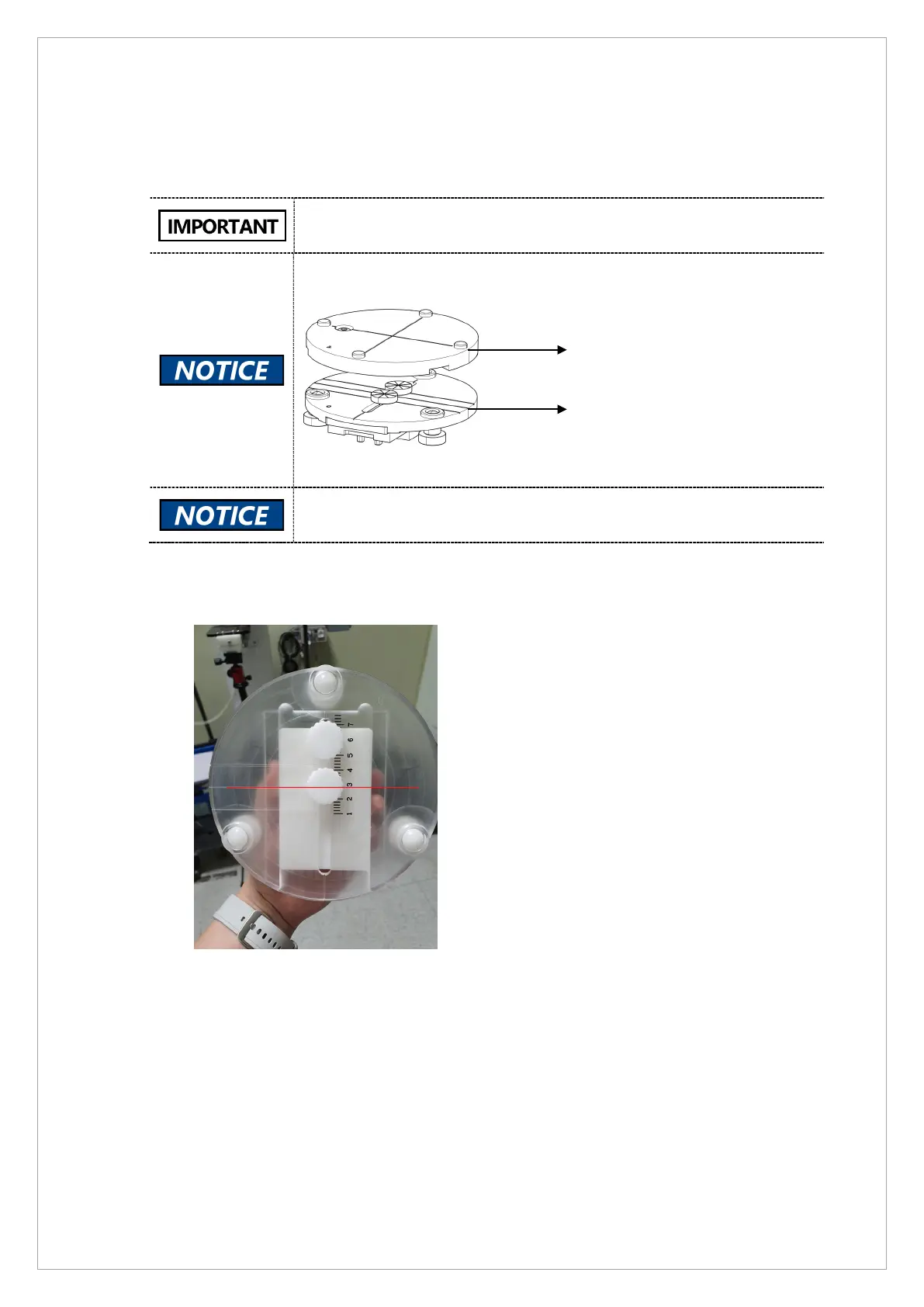
CT phantom jig consists of upper and lower jigs.
The image above is provided as an example. The actual CT phamtom jig
may be different from the illustration.
To perform CT geometry calibration:
1. Set the CT phantom lower jig as illustrated below.
2. Attach the lower jig to the equipment and place the upper jig on it.



 To Next Page