Page 129 of 244
3.9.2. Test Method
1. Complete the collimator setup and acquire the image in the stopped state.
2. Run the C:\VCaptureSW\Util\EzEval_Phantom\EzEval.exe program.
3. Input the threshold 75%, and check the upper and lower.
4. Input the threshold 95%, and check the left and right.
5. Check whether the Collimator Alignment Result is satisfied with the standard.
3.9.3. Test Result
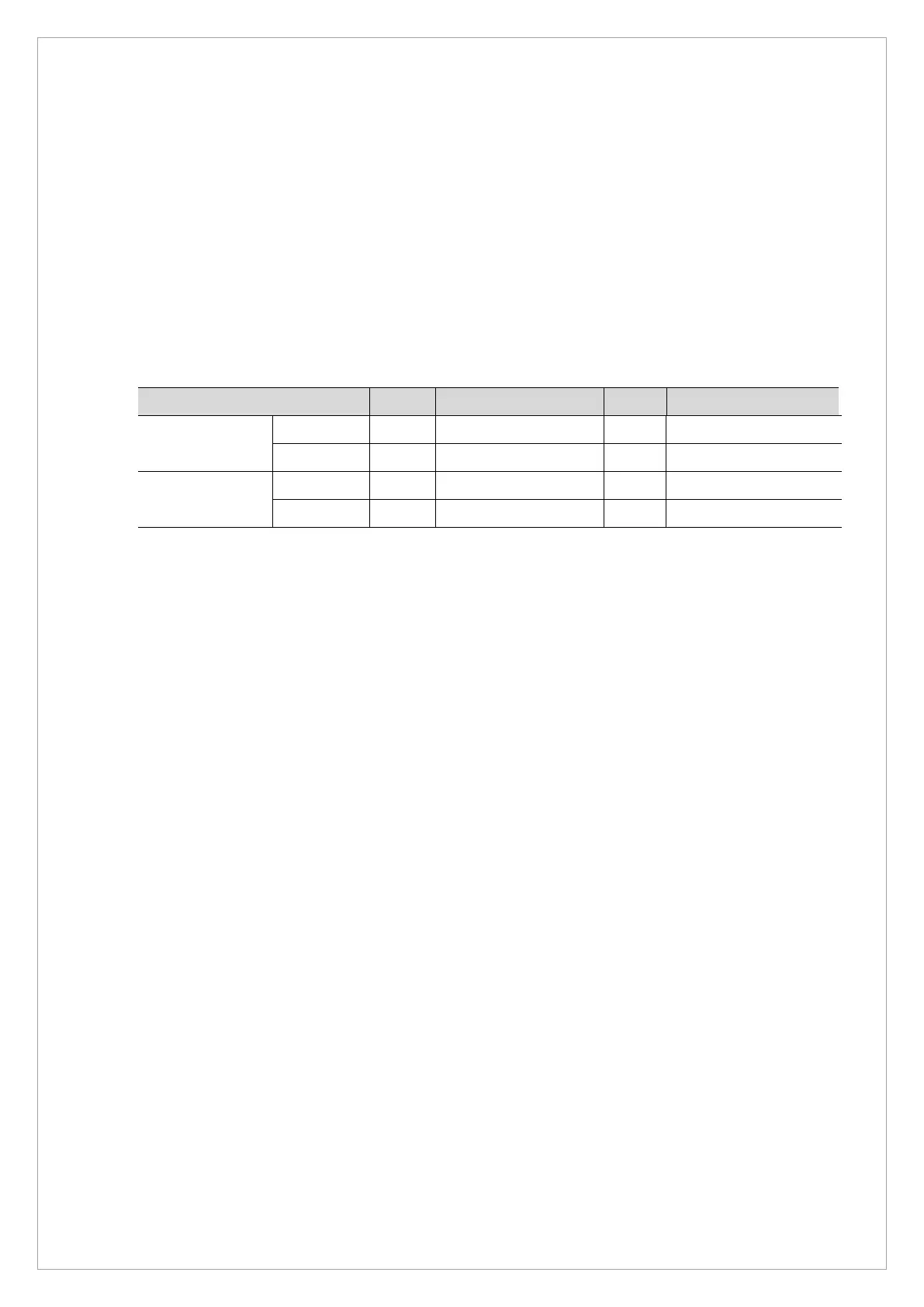
Parameter LSL Measurement value USL Pass/Fail
Threshold 95%
Left 1 2
Right 1 2
Threshold 75%
Upper 1 10
Lower 1 10



 To Next Page