Page 138 of 244
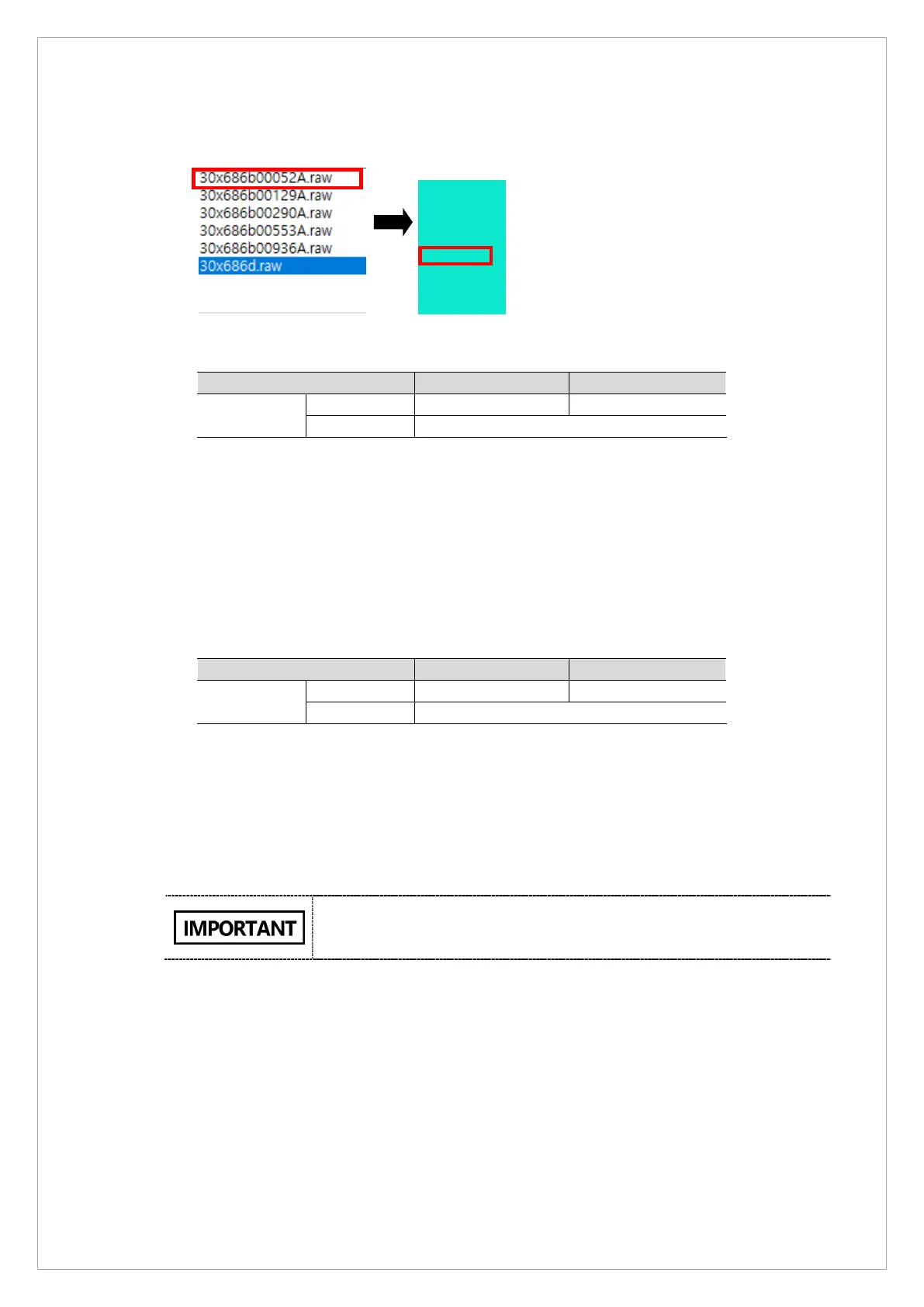
10. Click the Point 1 bright calibration data file from the View 16. Check whether the median
value of the selected file falls into a range of the standards values. (See the table below)
※ Bright standard value: 5 points with Cu 1 mm filter
Median
value
If the selected median value does not meet the standards,
1) Select Settings on the dialob box.
2) Go to [BrightCalibration] and adjust kVp0 value by±10.
3) Click Save.
4) Acquire the bright calibration data again.
11. Click the Point 5 bright calibration data file from the View 16. Check whether the median
value of the selected file falls into a range of the standards values. (See the table below).
Median
value
If the selected median value does not meet the standards,
1) Select Settings on the dialob box..
2) Go to [BrightCalibration] and adjust kVp1 value by±10..
3) Click Save.
4) Acquire the bright calibration data again.
The median values from the Point 1 and 5 data files must satisfy the
standards. The median values from other files, however, can deviate
from the standards becuase of the sensor you use.
max
ave
med
min



 To Next Page