9. Installing Software
Smart Plus (PHT-35LHS) Installation Manual 101
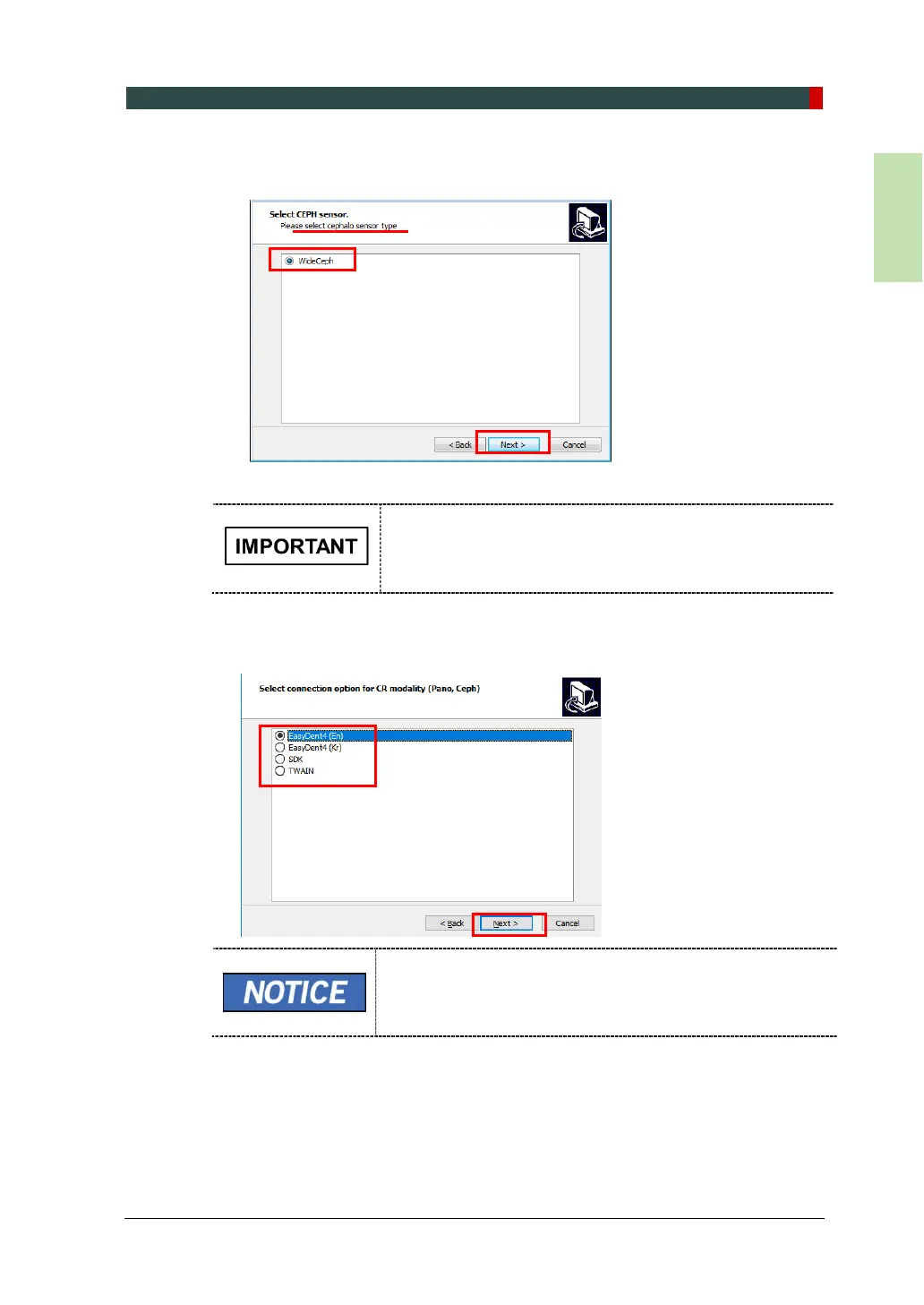
9. (Optional) Confirm that the “WideCEPH” is selected in the CEPH sensor type
selection window and click Next.
10. Select the default port number: COM2.
Select the port number: COM2. The same COM port
number should be used between the equipment and PC.
11. Select the language and click Next.
12. Select the connection for CR modality (Pano, Ceph) and click Next to continue.
When EasyDent is installed, select EasyDent, when EzDent-
i is installed, select SDK.














 To Next Page