Supplementary Service 200
SBX IP 320 Features & Operation Guide
When an SMS message is received from the service center, it is saved in the memory of the SBX
IP 320 first. Later, according to the settings in SMS destination (PGM 300), the message is
delivered to the extensions. If the extension can store a message, the message is moved from the
memory of the SBX IP 320 to the extension so that the message is deleted from the memory of
the SBX IP 320. The following table contains the information on the storage place for each SMS
message.
Operation
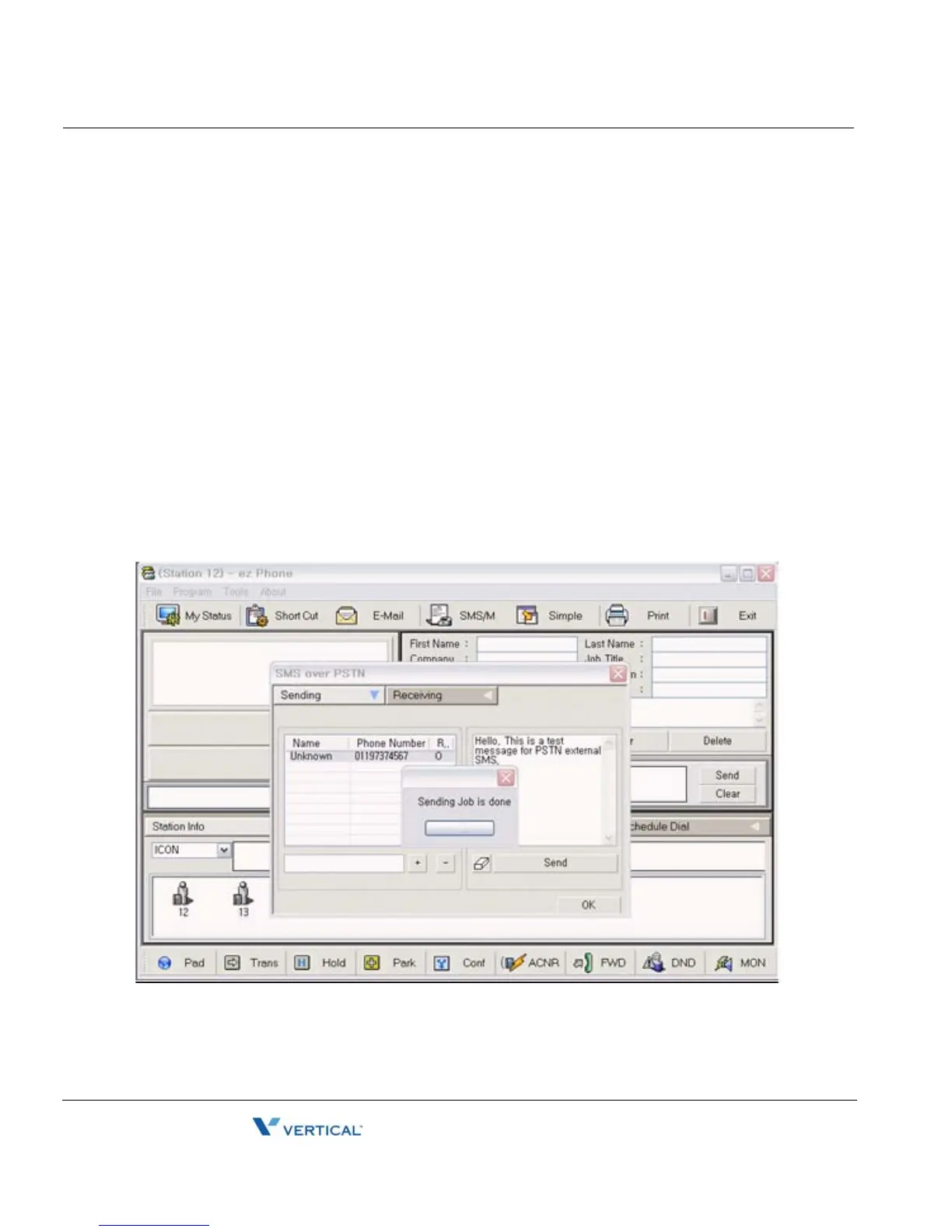
To send an SMS in an application:
1. Enter Called Party Number (Destination Address) in the Phone Number input section of
the application and press the "+" button to insert dialed telephone number into SMS
receiver list above the input section. Multiple Called Party Number can be added. Then
you can send the same message to multiple called parties.
2. Enter your text and press the send button.
Example) SMS Sending in ez Phone





 To Next Page