Software Upgrade 189
SBX IP 320 Features & Operation Guide
• If the ROM files you want to send are invalid, the SBX IP 320 MBU software upgrade
will not be started.
Admin Programming
• Modem Assignment - ASC Device (PGM 170)
Serial (COM port)
The MBU software can be upgraded through RS-232C interface by using the ipLDK upgrade
program in the PC.
Operation
To upgrade the SERIAL (COM port):
1. Connect the RS-232C cable between the SBX IP 320 system and the PC.
2. Run the ipLDK PC Upgrade program.
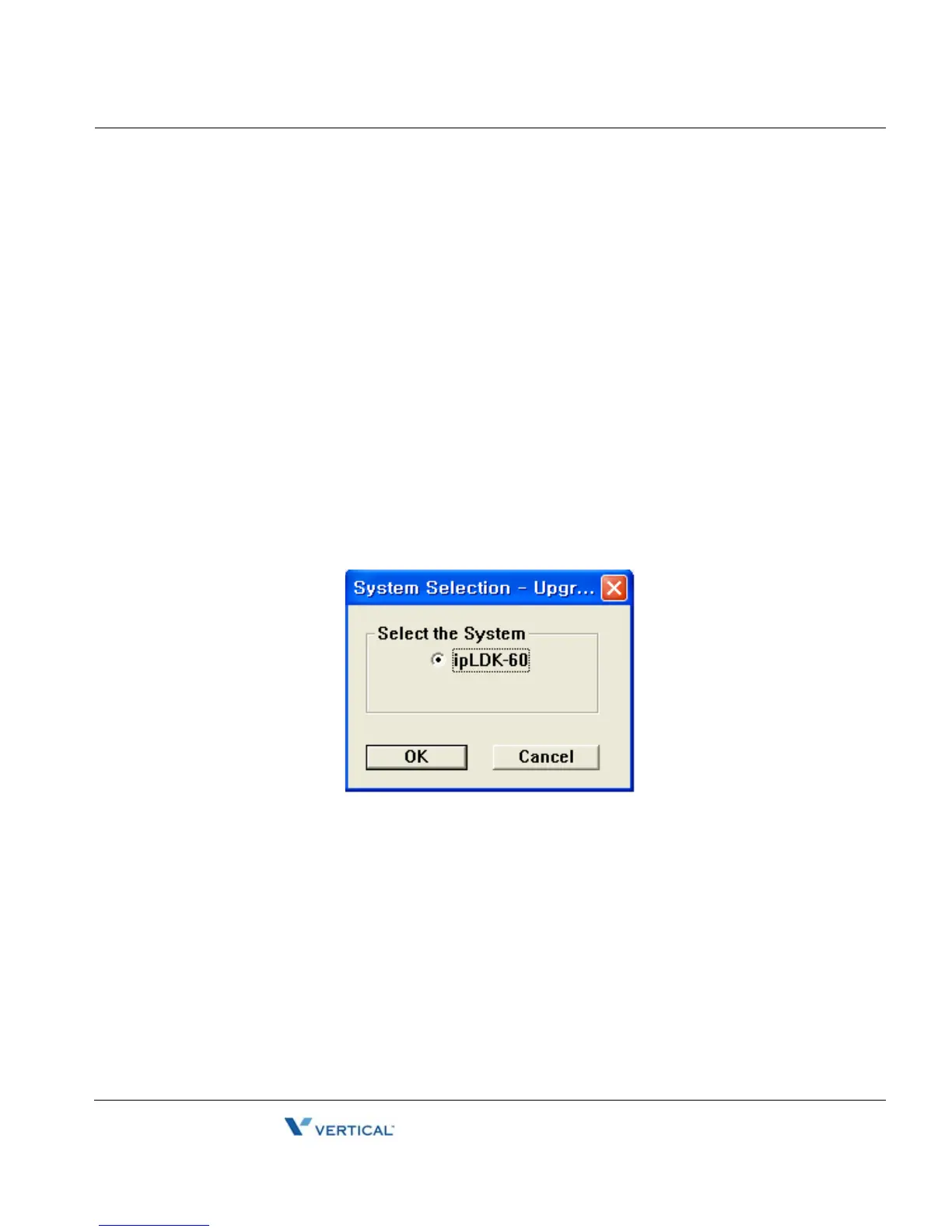
3. Select the ipLDK system to be upgraded.
4. Click on the OK button.





 To Next Page