Call Handling 64
SBX IP 320 Features & Operation Guide
Station Name
Each station may be assigned a name of up to 7 characters, and a System and Station speed dial
number of up to 12 characters.
The System will allow Station Users to dial Station numbers by entering a name that has been
programmed for the Station (via intercom). When the names are programmed in the digital
display keyset, the user may select a Station or Speed dial number by the name.
Operation
To register a Station Name:
1. Press the [TRANS/PGM] button.
2. Type 74.
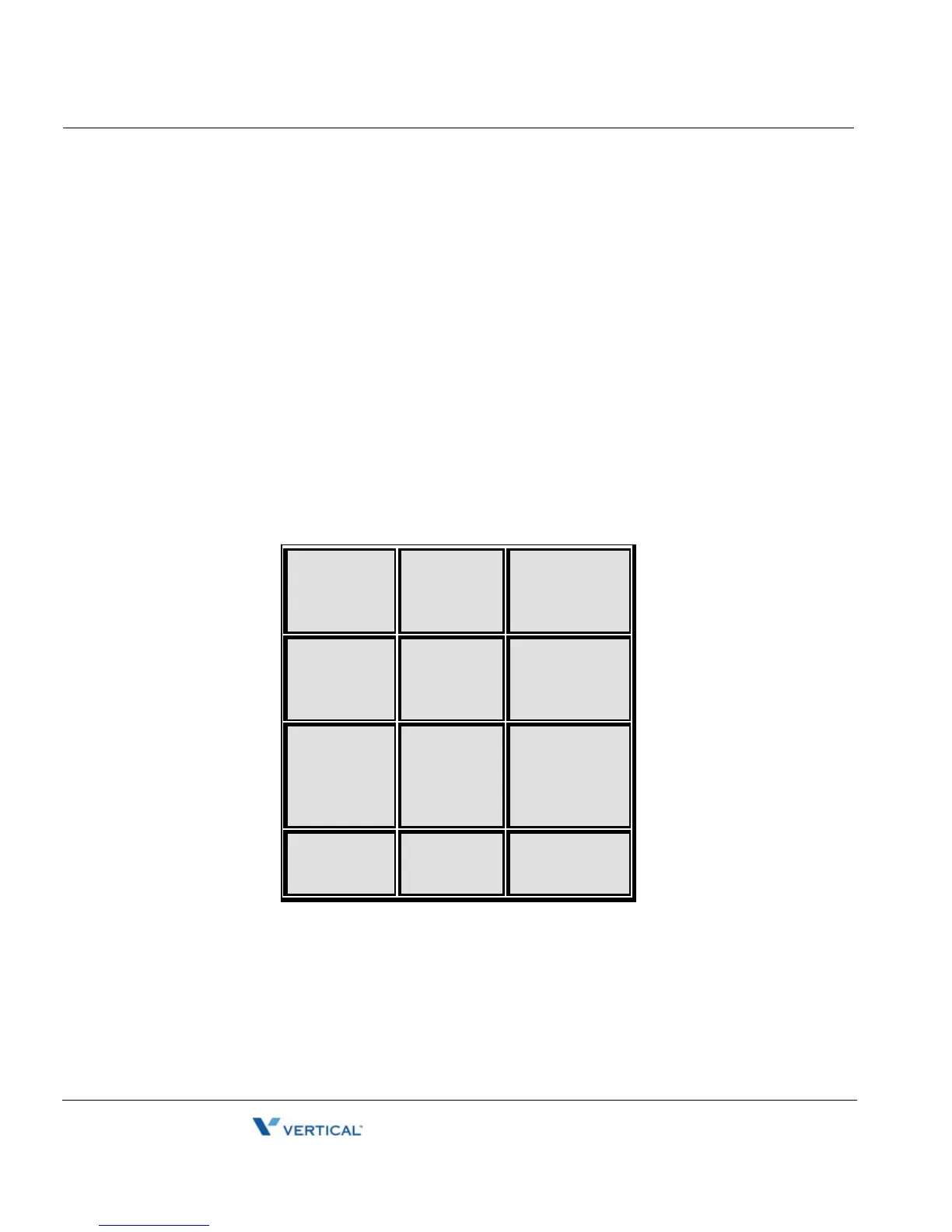
3. Type the Name (up to 12 characters).
4. Press [HOLD/SAVE] to accept changes.
. – 13
Q – 11
Z – 12
1 – 10
A – 21
B – 22
C – 23
2 – 20
D – 31
E – 32
F – 33
3 – 30
G – 41
H – 42
I – 43
4 – 40
J – 51
K – 52
L – 53
5 – 50
M – 61
N – 62
O – 63
6 – 60
P – 71
Q – 72
R – 73
S – 74
7 – 70
T – 81
U – 82
V – 83
8 – 80
W– 91
X – 92
Y – 93
Z – 94
9 – 90
Blank – ½1
: – ½2
, – ½3
0 – 00





 To Next Page