Messaging Test
Tests the set up for e-mail and SMS messages. If the test fails, incorrect settings should be changed to ensure that proper
notifications are sent if an event should occur.
1. Touch , then > BMS & Teamwork > IS-Unity
Setup > Configuration > Messaging > Messaging Test.
2. Enter the settings, select the type of test in Send Test Message, and touch Save.
8.2.11 BACnet Protocol Setup
1. Touch , then > BMS & Teamwork > IS-Unity
Setup > Protocols > BACnet.
2. Adjust the settings, and touch Save.
3. Configure the BACnet interface chosen.
See Configuring BACnet IP Protocol on the next page , or Configuring BACnet MSTP Protocol on page143 .
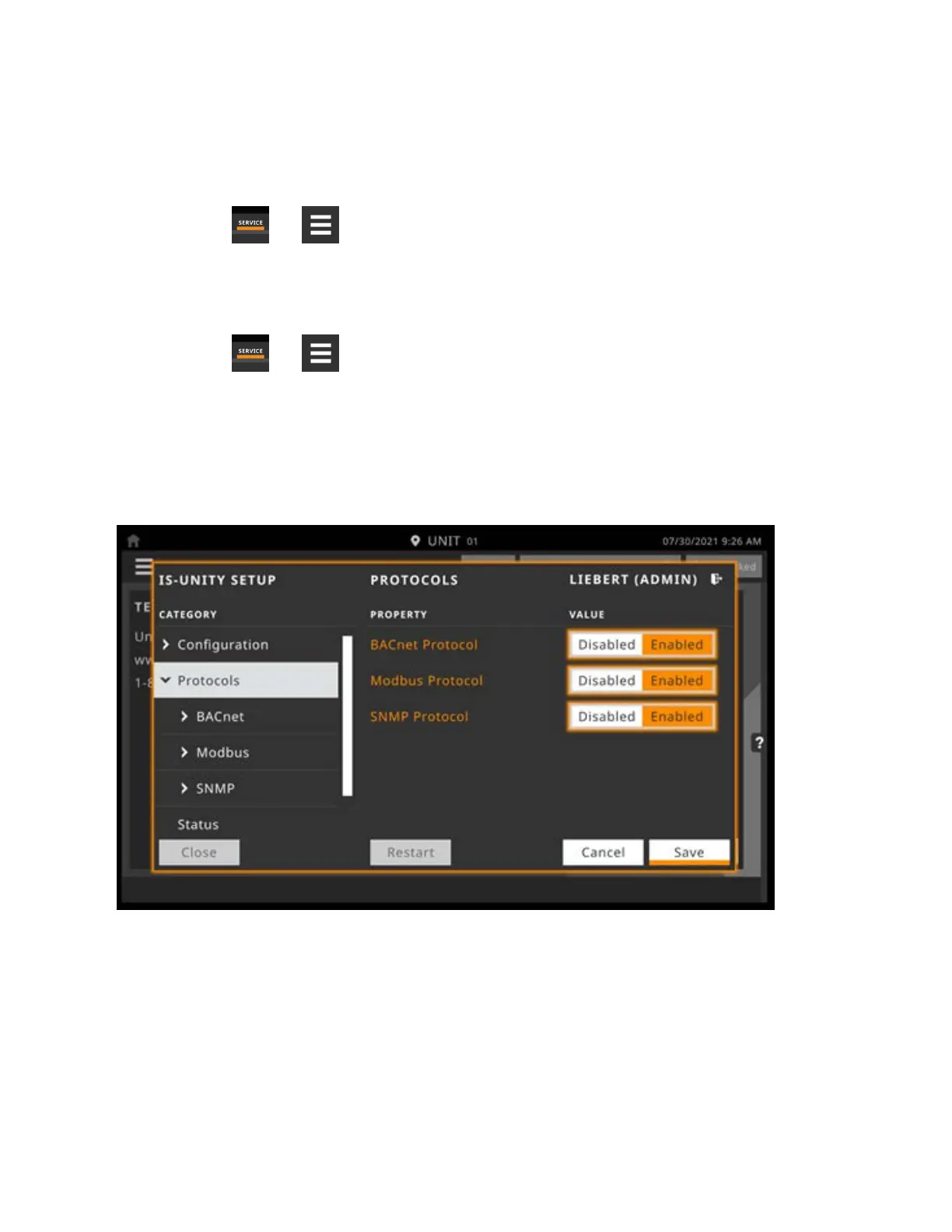
The BACnet protocol does need to be enabled. See Figure 8.3 below .
Figure 8.3 IS-Unity Setup, Protocol Enable/Disable
BACnet Settings
Managed Device Write Access
Enable or disable the BACnet server to write to the managed device.
BACnet Interface
BACnet server interface: BACnet IP or BACnet MSTP.
8 External Monitoring andBuilding ManagementSystems
141
Vertiv™ Liebert® iCOM™Installer/User Guide










 To Next Page