2.7 Viewing Teamwork, Standby, andCascade Status
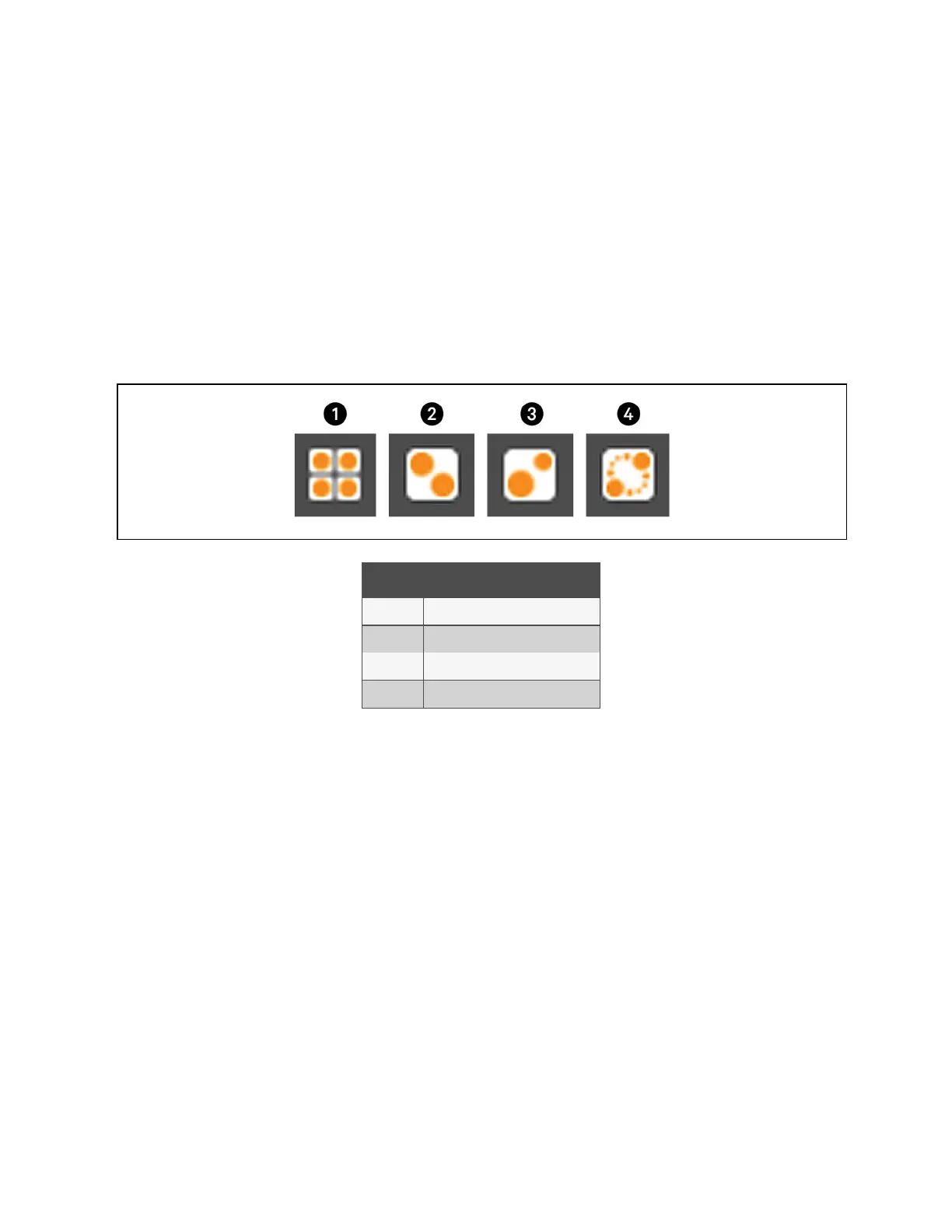
In the main User panel, the Teamwork Mode icon indicates the mode selected, Figure 2.2 below .
2.7.1 To View the Teamwork Details
Touch the Teamwork mode icon.
The teamwork dialog opens displaying the teamwork mode, number of units in standby, and number of operating units.
NOTE: You must be logged in with the Service PIN to edit teamwork mode. See Powering On the Vertiv™ Liebert®
iCOM™ and Logging In/Unlocking Controls on page6 .
Figure 2.2 Teamwork Icons
Item Description
1 No teamwork.
2 Mode 1 - Parallel teamwork
3 Mode 2 - Independent teamwork
4 Mode 3 - Optimized aisle teamwork
2 User Operation
22
Vertiv™ Liebert® iCOM™Installer/User Guide










 To Next Page