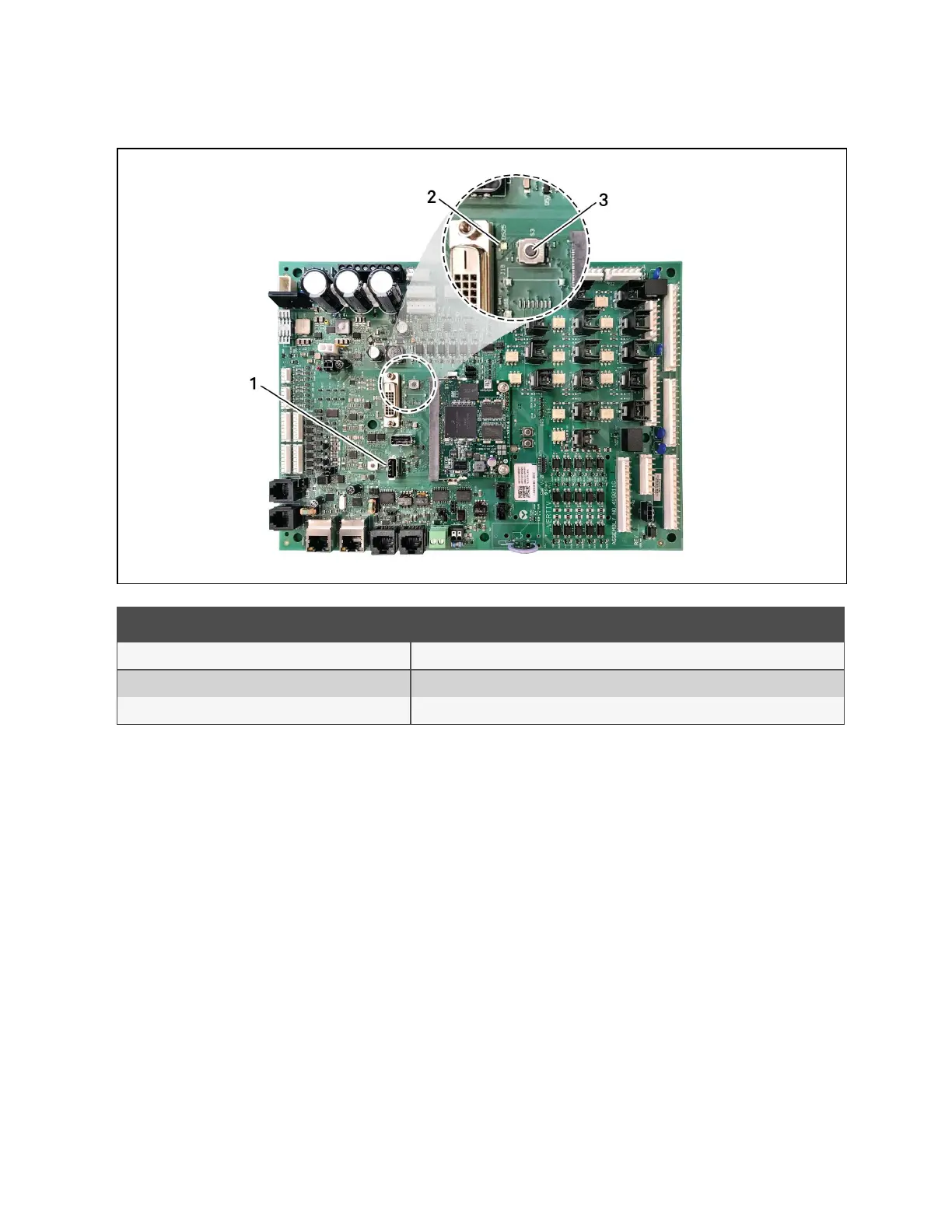
Figure 10.1 P76, S3 and DS25 LED on the Board
Item Description
1 P76 port
2 DS25 LED
3 S3 button
Control Board Firmware Upgrade Options
Lock for Upgrade
When selected, the unit is locked for a firmware upgrade.
Reset to Default Configuration
When selected, the unit is reset to the factory-default configuration during the upgrade
Retain Network Configuration
When selected, the current network settings and options are retained while all other settings are reset to the factory
default configuration.
10 Administering Firmware, Settings and Security
162
Vertiv™ Liebert® iCOM™Installer/User Guide










 To Next Page