17
MENUS AND NAVIGATION
LabeL Description
Rec Starts the recording. While recording, the label appears with a red back-
ground and a red circle icon appears on the information bar. The timecode,
absolute time, and le name also appear red.
Using Soft Key Menus
Commonly used settings are accessed via Soft Key menus. These menus differ
from the Main menu because they do not take up the entire screen. Instead,
they are superimposed over the lower portion of the screen, allowing any live
video to remain visible. Also, unlike the Main menu, the Soft Key menus may be
accessed during playback or while recording.
To access any Soft Key menu:
X Press and hold the button for 1 second. The button’s menu, if available, will
appear.
Specic buttons that feature Soft Key menus include:
button Description
MENU Called the Monitor menu, it displays settings for headphones and the
LCD, such as brightness, contrast, and so forth.
False The False menu displays options for setting the false color mode.
Zebra The Zebra menu displays settings and related options for zebras 1 and 2.
WFM The WFM menu displays settings and related options for the waveform
monitor.
Vector The Vector menu displays settings and related options for the vector-
scope.
Hist The Hist menu displays settings and related options for the histogram.
LUT The LUT menu displays four options to choose from; these options will
vary based on Main menu settings congured via MENU > LUTs.
Zoom The Zoom menu displays options for enabling or disabling the TapZoom
feature via the touch screen and zoom functionality via the Control knob.
Peak The Peak menu displays settings and related options for peaking.
Marker The Marker menu displays settings and related options for setting up
guide markers.
i Accessing a soft key menu for a monitor function will enable that monitor function
if it is not already enabled. There is no such menu for the 4-Way soft key button.
Also, there are no Soft Key menus available when soft key buttons are set to the
record functionality.
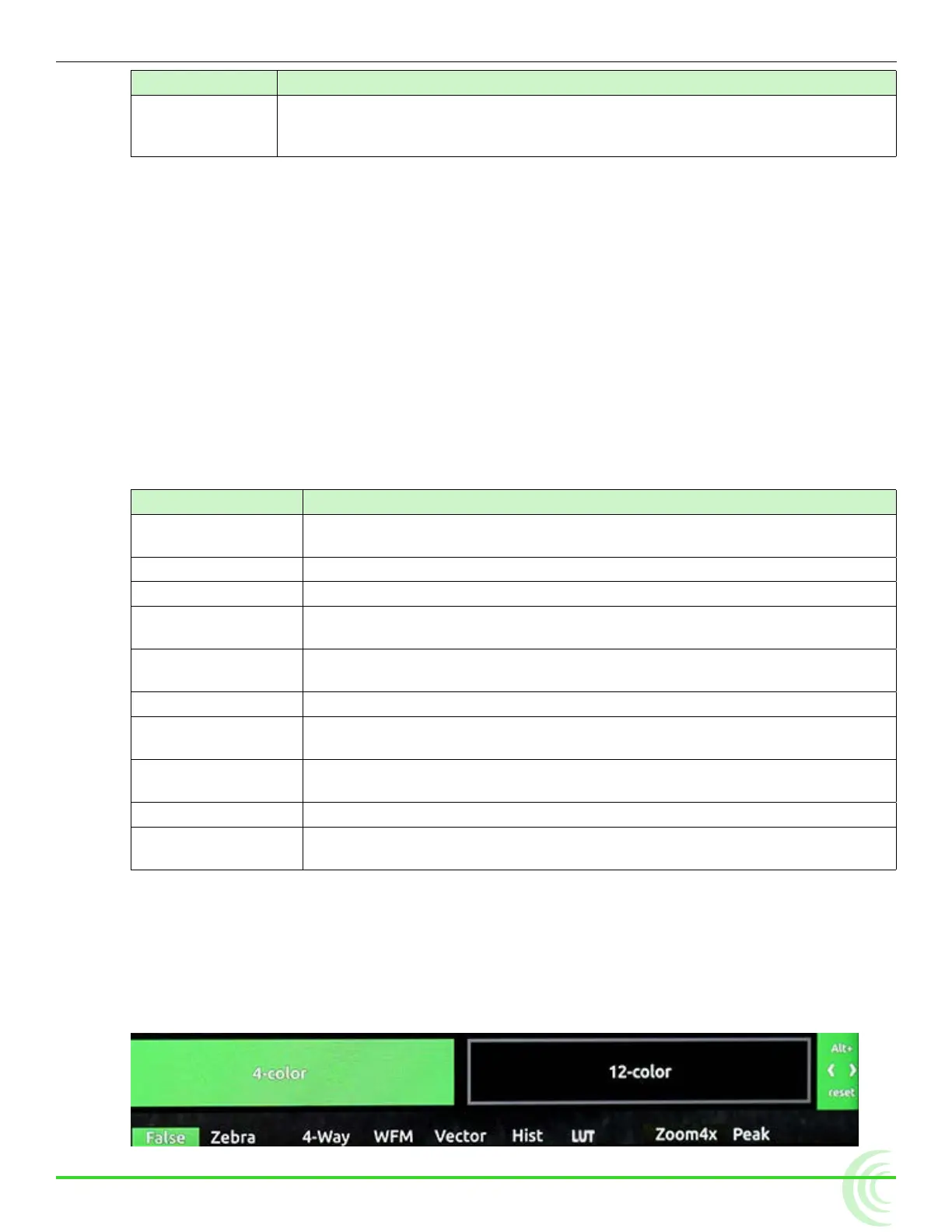
The layout of these menus varies. The simplest menu will consist of a single row
of options. The active option is highlighted in green.



 To Next Page