User Guide
44
Formatting Storage Drives
Before using SD and SpeedDrive media, they must be formatted with the
monitor.
i PIX-E monitors over-provision drive space by 10%.
To erase/re-format a drive:
1. Connect the drive to be formatted.
2. Press the MENU button to view the Main menu.
3. Turn and press the Control knob to select Recorder & Drives > Erase/Re-
format Drive.
4. Turn and press the Control knob to select the sub-option associated with
the drive for formatting. Sub-options include: SpeedDrive, SD Card, or Both
drives.
5. A cautionary conrmation dialog will appear on screen asking if you want to
continue. Select Yes to continue. An on-screen keyboard appears.
6. Either accept the default volume name (PIX-E) or use the keyboard to enter
a new volume name.
7. Select OK to continue.
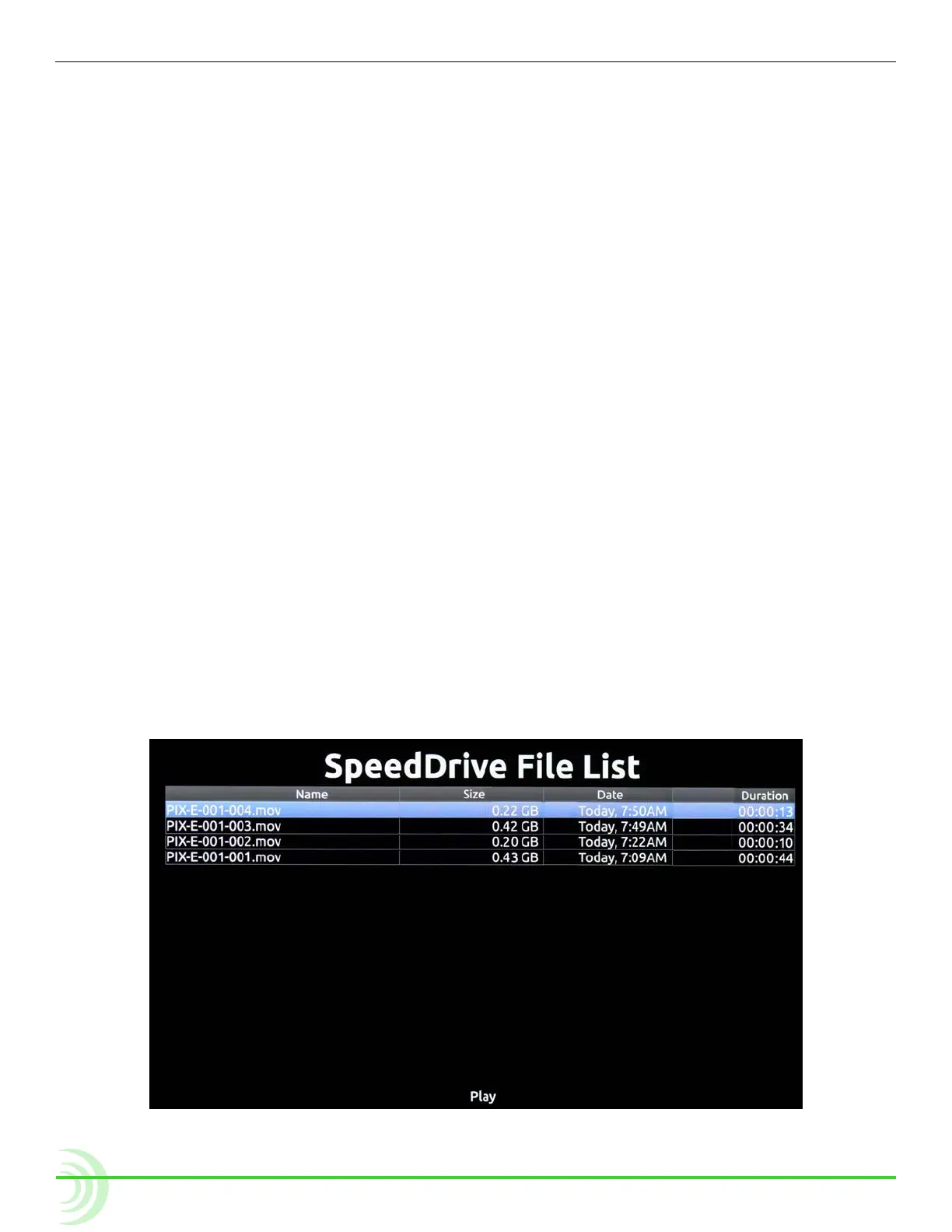
Working with Files
Files recorded on the monitor are compiled in the SpeedDrive File List, as a list
of clips arranged chronologically. The total size (in GB), created date / time, and
duration of each le is provided in the list.



 To Next Page