31
PIX-ASSIST MONITORING SUITE
Using the Vectorscope
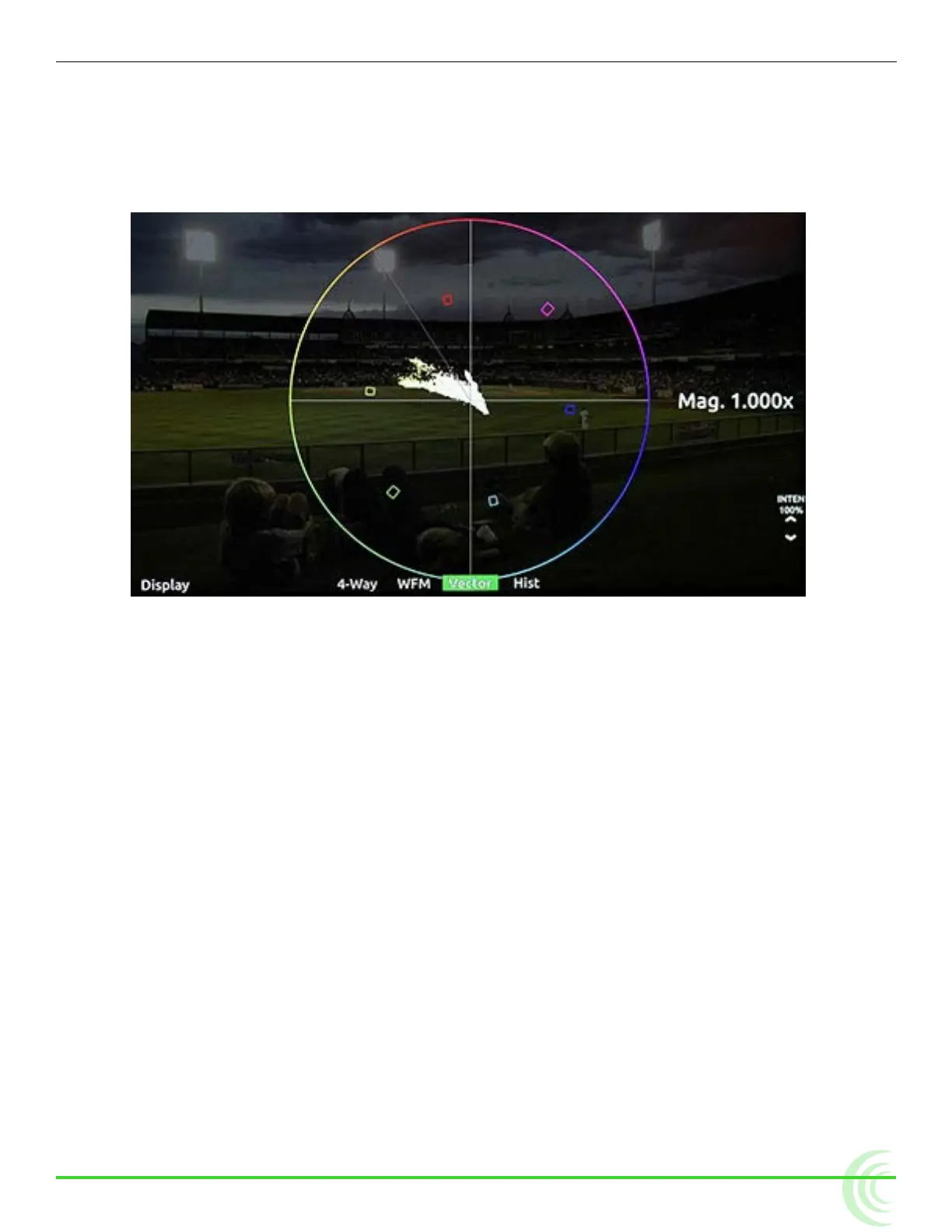
The vectorscope is a circular graphical tool for monitoring color (chrominance)
information. It can be used for helping eliminate unwanted color casts (offsets),
checking white and black balance, ensuring color saturation falls within a legal
broadcast color gamut, and for making creative choices about overall look.
Color saturation is determined by the distance from the center of scope - the
more saturated (vivid) a color, the further its trace reach is from the center. A
greyscale image should appear as a dot in the center of the scope.
Color hue is determined by the direction or angle of the trace. Small boxes rep-
resent target values for fully saturated REC 709 primary and secondary color
bars (red, green, blue, yellow, magenta, cyan). The line between the red and
yellow target boxes that runs from center to outer circumference indicates skin
tone.
i Tip: To quickly check for color offset, view the vectorscope whilst performing a
white and/or black balance. The trace should appear as a fuzzy dot (for white) or
smaller dot (for black) in the center of the scope.
To view/hide the vectorscope:
X Press the Vector soft key button.
To adjust percentage of intensity (trace brightness) of the vectorscope:
X Rotate the Control knob while viewing the vectorscope. The level is dis-
played on screen next to the Control knob.
To adjust vectorscope settings:
1. Press and hold the Vector soft key button. The Vectorscope menu appears.



 To Next Page