User Guide
28
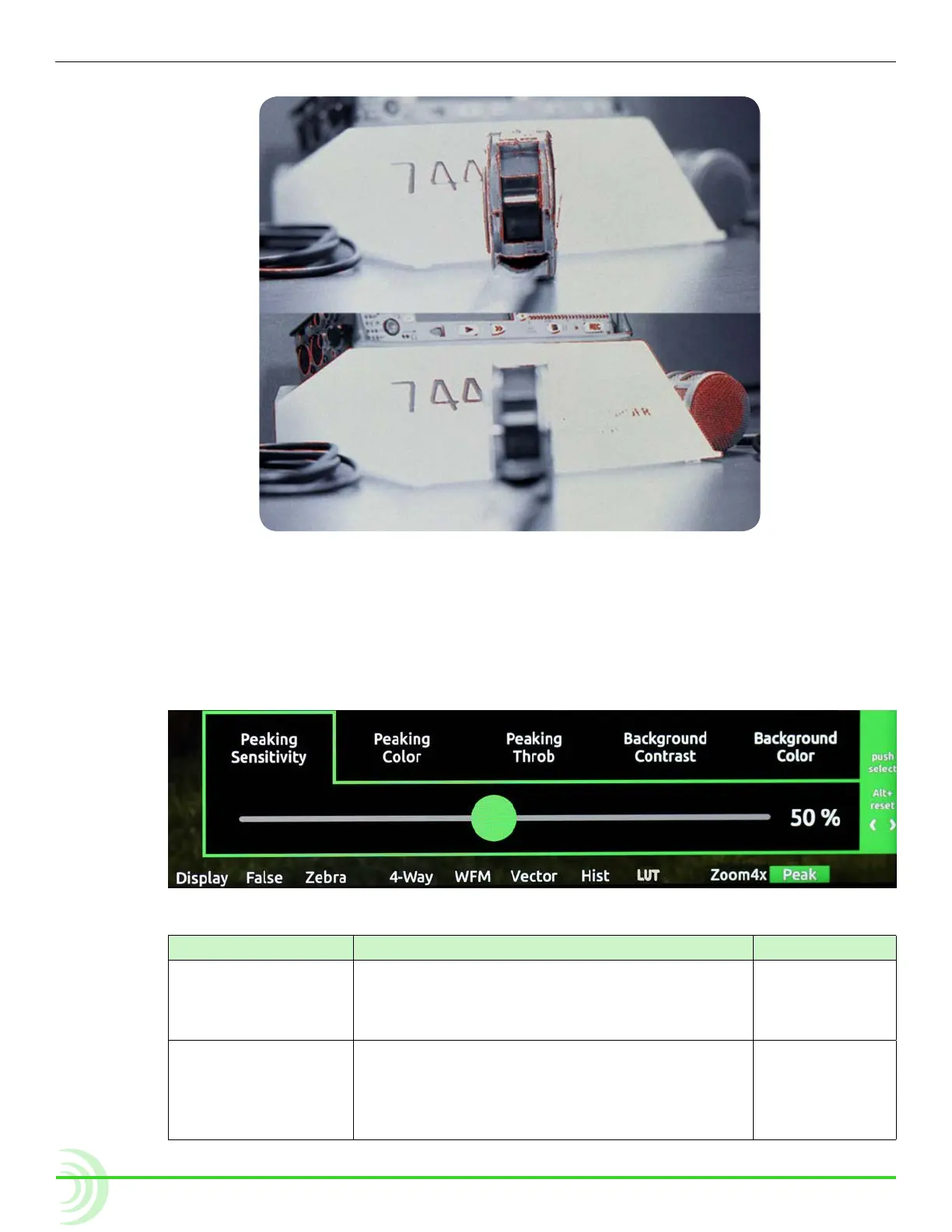
(top) and the same image with a longer focal length (bottom).
To turn on peaking:
X Press the Peak soft key button.
To adjust various settings related to peaking:
1. Press and hold the Peak soft key button. The Peak menu appears.
2. Use the touch screen or Control knob to change settings.
setting Description options
Peaking Sensitivity Use to dene the sensitivity level for peaking.
The lower the value, the less sensitive the peak-
ing lter will be to non-sharp edges. The default
is 50%
• 5% - 100%
Peaking Color Choose the color to be used to highlight the
sharp edges in a video image. To help the edges
stand out, use a color that is not dominant in the
image. The default color is Red.
• Red
• Green
• Blue
• White
• Yellow



 To Next Page