3-6 Starting the Printer Rev AA
Videojet DataFlex 6420 Operator Manual
5 Select 0 or 180 degrees depending on your requirement and touch ok.
The screen orientation changes.
6 Touch the Home button to return to the home page.
Starting the Printer
When the printer is switched on, the printer state changes from
SHUTDOWN to STARTING UP and then to OFFLINE state. Under this
condition, all the external electrical inputs are ignored and the print sensor
signals will not trigger a print. This enables you to check if the line and the
printer are ready for production, before you switch the printer into the
RUNNING state to start printing.
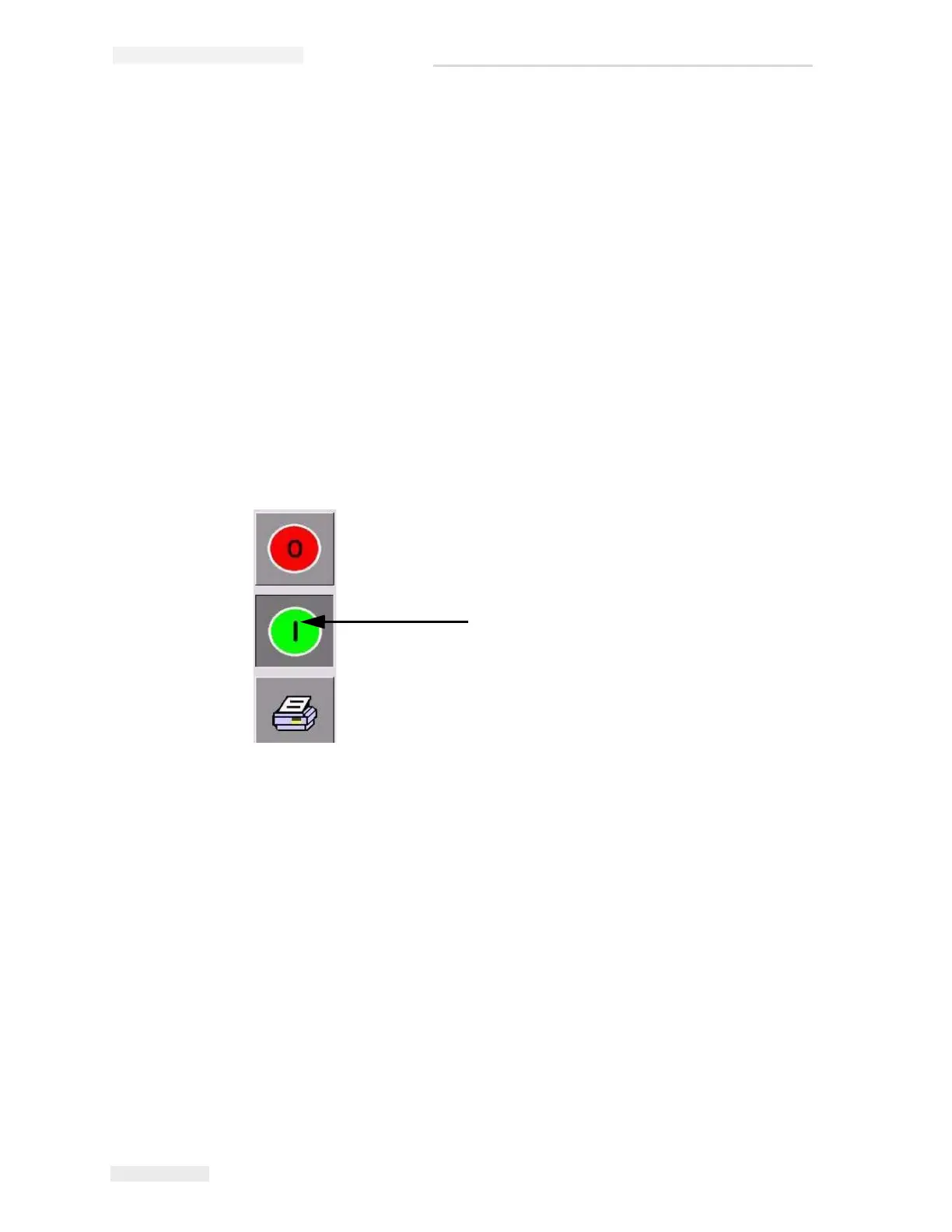
To switch the printer to the RUNNING state, touch the Start button
(Figure 3-6).
Start Button
Figure 3-6: Start Button



 To Next Page