4-24 Deleting a Job from the Jobs Database Rev AA
Videojet DataFlex 6420 Operator Manual
Setting Interleaved Printing
This feature allows you to select a lower ‘draft’ quality print mode which
halves the ribbon consumption of the machine.
To set to interleaved printing mode, proceed as follows:
1 Touch the Tools button on the home page.
2 Touch the Setup button on the tools page.
3 Touch the Printhead button to open the printhead setup page.
4 Touch Interleaved Images and select yes to switch this feature on, no
to turn it off.
5 Touch the Home button to return to the home page.
Deleting a Job from the Jobs Database
To remove jobs that are no longer required, proceed as follows:
1 Touch the Tools button on the home page.
2 Touch the Database button on the tools page to open the database
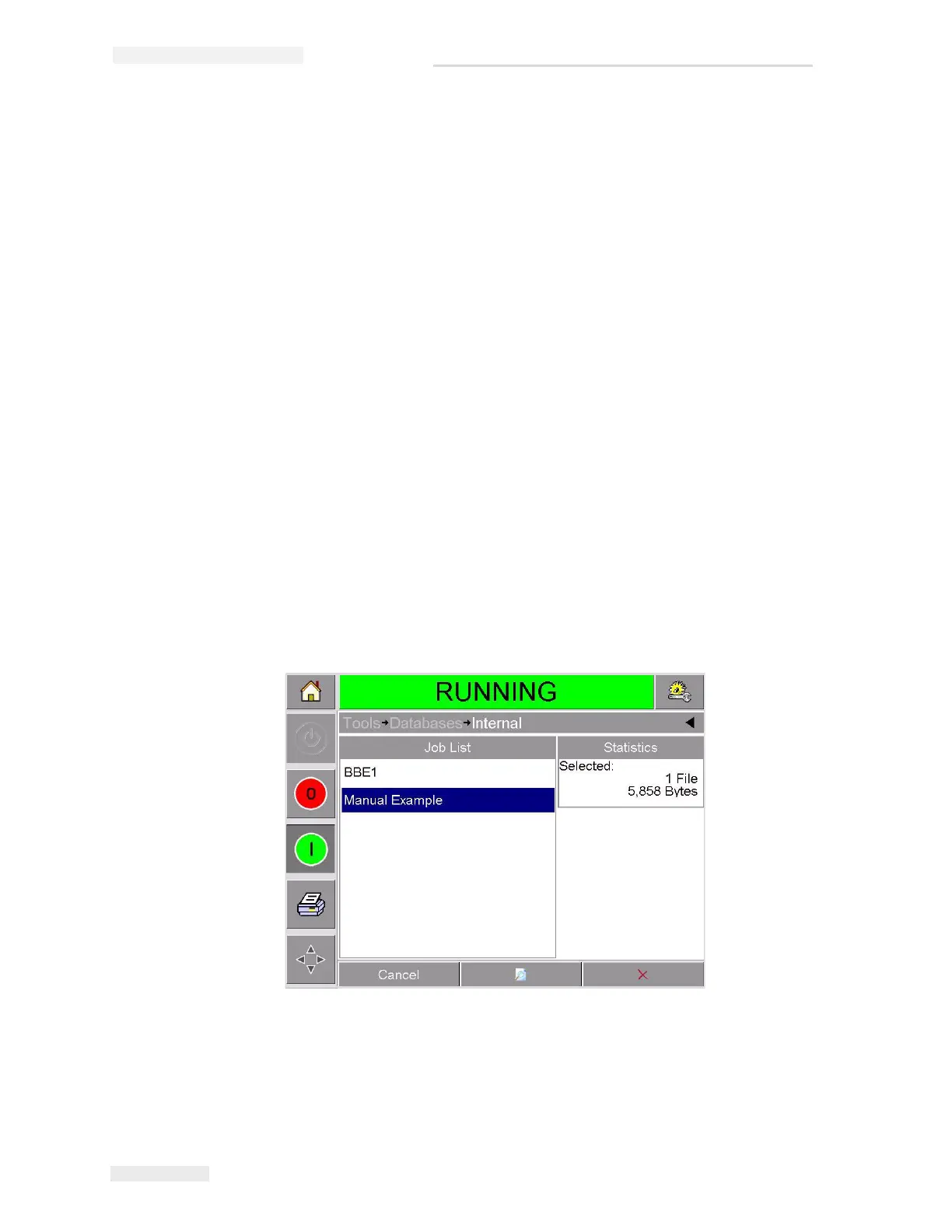
page. This page contains a list of all the available print jobs along with
details of the space available for the storage of new jobs (Figure 4-18).
3 Touch the name of the job that you want to remove from the list of
jobs. The Delete and the Preview buttons will be activated.
4 Touch the Preview button to see the job image. Ensure that the job is
the one that you want to delete.
Figure 4-18: Database Data Window



 To Next Page