4-4 Selecting a New Job Rev AA
Videojet DataFlex 6420 Operator Manual
Selecting a New Job
If you want to print a job that is not displayed as the current job, you can
select a different one.
To select a different job, proceed as follows:
1
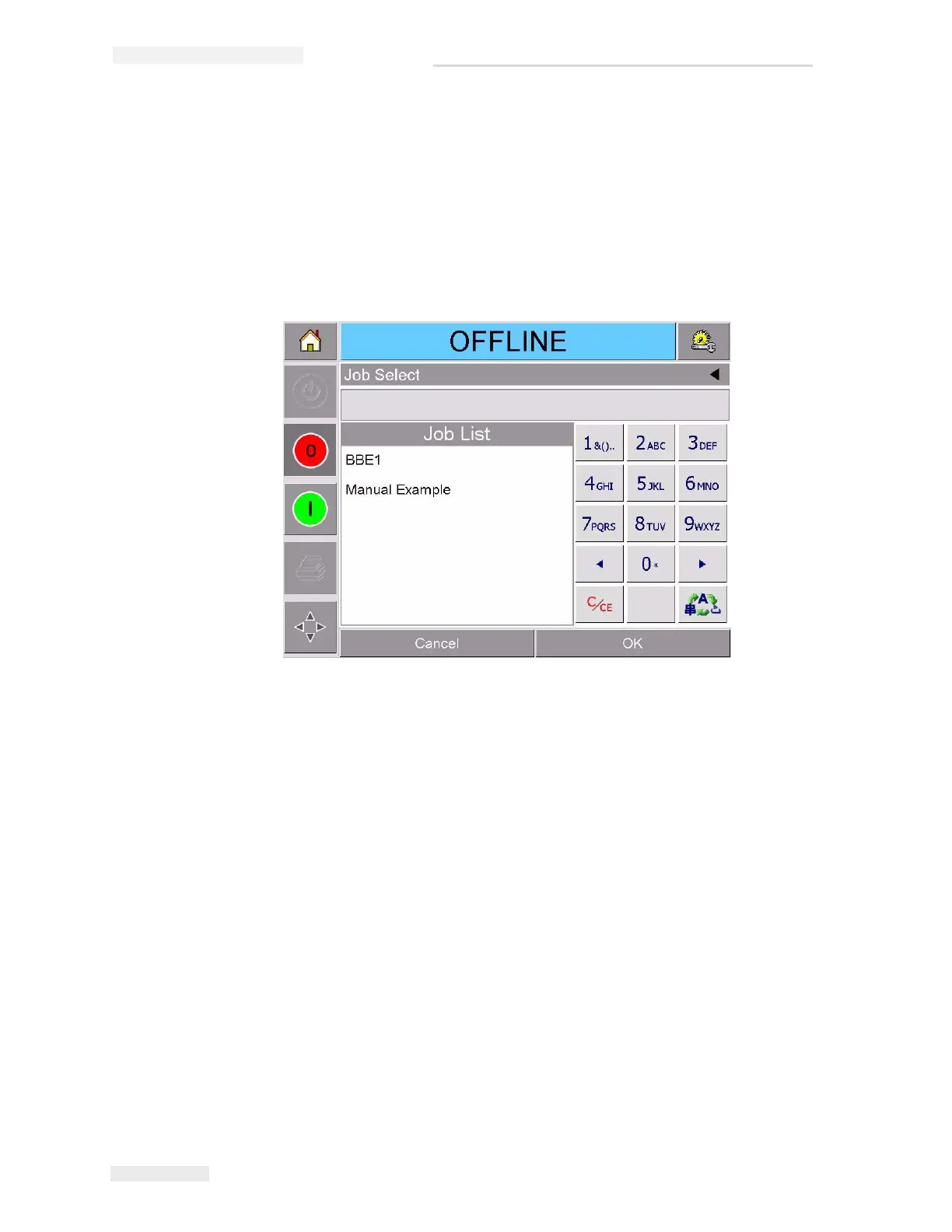
Touch the Job button on the home page. A list of available jobs is
displayed (Figure 4-4).
2 Touch the name of the required job in the list, as shown in Figure 4-5
on page 4-5 and then touch ok.
If the list is long, a “scroll bar” appears to the right of the list. Touch
the up or down arrow buttons on the scroll bar to move through the
list.



 To Next Page