3-8 Stopping the Printer Rev AA
Videojet DataFlex 6420 Operator Manual
Stopping the Printer
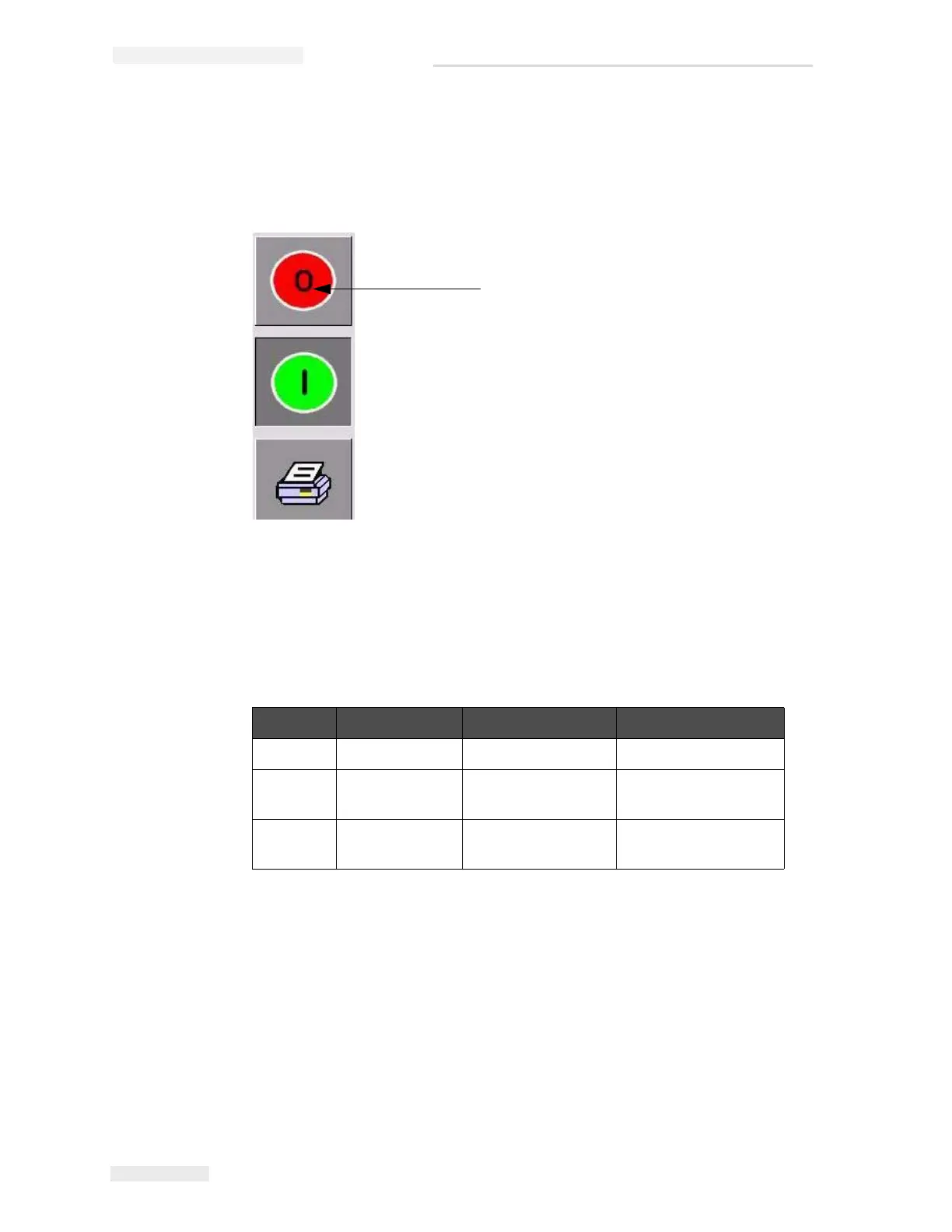
To stop the printer from printing, touch the red Stop button (Figure 3-8).
The printer returns to the OFFLINE state.
Understanding Printhead LEDs
Table 3-2 lists the printhead LEDs that indicate the status of the printer.
Note: The amber LED also flashes when the printer is being powered on and the
printhead is initializing.
Color On Flashing Off
Amber Warning Signal Fault Signal No warning or fault
Green — Printhead is
printing
—
Blue Power On — No power to
printhead
Table 3-2: LED Indicators
Stop Button
Figure 3-8: Stop Button



 To Next Page