Rev AA Removing and Reinstalling the Cassette 5-7
Videojet DataFlex 6420 Operator Manual
Reinstalling the Cassette
To reinstall the cassette, proceed as follows:
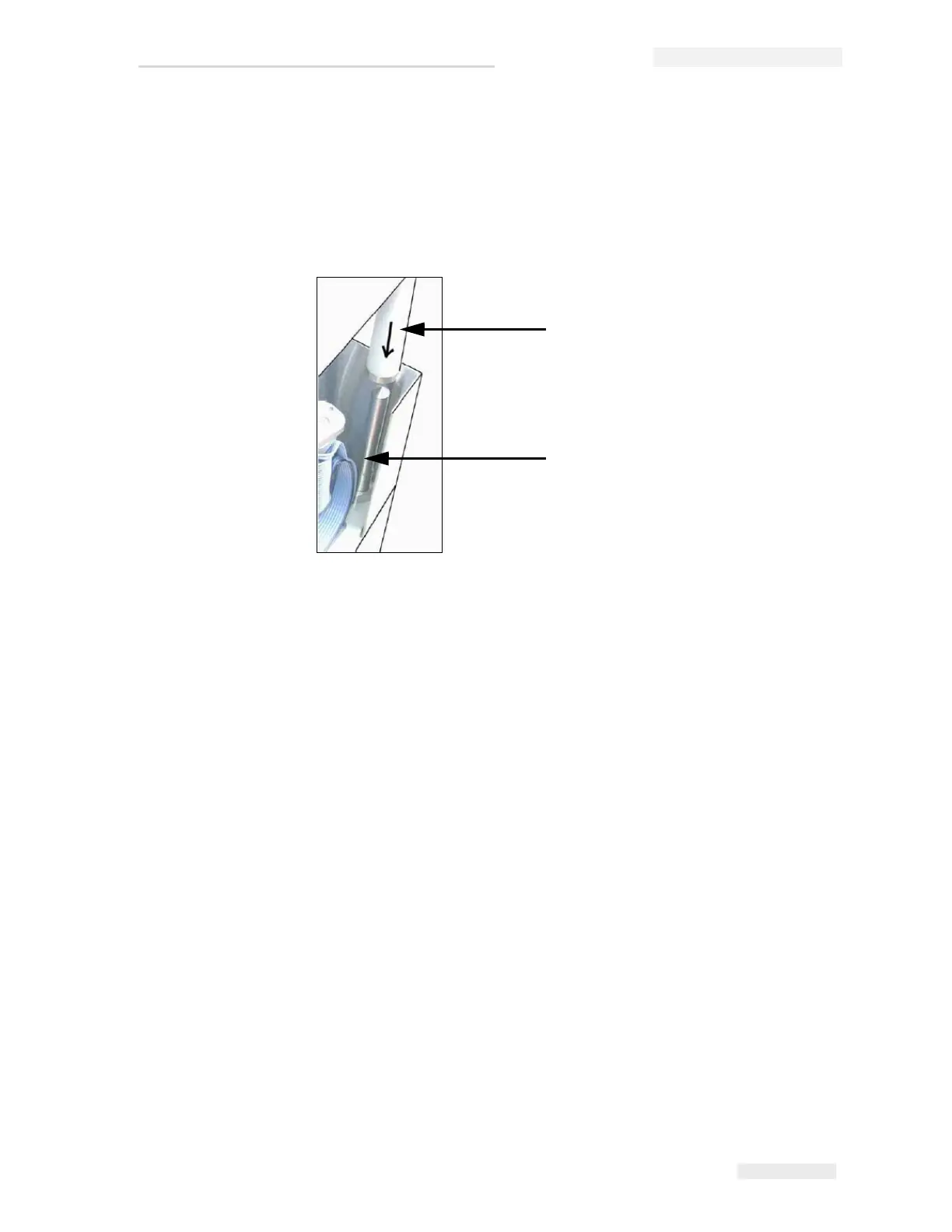
1 Hold the cassette above the printer body. Align the two locating rods
(Figure 5-7) that protrude from the printer body into the holes at the
ends of the two ribbon rollers.
2 Push the cassette onto the printer body and press until it locks into
place.
Figure 5-7: Locating Rod Alignment
1
2
1. Ribbon Roller
2. Locating Rod



 To Next Page