Rev AA Setting the Language and Region Display 3-11
Videojet DataFlex 6420 Operator Manual
Setting the Language and Region Display
To set the language displayed by CLARiTY
®
, proceed as follows:
1 Touch the Tools button on the home page.
2 Touch the Setup button on the tools page.
3 Touch the Control button.
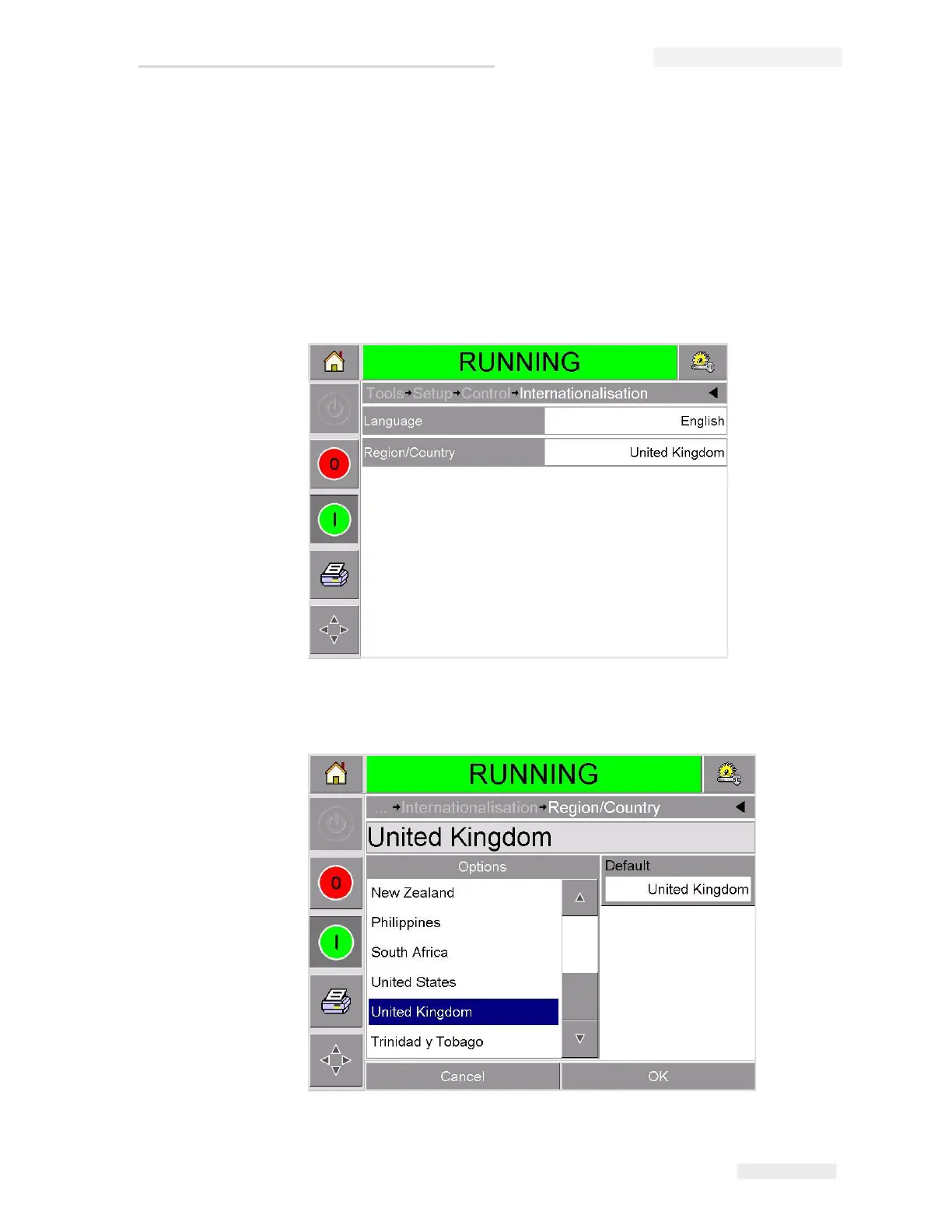
4 Touch and select Internationalization from the list. The current
language and region is displayed as shown in Figure 3-11.
5 Touch the Region button. A list of available regions is displayed
(Figure 3-12).
Figure 3-11: Language and Region
Figure 3-12: Region / Country List



 To Next Page